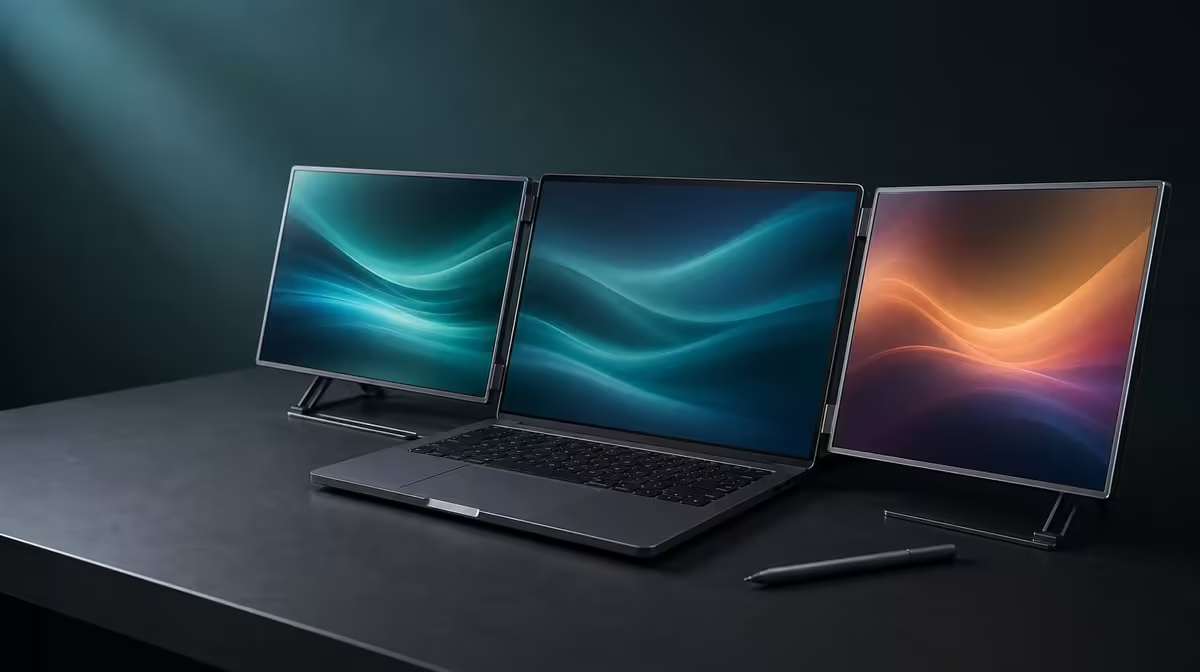
A title ceiling should remain a real boundary, even when the closest product sits above it. The QHD dual monitor under R10,000 question has a direct answer for the Delta Pro Touch: it does not qualify, so the extra R1,999 must be assessed rather than hidden.
Quick Answer
No. The UPERFECT Delta Pro Touch costs R11,999, placing it R1,999 above R10,000. Buyers considering the overage receive two 16-inch 2560 x 1600 touchscreens, 10-point pressure-sensitive control, 100% sRGB, auto-rotation and an ergonomic stand, subject to laptop and application fit.
💰 Keep the ceiling honest
Start Evetech's portable-monitor search with R10,000 as the limit and identify current options that fit it. Do not quietly relabel the R11,999 Delta as an under-budget choice.
Use the Delta as a step-up reference. The gap is R1,999, and every part of that difference should be connected to a real task rather than to the prestige of a more complex screen.
🖥️ Price the two QHD work areas
Each Delta panel is 16 inches at 2560 x 1600. Test the intended laptop applications with readable scaling and decide whether two detailed screens reduce enough window switching to justify crossing the ceiling.
If a simpler secondary panel handles chat or one reference page, the full dual-QHD layout may be unnecessary. If tools, preview and canvas need independent space, the additional desktop can be central.
👆 Make touch and colour earn the overage
Test single touch, multiple contacts and compatible pressure response across both panels. Ten-point capacity has value only where the software interprets the gestures, while pressure requires a suitable tool and application.
The 100% sRGB figure matters for work targeting sRGB content. It describes gamut coverage rather than guaranteed calibration. A buyer with no colour target should reduce its weight.
Evetech's PC-monitor category helps compare fixed viewing space when laptop mobility and direct input are secondary.
📊 Use a R1,999 challenge sheet
Write the functions missing from the best under-R10,000 alternative and note their weekly frequency. Credit Delta rotation and the ergonomic stand only when physical mode changes and touch stability are part of the routine.
Include the 25ms response in the decision if motion sensitivity matters. A specialist creative and interactive display does not need to be treated as a fast-gaming choice.
Check Evetech's monitor best sellers for another live comparison and confirm current availability at the point of purchase.
Run a blind test: hide the names and prices, choose the feature column that fits the laptop workflow, then reveal the R1,999 overage. If Delta still wins, the extra budget has a task-based reason. If not, keep the ceiling.
Define the under-R10,000 job first
Write a one-sentence outcome such as adding a readable reference display to a laptop or creating two independent application surfaces. Separate essential requirements from attractive extras before opening a product comparison. That makes the ceiling an operating constraint rather than a headline.
An option that stays under budget should be tested against this outcome. If it completes the work without pressure input, rotation or full sRGB coverage, those missing features cannot automatically justify spending more.
Calculate cost against repeated use
Divide the R1,999 difference across the tasks that only the Delta configuration improves. A creator might count pressure-aware edits and sRGB reviews; a business user might count multi-screen touch presentations. Use realistic weekly frequency instead of an optimistic one-off demonstration.
If the overage buys no exclusive recurring task, the original limit has done useful filtering. If it removes hours of window switching or supports paid creative work, its value case becomes measurable without pretending the product falls below R10,000.
Prove both QHD screens on the chosen source
Attach the intended laptop, set both panels to 2560 x 1600 and open the busiest normal workspace. Keep its built-in display active only if that matches the plan. Watch responsiveness while windows, previews and touch input move across the complete arrangement.
A source that struggles with the layout weakens the premium case even when each panel looks sharp alone. The budget review must include the machine that produces the images, not price the display as an isolated object.
Score colour through an output task
Use a familiar sRGB project and follow it from edit to export. Full gamut coverage has value when the delivery target uses that space and the additional panel supports an actual preview or tool role. It should receive less weight for general office work with no colour-sensitive output.
Do not turn the stated gamut into a calibration claim. If measured accuracy matters to the buyer, list it as a separate evidence requirement rather than assuming it is included in the R1,999 step-up.
Test travel recovery before paying extra
Break down the Delta-and-laptop desk, move it to another normal working surface and rebuild the arrangement from notes. Confirm screen order, readable scale and input placement. Rotate a panel only if orientation changes are part of the use case.
This exercise reveals whether portable flexibility saves time or creates recurring setup work. Include that result in the overage sheet alongside visible features, because ownership friction can erase gains promised by a richer specification.
Compare the best alternative at its real price
Choose the strongest current option that respects the ceiling and list exactly what it does differently. Run the same application layout, readable-text check and physical desk trial. Avoid giving the Delta a polished test while judging the cheaper choice from a product card.
Make the final decision with both real totals visible: the qualifying alternative and the exact R11,999 Delta. Keeping amounts and tests symmetrical protects the budget while still allowing a justified step beyond it.
Give ergonomics a monetary consequence
Work for a representative session with the laptop and both monitor choices in their intended positions. Note reaching, head movement, panel wobble and any need to rearrange the desk before touch can be used. These observations affect whether a feature saves time or merely shifts effort elsewhere.
The Delta's built-in support should be tested with normal contact at the chosen angle. If its dual-panel layout remains comfortable and stable where a cheaper option cannot serve the required roles, that difference belongs in the R1,999 evaluation.
Set a decision date and preserve the result
Prices and availability can change, so record the comparison date, the exact R11,999 figure and the qualifying alternative visible at that time. Save the task scores beside them instead of relying on memory after more products enter the shortlist.
At purchase time, reopen the linked categories and verify the current choice. The reasoning can remain stable even when the market moves: protect the ceiling unless the tested extra capabilities justify crossing it.
Frequently Asked Questions
Is the Delta Pro Touch under R10,000?
No. Its price is R11,999.
How far above the ceiling is it?
It is R1,999 over R10,000.
What should justify that difference?
Repeated use of dual QHD space, touch, pressure input, sRGB colour, rotation or stand support.
Does full sRGB guarantee calibrated colour?
No. Gamut coverage and calibration are distinct.
Can the laptop be ignored in the price test?
No. Its display and input compatibility determine whether the premium features work.
Ready to decide whether a R1,999 overage solves a real display problem?
Compare Evetech's portable monitors under the original ceiling, then test the Delta's dual-touch benefits against your laptop workflow.