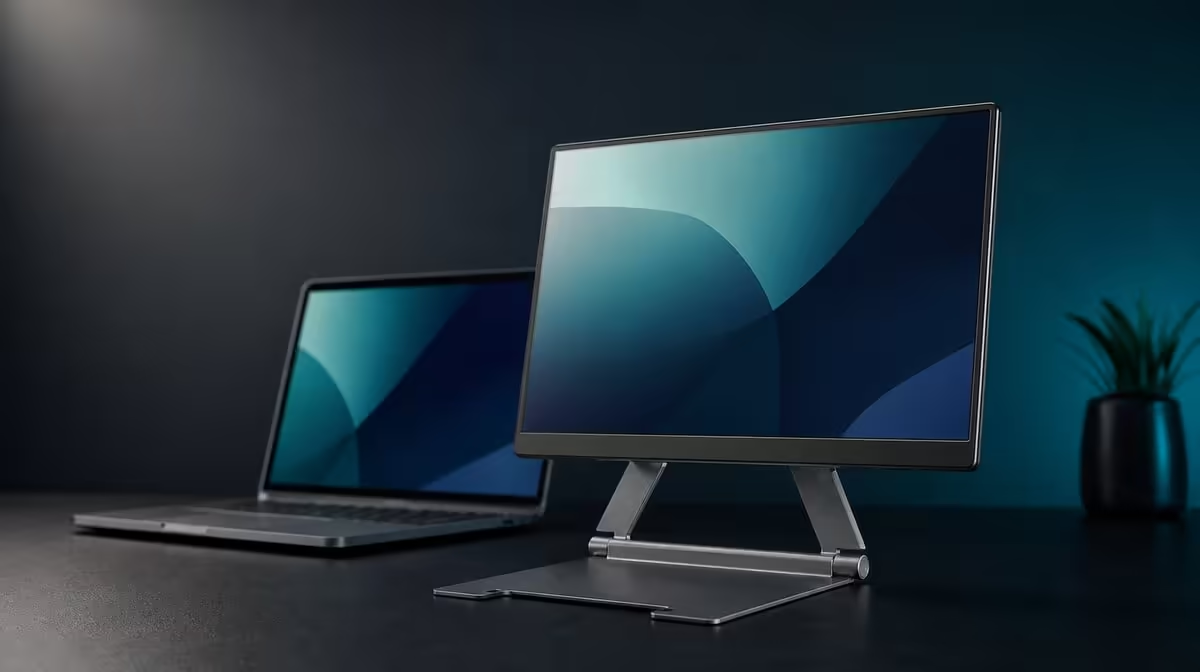
A travel stand earns its place twice: once when the screen is stable and again when the support fits the journey. Travel monitor stands for SA students and pros should be judged by exact device fit, folded shape and safe rebuilding at unfamiliar desks. The R599 UPERFECT UStand covers 7-15.6-inch devices without providing a load figure here.
Quick Answer
Choose the R599 UStand for travel only after the intended device fits securely, its weight is known from its own documentation and the stand packs without pressing against the screen. The aluminium design folds flat, uses anti-slip rubber and converts to tripod or selfie-stick roles. Retest every surface, cable route and mode at the destination.
🎒 Match the folded shape to the journey
Measure the bag space available after the laptop, portable display, charger and other essentials are packed. A stand that folds flat still needs its own protected area.
Remove the device and all leads before closing the UStand. Do not carry it partly folded or use the mounted screen as a handle while changing its shape.
Keep the all-around rubber away from grit, keys and sharp adapter edges. Clean contact surfaces are important when the support is opened on a polished library table, shared desk or temporary room.
Students carrying equipment daily should rehearse the complete pack. Professionals moving between client or team spaces should include presentation cables and the distance to power. The same R599 stand can serve both routines, but the packing constraints differ.
The Evetech monitor accessories section can help compare travel support formats after bag space is established.
📏 Confirm the exact carried device
The UStand's confirmed range spans 7-15.6 inches. Treat that as a diagonal boundary, then check weight, thickness, case, controls and ports individually.
Obtain the screen's mass from its product information and check it against current UStand load guidance before mounting. Begin the balance test close to the base; a 15.6-inch diagonal alone does not guarantee a suitable match.
A protective cover can alter thickness or reduce contact with the rubber. Test the device in the same case configuration used during travel, and remove it only when the screen can be handled safely.
Place the screen centrally, release hand pressure slowly and watch for settling. Stop when an edge lifts, a joint shifts or the device cannot remain secure through ordinary desk use.
Portable displays can be compared through Evetech's portable monitor category, using exact model details to complete this fit card.
🧭 Rebuild for the destination
Assess the new table before copying the home position. Firmness, level, depth and typing vibration can change, so open the base unloaded and test it first.
Use the 135-degree arm at a short reach and mount the device centrally. Only then adjust height, tilt or 360-degree orientation for the task.
A photograph from the side can preserve the successful geometry. The image should show the base, arm and screen, while a brief note records whether portrait or landscape was used.
Tripod conversion may help in a temporary space where a desk edge is unavailable or during a small presentation. Build the tripod without the device, check every support point and keep its footprint away from people.
Selfie-stick mode is not automatically appropriate for a portable display. Use it only when the attached device can be handled comfortably at a conservative extension, and disconnect fixed cables first.
🔌 Keep power practical on the road
The UStand permits mounted charging but does not supply electricity. Pack the correct equipment for the device and plan the outlet-to-screen route at each location.
Provide a free loop near the connector and carry cable weight away from the port. Excess length should remain outside the stand footprint and clear of chair paths.
Rotation can consume slack. Test only the orientations that will be used, and stop if the plug angles or a lead becomes taut. Disconnect before changing between desktop and tripod forms.
For a student session, the best setup may be a compact landscape position close to the base. A presentation may need another orientation or footprint. Neither should be forced to share one geometry if their surfaces and cable needs differ.
At R599, travel value comes from safe repeated use rather than an imagined weight advantage. Check current availability on Evetech, then browse the accessory favourites collection for the wider mobile kit.
Prepare a destination checklist before leaving. Include surface depth, likely power position, the required screen orientation and whether tripod footing can remain clear. This turns an unfamiliar room into a series of known checks.
For a study session, prioritise a compact footprint that leaves room for notes and input devices. Keep the display close to the base and use rotation only when portrait genuinely helps the material.
For a meeting or presentation, test sightlines before the audience arrives. Tripod height and orientation should make content visible without placing the device at an unstable extension.
If handheld framing is planned, rehearse with the exact device over a clear area. Stop if the grip becomes tiring or the stand twists under leverage. Return to a surface-supported mode instead.
Use mounted charging only after the stand has passed in its final position. A venue cable route may differ from the home desk and should never cross a walking path.
Before packing, inspect the UStand. Remove visible grit, confirm that no contact area has shifted and close the unloaded arms without forcing them.
Students sharing equipment can keep a setup note with the bag. Professionals can record presentation and desk positions separately. Both approaches reduce last-minute adjustment through the screen.
The strongest travel purchase is the one that can be rejected honestly. If the screen's weight cannot be assessed, the case defeats contact or the destination lacks a stable footprint, change the plan rather than making the device fit.
Current availability remains a live-page check. The R599 figure anchors value, while the buying decision should occur only after the complete device and travel routine pass.
After the first real trip, update the checklist with the surface or cable issue that actually occurred. A short record based on experience is more useful than carrying extra equipment for every imagined situation.
Ask a classmate or colleague to rebuild the approved desk arrangement from the note. If that person can centre the device, identify the safe arm reach and route power without pulling the stand, the travel process is genuinely transferable.
Frequently Asked Questions
What should a student measure before buying?
Measure the device and bag space, then record screen weight, thickness, case shape and port positions.
How does flat folding improve a commute?
It gives the unloaded stand a compact profile, provided its contact surfaces and the screen are protected separately.
Why can tripod mode help a professional?
It can create a freestanding screen or presentation position where a normal desk edge is unsuitable.
Does aluminium make the stand indestructible?
No. Aluminium provides the frame material, while joints, rubber, device fit and careful handling remain important.
Can the screen remain powered?
Yes, when its port remains clear and the correct device charger is routed with slack.
What must be checked beyond size?
Check weight, thickness, case, controls, ports, contact, arm reach, surface and cables.
What should buyers budget?
The UPERFECT UStand costs R599. Any screen-specific power or travel items should be assessed separately.
Ready to test a travel stand from bag space to destination desk?
Explore Evetech monitor accessories and build the R599 UStand into a measured, repeatable mobile-screen routine.