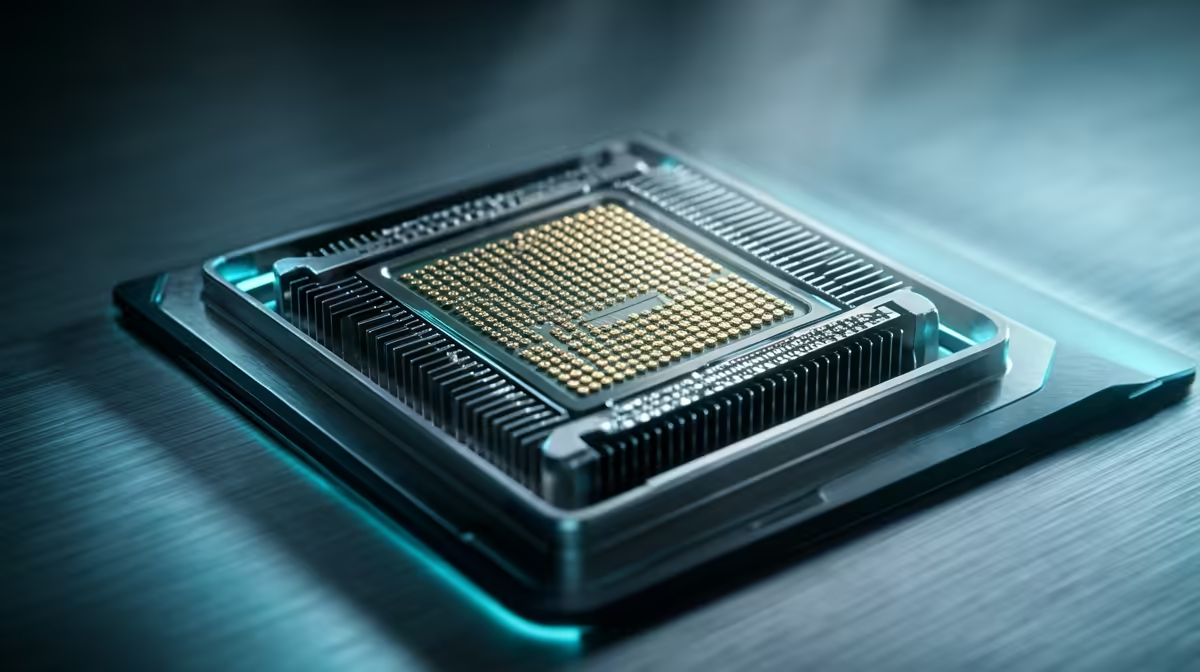
Cloud gaming is here, promising AAA titles on almost any machine. But hold up… before you ditch your upgrade plans, let's talk about a hidden performance thief. Even when a game runs on a server miles away, a local CPU bottleneck can still ruin your fun when streaming titles. So, does your processor really matter in the cloud gaming era? The answer might surprise you, especially for gamers here in South Africa. 🚀
How Cloud Gaming Shifts the Workload
Think of cloud gaming services like GeForce NOW or Xbox Cloud Gaming as a high-tech rental. A monster rig in a data centre runs the game at max settings—doing all the heavy graphics and processing work—and streams the video output to your PC over the internet. Your PC's job is simply to receive that video stream, display it, and send your keyboard and mouse commands back to the server.
In theory, this means your local GPU can relax. The most demanding part of traditional gaming is offloaded. But what about the rest of your system?
The Unsung Hero: Your Local CPU's Role in Streaming
While the server is crunching polygons, your local CPU is far from idle. It becomes the manager of your entire streaming experience. Its main jobs include:
- Decoding the Video Stream: This is the most critical task. The high-quality video coming from the server needs to be decoded in real-time. A weak or old CPU can struggle here, causing stutter and lag, creating a frustrating CPU bottleneck when streaming titles.
- Managing Inputs: Every click and keypress has to be processed instantly and sent to the server with minimal delay.
- Running Your System: Your operating system, Discord, web browser, and other background apps all require CPU resources.
A PC is a balanced system, and even with the GPU's load gone, a capable processor is still essential. To get a feel for what's available, you can browse a wide range of CPU processors online and see how modern options are optimised for these tasks.
When a Local CPU Bottleneck Ruins the Game
So, how do you know if your CPU is holding you back? The signs of a CPU bottleneck when streaming titles can often be mistaken for a bad internet connection. Look out for:
- Micro-stuttering: The game feels choppy, even when your internet speed test looks great.
- Input Lag: A noticeable delay between your actions and the on-screen response.
- Audio Glitches: Sound cutting out or becoming distorted.
If your CPU is maxed out just trying to decode the video feed, it has no headroom left for anything else. This is where the efficiency of modern Intel CPUs, with their strong single-core performance, can make a tangible difference to your streaming quality. ✨
Pro Tip: Check Your Specs Twice
Press Ctrl+Shift+Esc to open Task Manager in Windows. While cloud gaming, keep an eye on the CPU usage under the "Performance" tab. If it's constantly slammed at 90-100% and you're experiencing stutter, you've likely found your bottleneck.
What's the Right CPU for a Flawless Cloud Experience?
The good news? You don't need a top-of-the-line, overclocked beast for a great cloud gaming experience. The goal is competence, not overkill. A modern quad-core or six-core processor is typically the sweet spot. It provides enough power to handle high-resolution stream decoding while leaving plenty of resources for multitasking.
For example, the multitasking prowess of the latest AMD Ryzen chips can be a huge benefit if you like to stream your own gameplay or run other apps alongside your game. Ultimately, investing in a decent CPU ensures the final, crucial step of your cloud gaming experience—the part happening right on your desk—is as smooth and responsive as possible.
Upgrade Your Streaming Foundation
Don't let an old processor hold your cloud gaming experience hostage. A simple upgrade can unlock the smooth, responsive gameplay you deserve. Shop our wide range of CPUs and find the perfect match for your rig today.