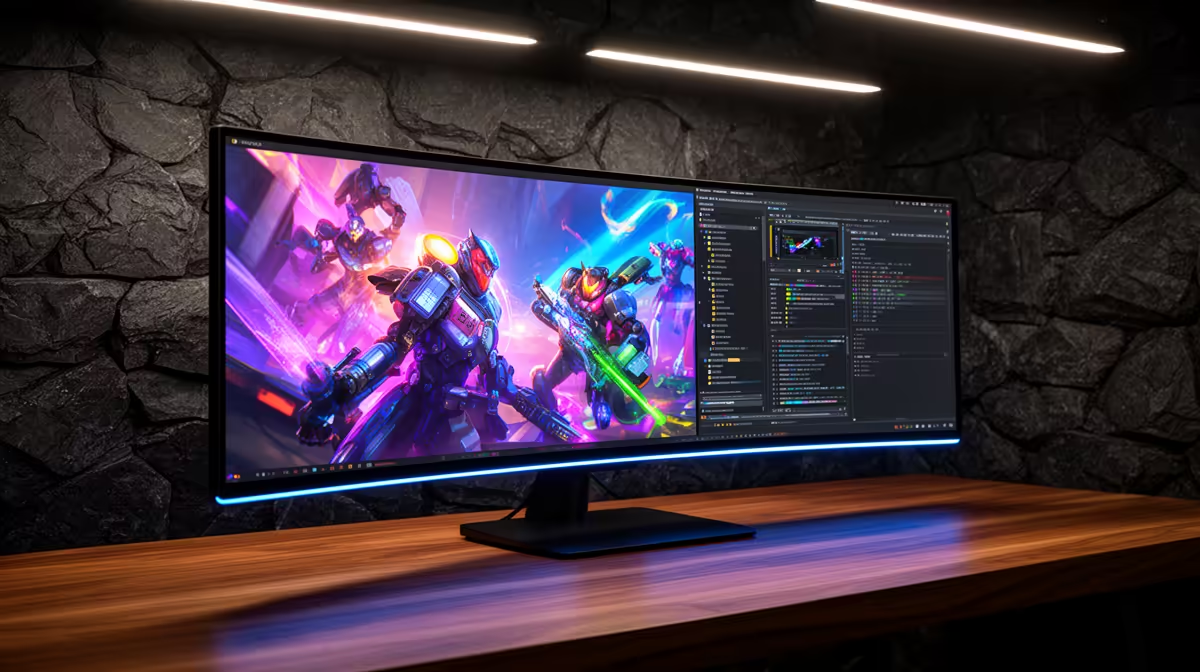
Yes, the AOC 27in QHD 200Hz at R3,200 suits a student or new developer who wants sharper code text, smooth play, and one dependable gaming monitor for a shared desk. Colour accuracy matters when you are learning front-end layouts, editing screenshots, or checking whether a project looks clean, but it should not come at the cost of refresh rate if the same screen is also used after class.
Best balance for coding and gaming
The AOC 27in QHD 200Hz at R3,200 is the strongest fit here because QHD gives more room for an editor, browser preview, terminal, and notes without making everything feel cramped. The 200Hz refresh rate also keeps shooters, racers, and fast camera movement feeling responsive, so the screen does not become a study-only purchase.
If the budget is tighter, the Dell SE2726H 144Hz at R1,797 is a practical entry point. Its 144Hz spec is still a meaningful upgrade over a basic office display, and it suits a learner who mostly codes, watches tutorials, and plays lighter or casual titles on the same desk.
Student desk in SA
For a bedroom desk, res room, or family study corner, the ViewSonic VX2779A 240Hz at R2,350 is tempting because the 240Hz spec gives excellent motion clarity for gaming while keeping the price below many higher-resolution options. The trade-off is that refresh rate takes priority, so the AOC 27in QHD 200Hz at R3,200 remains the cleaner choice when reading code for long sessions matters as much as speed.
The MSI MAG 274F 200Hz at R3,006 is another balanced option when you want the same 200Hz class as the AOC but at a slightly lower listed price. For a value-focused setup, the Dahua LM25 200Hz at R1,850 gives a high refresh rate at a very low price, although the smaller size may feel tighter for split-screen learning.
Ready to choose the right gaming monitor?
Use Dell SE2726H 144Hz at R1,797 as the gaming room benchmark, then check whether its listed spec matches the space, workload, and upgrade path.