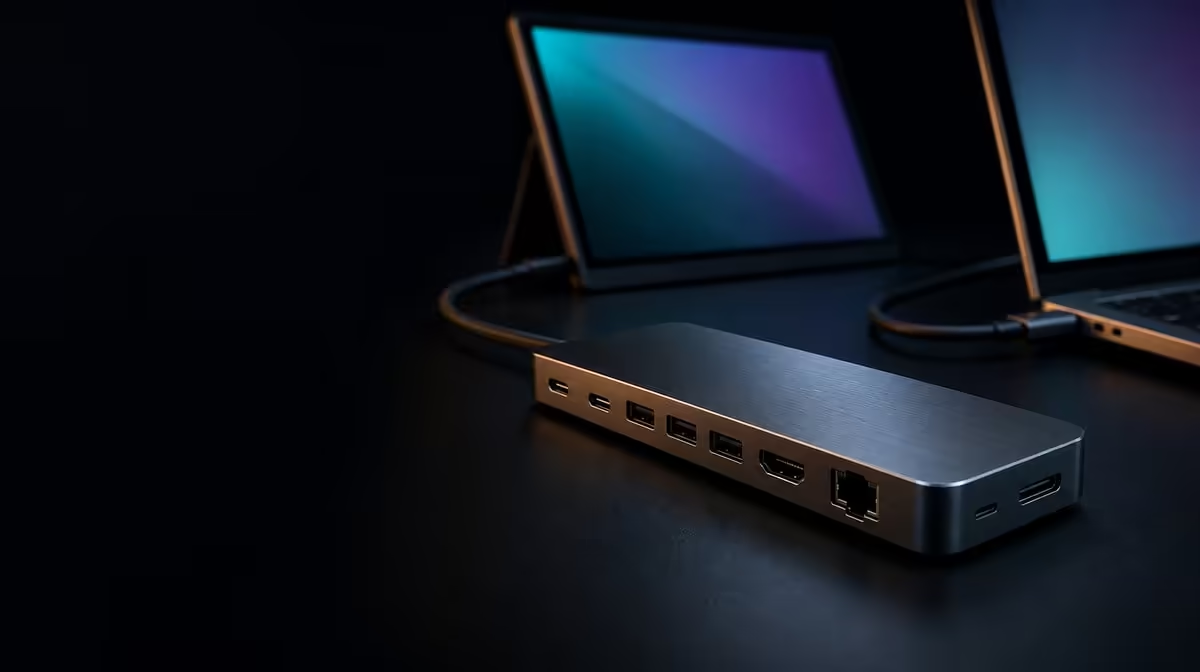
A hub becomes easier to choose when its functions are grouped by source, output, power, network, and storage. This complete guide to USB-C hub ports and power uses the R399 UExtend as a concrete map while keeping each capability inside the limits of the full connection chain.
Quick Answer
Confirm host USB-C modes first, then map video, charging, wired networking, cards, and peripherals to daily tasks. At R399, the UExtend combines 4K output and a 60W power ceiling with Gigabit Ethernet, SD reading, and a pair of USB data connections for Nintendo Switch, MacBook, and laptop use.
🔌 The host is the gateway
Video, data, and power are distinct USB-C roles. The selected source port must provide the requested capability, and named device support does not remove cable or peripheral checks.
Browse Evetech's USB hubs with the exact source list prepared.
🖥️ Display and charging take separate routes
The hub states 4K output, subject to host video, suitable display lead, and monitor support. Its 60W Power Delivery ceiling depends on charger, cable, negotiation, and laptop demand.
🌐 Network figures need context
The 1000Mbps Ethernet rating describes the wired port, not guaranteed internet throughput. Test local and remote work separately.
Compare Evetech's docking-station options when a fixed setup needs a different confirmed port map.
💾 Storage completes the workstation
SD and two USB data ports serve cards and peripherals. Test each device, then the combined workload, and eject removable storage safely.
Use Evetech's gaming-accessories range to assign the two USB roles. At R399, value comes from using these functions repeatedly. Check current availability at the buying point.
Build the setup in sequence: compatible power, host, monitor, network, card, then USB devices. Record the working charger, cables, host socket, screen mode, and storage positions. Repeat after a restart to confirm the arrangement.
Classify the ports by dependency
The display function depends on host video output and a suitable monitor path. Power depends on the charger, cable, negotiation, and laptop demand. Ethernet depends on the wider wired network. SD and USB depend on the media and peripherals.
Writing these dependencies beside the functions prevents a fault in one branch from being blamed on the entire hub. It also helps buyers see which equipment must be checked before purchase.
Build separate profiles for work and entertainment
A work profile might use the 4K screen, Ethernet, charging, a keyboard, and storage. An entertainment profile might use the named Nintendo Switch support, a compatible display route, power arrangement, and fewer data devices.
Test each profile from a disconnected state and record the cables and host port. One profile should not overwrite the saved display or power expectations of the other.
Design the physical desk
Place the hub where the SD slot and two USB connections remain accessible. Leave slack for laptop movement and route the Ethernet cable away from traffic. Keep the compatible power and display leads identifiable.
A clean layout should remain diagnosable. Hiding every cable before the acceptance tests pass can turn a simple reconnection into unnecessary desk disassembly.
Use a staged full-load test
Start with the host and compatible power. Add the monitor, then Ethernet, SD, and both USB devices. Run a representative task at each stage and note detection, completion, and battery behaviour.
This is not an attempt to prove every function reaches an assumed maximum together. It establishes whether the complete real-world combination remains stable.
Review the R399 package through consequences
Remove each function from the plan and note what adapter, cable swap, or missing task returns. The functions with the strongest repeated consequences deserve the most value.
If a required role is missing, compare another option around that gap. If every essential branch works, the UExtend's low price and compact connection plan can outweigh unused premium headroom.
Add a port-ownership table
Assign every connection to an owner or task: monitor, charger, network, card, USB device one, and USB device two. Add the host and cable required for each. This prevents one connector from being promised to two simultaneous jobs.
Review the table when a new peripheral arrives. If it creates a recurring swap, update the "enough" decision instead of hiding the friction.
Separate specifications from outcomes
The UExtend states 4K, 60W, 1000Mbps, SD, and two fast-data ports. Outcomes include a detected screen, required battery behaviour, stable wired task, completed card copy, and functioning peripherals.
Judge the hub through both columns. Specifications define what can be attempted; the compatible setup and workload determine the result.
Create a maintenance routine
Every few weeks, inspect cable strain, clear the SD slot, remove unused devices, and confirm the saved monitor and network profiles return. Eject storage before moving the hub.
Maintenance need not be elaborate. Its purpose is to preserve the known-good connection map as the desk changes.
Decide with the top three jobs
Rank the three functions that would cause the most disruption if removed. If the UExtend covers them and the lower-ranked roles add useful flexibility, R399 has a strong case.
If one top-three job fails, another option should be compared around that precise requirement. A collection of lower-priority passes cannot compensate for it.
Add a short glossary to the setup card: 4K describes the video function, 60W is the Power Delivery ceiling, 1000Mbps is the Ethernet rating, and fast USB should be recorded through an observed transfer result. This keeps different figures from being compared as if they measured the same thing.
The glossary also helps another buyer read alternatives consistently. A product should not gain points because a broad term is mistaken for a precise specification or because a port rating is treated as a guaranteed application result.
Compare one-cable convenience honestly
Only the host connection is consolidated. The monitor, charger, Ethernet, card, and USB devices retain physical routes into the hub. Draw the full desk and count what actually becomes simpler.
This prevents a "one cable" phrase from promising a cable-free workstation. The real benefit is a predictable host handover when the surrounding leads are planned.
Test named-device profiles separately
Create one UExtend profile for the MacBook or laptop and another for Nintendo Switch use if required. Keep their display, power, and peripheral routes distinct.
Named support defines the device scope, while display and power settings still require a separate working profile for each system. Every host must pass its intended functions.
Review the complete guide after a hardware change
A new screen changes the display branch; a new charger changes the power branch; a new drive changes the storage branch. Re-test only the affected paths first, then restore the full workload.
This modular approach preserves known-good evidence and keeps the guide useful throughout ownership.
Frequently Asked Questions
Does USB-C shape prove every mode?
No. Confirm video, data, and power support on the exact host port.
What does 60W represent?
It is the UExtend's passthrough ceiling.
Is 1000Mbps a complete network result?
No. Cabling, equipment, service, destination, and traffic remain involved.
How many USB data devices connect directly?
Two.
What storage speed should be expected?
Test the real devices and workload, then record completion time and stability.
Ready to map every hub port to a compatible daily job?
Compare Evetech's USB-C hubs with the host, display, charger, network, card, and two USB devices already defined.