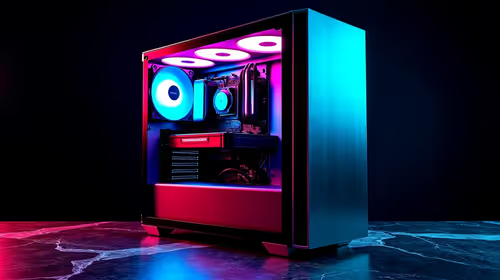
A content-creation PC is worthwhile for Lightroom culling when the photographer imports large RAW batches, generates previews and selects under deadline pressure. Occasional JPEG sorting may not justify a specialist desktop. Processor speed, memory, storage and display quality matter more than the creator label, so benchmark a real shoot before choosing parts.
Measure the photo workload
The ASUS Vivobook S14 P5405 at R12,700 supplies verified Core Ultra 5 hardware, 16GB memory and 512GB storage for portable photo work. The Intel Core Ultra 7 270K at R5,300 is a verified processor option for a compatible desktop platform. Confirm Lightroom version, memory expansion, graphics support and display connections before choosing a format.
Test import through export
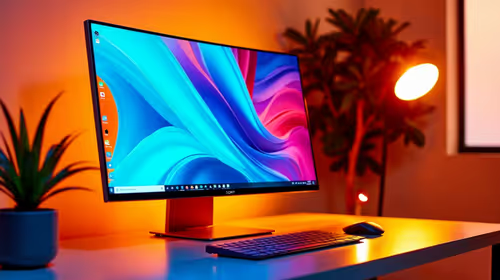
Copy one representative card, create the normal preview type, cull the full batch and export a selected set while monitoring memory and storage activity. Keep enough free SSD space for catalogues, previews and cache. A Dell S2725QC 27-inch 4K USB-C monitor at R6,128 provides verified high-resolution workspace, but colour suitability needs a current specification and calibration review. Preserve untouched originals, catalogue backups and finished exports on separate approved storage.
Photographers should include face detection, star ratings and metadata writing in the benchmark because culling speed involves more than image loading. Compare battery use for mobile shoots.
Improving Lightroom culling? > Tell Evetech the camera format, images per shoot, preview settings and current hardware.