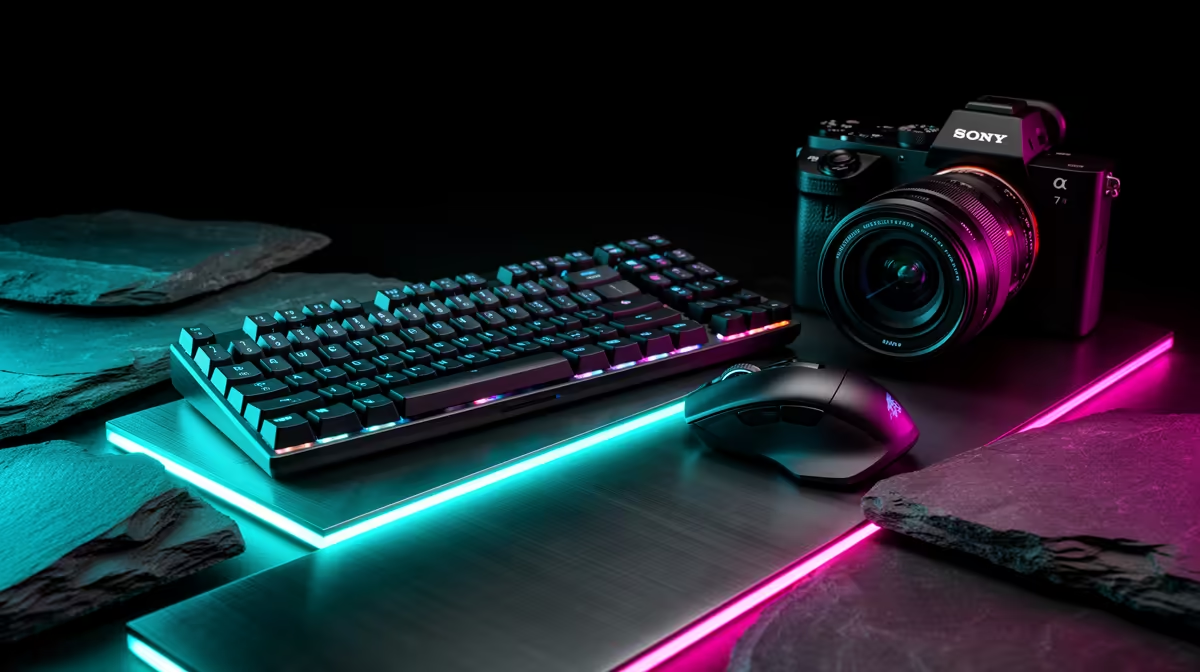
The Corsair K70 CORE at R1,300 suits a content creator who wants a dedicated gaming keyboard first, then can pair a mouse around the same clean desk workflow. For editing, streaming notes, thumbnails, and after-hours play, start with the keyboard because it controls typing feel, shortcut comfort, and how tidy the main work area feels.
Start with the keyboard, then match the mouse
The Corsair K70 CORE at R1,300 is the strongest middle choice here because it keeps the spend focused on the main input device without jumping to the Logitech MX Keys S at R1,759. It makes sense for a creator desk where script notes, captions, editing shortcuts, and quick replies all happen between recording sessions.
The Logitech G413 SE at R1,160 is the value step for someone who wants a serious named keyboard while keeping more room in the budget for the mouse. If the desk setup is used for both work and gaming, that lower price leaves space for a better mousepad, cleaner cable routing, or a second small accessory.
The GAMDIAS Hermes P2A at R130 is the cheapest listed option and fits a backup or starter role, while the Logitech MX Keys S at R1,759 is the premium productivity-leaning option in this set. The gap between R130 and R1,759 matters, so avoid buying the top-priced board unless the creator desk is mainly typing, planning, and admin.
Creator Desk Setup In South Africa
For a South African creator working from a bedroom studio, spare-room desk, or shared home office, the Logitech G413 SE at R1,160 is a practical baseline because it keeps the keyboard decision clear before choosing the mouse. The Corsair K70 CORE at R1,300 is the smarter upgrade when the same desk handles editing, gaming, and daily content admin.
Ready to choose the right gaming keyboard?
Use GAMDIAS Hermes P2A at R130 when should content creator choose keyboard matters, then compare the desk fit against its listed spec.