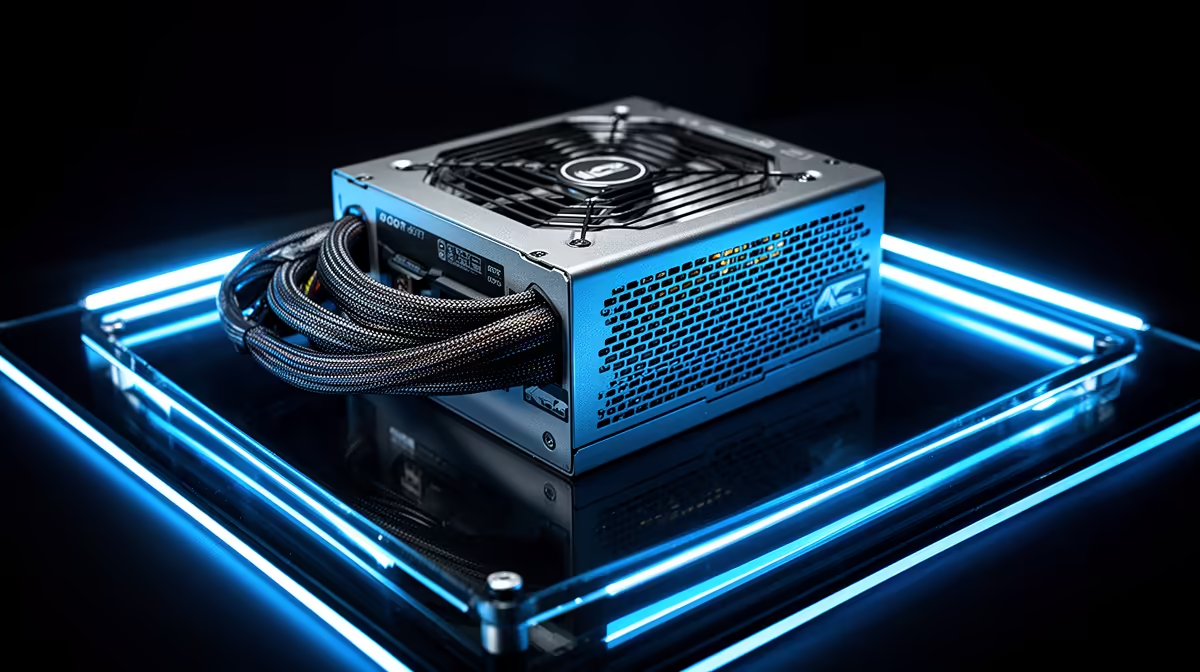
The Corsair RM850e at R1,900 is a verified quality PSU reference for a content-creation PC, but the correct unit must match the exact processor, graphics card and expansion plan. Editing or rendering labels do not define wattage, and efficiency certification is not the same as surge protection.
Calculate from sustained creator workloads
List the CPU, GPU, motherboard, drives, capture cards, cooling and planned upgrades. Read the graphics-card maker’s current power and connector guidance, then consider long exports or renders rather than only desktop idle. Confirm the case accepts the PSU format and cable layout.
Compare live units by efficiency rating, protection features, rail design, connector count, ATX version, cable type, fan behaviour, dimensions and warranty. Never reuse modular cables from another PSU unless the manufacturer expressly confirms compatibility. Similar sockets can carry different wiring.
After installation, run a representative export while monitoring temperatures and stability. Keep the intake clear of carpet and clean case filters on a sensible schedule. Back up project files before hardware changes, and use an experienced builder when high-value workstation cabling is unfamiliar.
Choose the RM850e when its documented outputs and connectors fit the complete system with reasonable headroom. Select another verified capacity when the actual GPU guidance or expansion cards require it, not because a larger number appears professional.
Powering a creator workstation? > Compare Evetech PSUs against the complete component and expansion list.