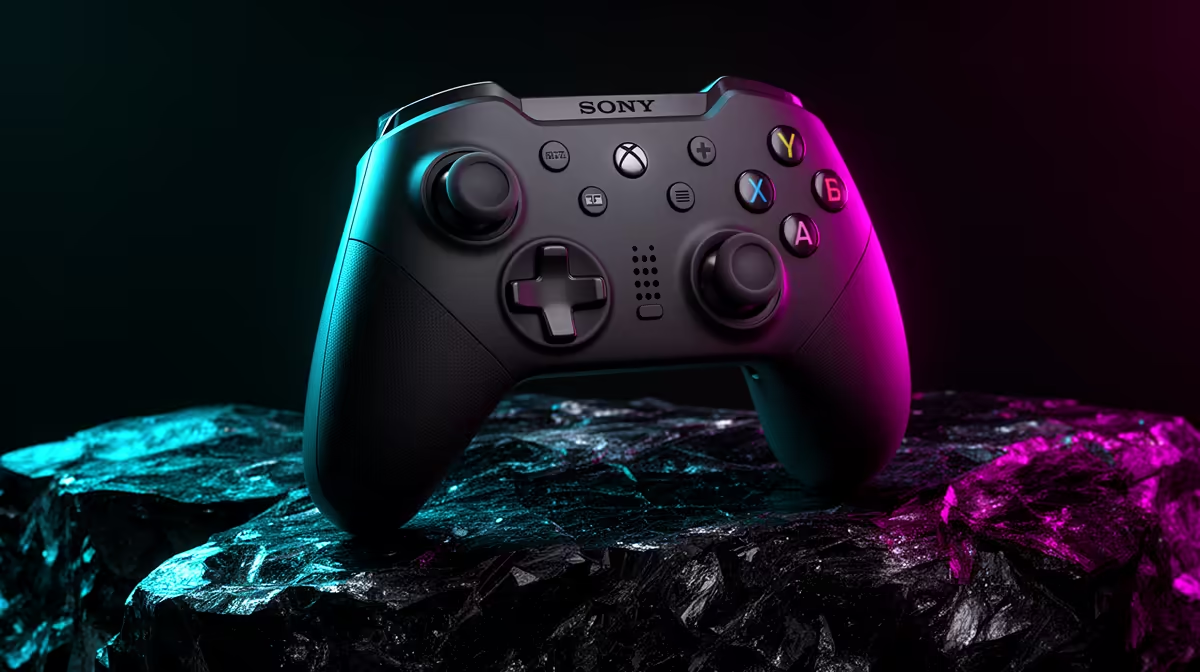
A controller for PC is the right choice for a side-hustler only when the paid workflow, accessibility need or after-hours game supports it usefully. Spreadsheets, design tools, coding and customer communication normally depend on keyboard and mouse precision, so a gamepad should solve a named task rather than occupy scarce desk space.
Prototype the exact input sequence
List the application and actions that might benefit from analogue control or remapped buttons. Borrow a compatible device and complete one real session, measuring accuracy, comfort and time against ordinary inputs. Confirm whether the software supports the controller natively and whether custom mapping tools are trusted.
The supplied product evidence contains no verified PC-controller SKU or price. Evaluate candidates on operating-system support, wired or wireless modes, layout, remapping, analogue behaviour, battery, repair access and warranty. Make sure required drivers do not conflict with business software or expose the computer to untrusted utilities.
Keep client files in versioned backups, protect business accounts and avoid mapping delete, submit or payment actions to easily pressed controls. Store the device where triggers and sticks cannot be damaged. Separate recreational profiles from paid-work settings.
Buy when the prototype shows a repeatable gain or an accessibility benefit. A dependable mouse, numeric keypad or drawing input may support the actual side hustle more directly.
Refining a side-hustle workstation? > Browse Evetech input devices after testing the real workflow.