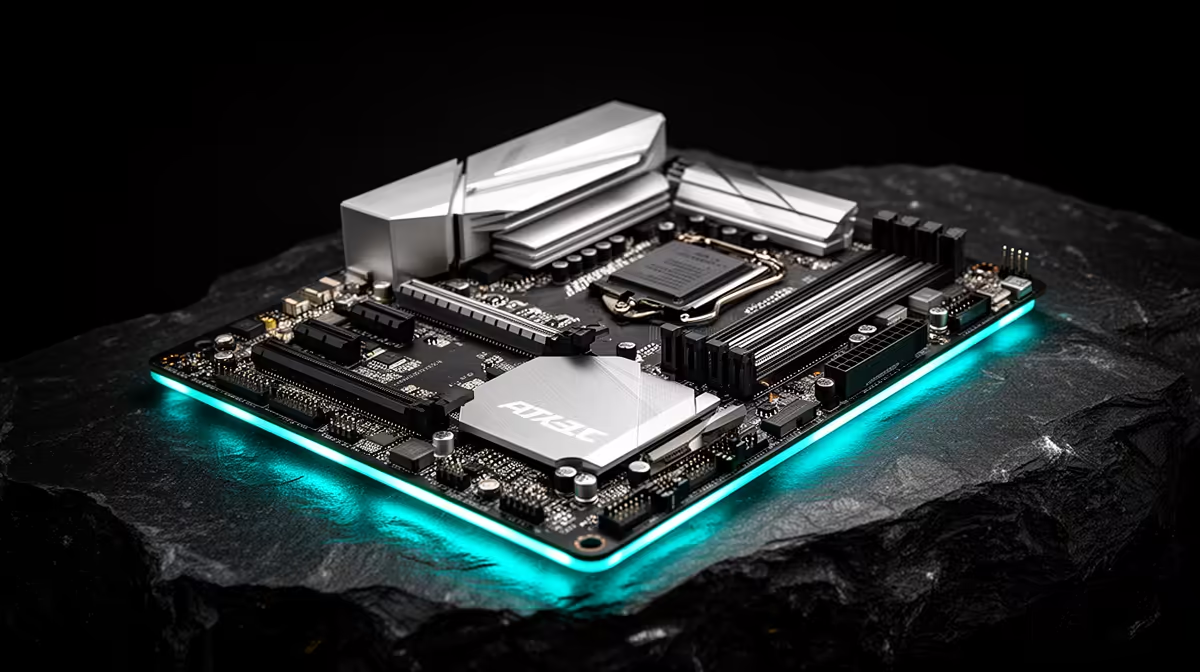
Quick Answer
The best mATX motherboard for the Core i5-13400F is the MSI PRO B760M-A WiFi DDR4 (R2,100 at Evetech) — a well-rounded mATX B760 board with 2.5GbE, Wi-Fi 6, dual M.2 PCIe 4.0, and reliable VRM for the 65 W i5-13400F. Budget builds can step down to the Gigabyte B760M DS3H DDR4 (R1,800) for a 2.5GbE mATX board at minimum cost; premium builders should consider the ASUS ROG STRIX B760M-F GAMING WIFI (~R3,400) for Wi-Fi 6E and enhanced VRM.
Why mATX is the Most Popular Choice for the i5-13400F
mATX (244×244 mm) sits between ITX's compactness and ATX's expansiveness. For an i5-13400F gaming build, mATX hits the value sweet spot:
- Two to four RAM slots for 16–64 GB DDR4 capacity
- Two M.2 PCIe 4.0 slots — sufficient for a boot drive and game storage NVMe
- Compatible with compact mid-tower and full mid-tower cases
- R500–R1,500 cheaper than equivalent ATX boards
For most SA buyers building a 1080p–1440p gaming rig on an i5-13400F, mATX B760 is the practical recommendation.
mATX B760 Board Comparison
| Board |
Key features |
Price |
| Gigabyte B760M DS3H DDR4 |
2.5GbE, dual M.2, basic VRM |
~R1,800 |
| MSI PRO B760M-A WiFi DDR4 |
2.5GbE, Wi-Fi 6, dual M.2, stronger VRM |
~R2,100 |
| ASUS PRIME B760M-A D4 |
2.5GbE, dual M.2, AI Overclocking for XMP |
~R2,300 |
| ASUS ROG STRIX B760M-F WIFI |
2.5GbE, Wi-Fi 6E, three M.2, enhanced VRM |
~R3,400 |
Gaming Performance on B760 mATX with i5-13400F
With an RTX 3070 (~R8,500) paired to the i5-13400F on a B760M board with DDR4-3200 XMP:
- CS2 at 1440p: 120–150 fps
- Valorant at 1440p: 180–220 fps
- The Witcher 3 at 1080p Ultra: 80–100 fps
- FIFA at 1080p: 120+ fps steady
The mATX board's VRM doesn't limit these results — the i5-13400F at 65 W is easily managed by even budget VRM solutions.
FAQ
Is there a performance difference between mATX and ATX B760 boards for the i5-13400F?
No measurable performance difference in gaming or productivity workloads. The mATX vs. ATX choice affects expansion slots, M.2 slot count, and case compatibility — not CPU or GPU performance. An mATX B760 board with XMP enabled delivers identical gaming FPS to an ATX B760 board at the same specifications.
Does the i5-13400F run hot in an mATX case?
The i5-13400F at its default 65 W TDP stays under 70°C on a 120 mm tower cooler in most mATX mid-tower cases. If the board has an unlocked power limit (some B760 boards allow Multi-Core Enhancement which raises power draw to 125 W), temperatures can spike to 90°C+ — disable MCE in BIOS and cap at 65 W PL1 for quiet, cool operation.
Can I use the i5-13400F's integrated graphics on an mATX B760 board?
No — the i5-13400F has no integrated graphics (that's what the "F" suffix means). A discrete GPU is mandatory from day one. Boards like the MSI PRO B760M-A WiFi still have HDMI/DP outputs for CPUs with iGPU, but these outputs are non-functional with the i5-13400F — connect your monitor to the discrete GPU only.
mATX B760 board with the i5-13400F, enable XMP in BIOS before doing anything else — the default JEDEC DDR4-2133 profile underperforms your RAM by 30–50%. XMP to DDR4-3200 takes 30 seconds in BIOS and gives a free 10–12% FPS boost in memory-sensitive games.