Quick Answer
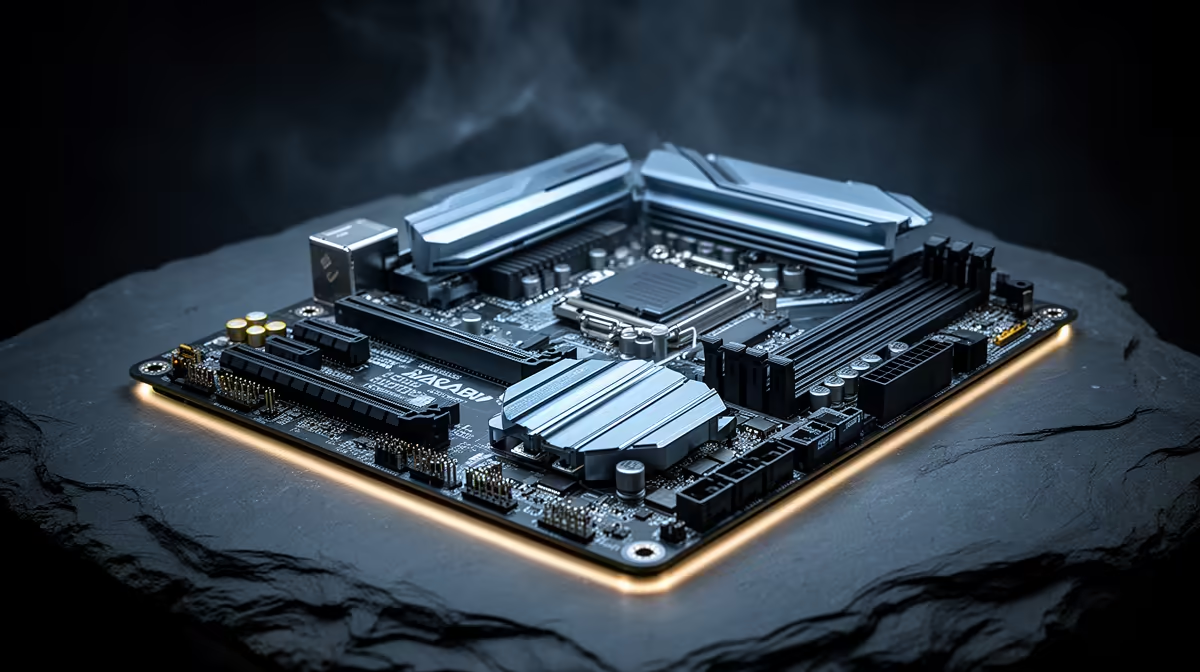
The best ATX motherboard for the Core i7-14700K is the MSI MAG Z790 TOMAHAWK WIFI DDR4 (R4,500 at Evetech) — a 16-phase VRM handles the i7's 125–253 W sustained load, Wi-Fi 6E and 2.5GbE are included, and four M.2 PCIe 4.0 slots provide generous NVMe expansion. For maximum overclocking capability, the ASUS ROG STRIX Z790-F GAMING WIFI (R6,000) with its 18-phase DrMOS VRM is the step-up choice.
Why the i7-14700K Needs a Z790 ATX Board
The Core i7-14700K (20-core: 8P+12E, 125 W base, unlocked, LGA 1700) is one of Intel's most capable gaming and all-round CPUs. Running it on a B760 board is possible at stock but wastes its OC potential and risks thermal throttle on weaker VRM. Z790 ATX delivers:
- Unlocked CPU multiplier for 5.5–5.8 GHz P-core OC
- Robust 16–24 phase VRM for 200+ W sustained Turbo loads
- PCIe 5.0 x16 for GPU, PCIe 4.0 x4 CPU-direct M.2
- Better heatsinks, capacitors, and choke quality for long-term stability
Top Z790 ATX Boards for the i7-14700K
Gigabyte Z790 UD DDR4 (~R3,200): 12-phase VRM. Stock i7-14700K capable. OC ceiling: ~5.3 GHz. Budget Z790 entry.
MSI MAG Z790 TOMAHAWK WIFI DDR4 (~R4,500): 16-phase VRM, Intel I226-V 2.5GbE, Wi-Fi 6E. Handles 5.5 GHz with 240 mm AIO. Recommended value pick.
ASUS ROG STRIX Z790-F GAMING WIFI (~R6,000): 18-phase DrMOS, Wi-Fi 7, Intel 2.5GbE. 5.7 GHz capable on 360 mm AIO. Best for SA buyers wanting maximum headroom.
ASUS ROG MAXIMUS Z790 APEX (~R9,500): 24-phase extreme OC. For enthusiasts pushing 5.8+ GHz on custom loops.
Gaming Performance: i7-14700K at 1440p
With an RTX 4080 (~R22,000) and DDR4-3600 XMP:
- CS2 at 1440p: 200–280 fps
- Valorant at 1440p: 300+ fps
- Cyberpunk 2077 at 1440p Ultra RT: 80–95 fps (GPU-limited)
- Apex Legends at 1440p: 160–200 fps
FAQ
Does the i7-14700K require a 360 mm AIO at stock settings?
At stock with power limits engaged (125 W PL1), a quality 240 mm AIO (DeepCool LT520 at ~R1,400) or a large tower cooler (Noctua NH-D15 at ~R1,800) handles the i7-14700K without throttling. The 360 mm AIO becomes necessary when overclocking to 5.5+ GHz all-core (200+ W sustained) or running the CPU in its default unlimited Turbo mode where power spikes to 253 W briefly.
Is the i7-14700K meaningfully faster than the i7-13700K for gaming?
In gaming, the i7-14700K and i7-13700K perform within 5% of each other at equivalent settings — both are 20-core Raptor Lake architecture CPUs. The 14700K's advantage is slightly higher Turbo boost clocks (up to 5.6 GHz vs. 5.4 GHz on the 13700K). For SA buyers already on an i7-13700K, upgrading is not worthwhile. For new builds, the i7-14700K at current Evetech pricing is the better choice.
Should I run the i7-14700K with or without Multi-Core Enhancement on a Z790 ATX board?
Run with power limits set explicitly in BIOS rather than using MCE. Set PL1 = 125 W and PL2 = 253 W (Intel spec) rather than MCE's unlimited setting which allows sustained 253 W draws that stress VRM on mid-range Z790 boards. This provides full Turbo performance in gaming (which rarely sustains all-core load) while protecting VRM longevity on boards below the 18-phase tier.
0x12B microcode BIOS update to the i7-14700K before first extended use — this addresses the voltage management vulnerability in 13th 14th-gen Intel CPUs. After applying the update, run a 30-minute Prime95 stress test to confirm thermal and stability performance under sustained load before gaming sessions.