Ever splurged on a beastly new graphics card, only to find your FPS in Apex Legends or Warzone is still... meh? You're not alone. That frustrating stutter and underwhelming performance, even with a top-tier GPU, often points to one sneaky culprit hiding in your rig. We're talking about CPU bottlenecking, a common issue for South African gamers that can cripple your PC's potential. Let's fix that. 🔧
Understanding CPU Bottlenecking
So, what is a CPU bottleneck? Imagine your PC is a high-end restaurant. Your graphics card (GPU) is a massive, state-of-the-art oven, ready to cook multiple dishes at once. Your processor (CPU) is the chef, prepping the ingredients. If the chef is too slow, the powerful oven sits idle, waiting for something to cook.
That's CPU bottlenecking in South Africa in a nutshell. Your CPU can't process game data and instructions fast enough to keep your GPU fully occupied. This is especially common in fast-paced esports titles at 1080p or in simulation games that rely heavily on processor power. The result? Wasted performance you paid good money for.
How to Spot a CPU Bottleneck in Your Rig
Before you start shopping, you need to confirm a bottleneck is actually your problem. Guessing can be an expensive mistake. The good news is, diagnosing it is pretty straightforward.
The most reliable method is to monitor your component usage while gaming.
- Fire up your favourite game.
- Open Windows Task Manager (Ctrl+Shift+Esc) to the Performance tab, or use a tool like MSI Afterburner.
- Play for a few minutes in a demanding area.
Look at the numbers. Is your CPU usage consistently hitting 90-100% while your GPU usage is chilling out, well below 90%? That's the classic sign of a CPU bottleneck. Your processor is maxed out, unable to feed the GPU any faster. If you find your current chip is the problem, exploring the wide range of CPU processors online is the logical next step.
Quick Diagnostic Tip ✨
Use your game's graphics settings for a quick test. Drop the resolution from 1440p to 1080p. If your frames-per-second (FPS) barely increase, it's a strong indicator that your CPU, not your GPU, is the limiting factor.
Smart Fixes for Processor Bottlenecks
Sometimes, you can ease a bottleneck without spending your hard-earned Rands. Try these software-level tweaks first:
- Optimise In-Game Settings: Lower CPU-heavy settings like shadow quality, physics detail, and population density.
- Close Background Apps: Shut down Discord, browser tabs, and other apps before you launch a game. Every bit of CPU power helps.
- Check Your Cooling: An overheating CPU will throttle itself, reducing performance. Ensure your cooler is working correctly and your case has good airflow.
These steps can help, but they won't magically fix a severe hardware mismatch. If you're pairing a brand-new RTX 40-series card with a five-year-old processor, an upgrade is the only real long-term solution.
The Ultimate Fix: A Strategic CPU Upgrade 🚀
When software tweaks aren't enough, it's time for the most effective solution: a new CPU. A balanced PC is a happy PC. The goal is to pair your components so they can all perform at their peak.
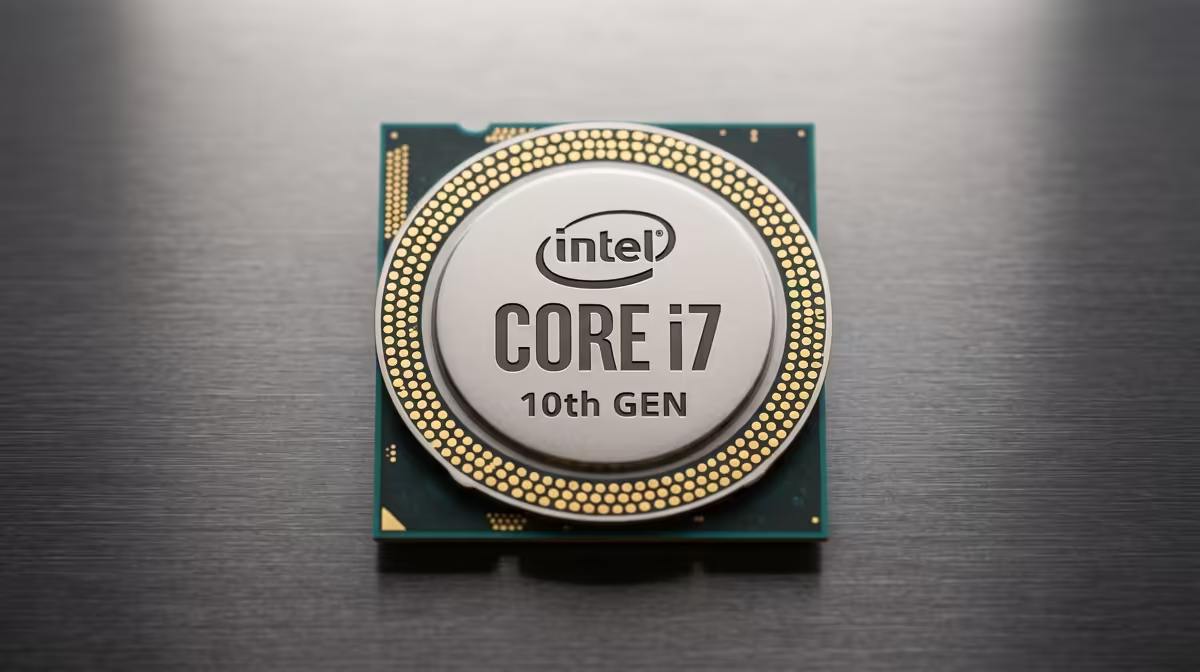
For gamers looking for incredible single-core speed and efficiency, the latest range of Intel CPUs offers outstanding performance that can eliminate bottlenecks in even the most demanding titles. On the other hand, if you're a streamer or content creator who needs multi-tasking muscle, the multi-core power of modern AMD CPUs provides an exceptional balance of gaming prowess and productivity.
Choosing the right processor ensures every component in your rig works in harmony, delivering the smooth, high-FPS experience you deserve.
Ready to Unshackle Your GPU?
Stop letting an old processor hold your gaming potential hostage. Explore our massive range of CPUs to find the perfect brain for your rig. Shop now at Evetech for performance that leaves lag in the dust.