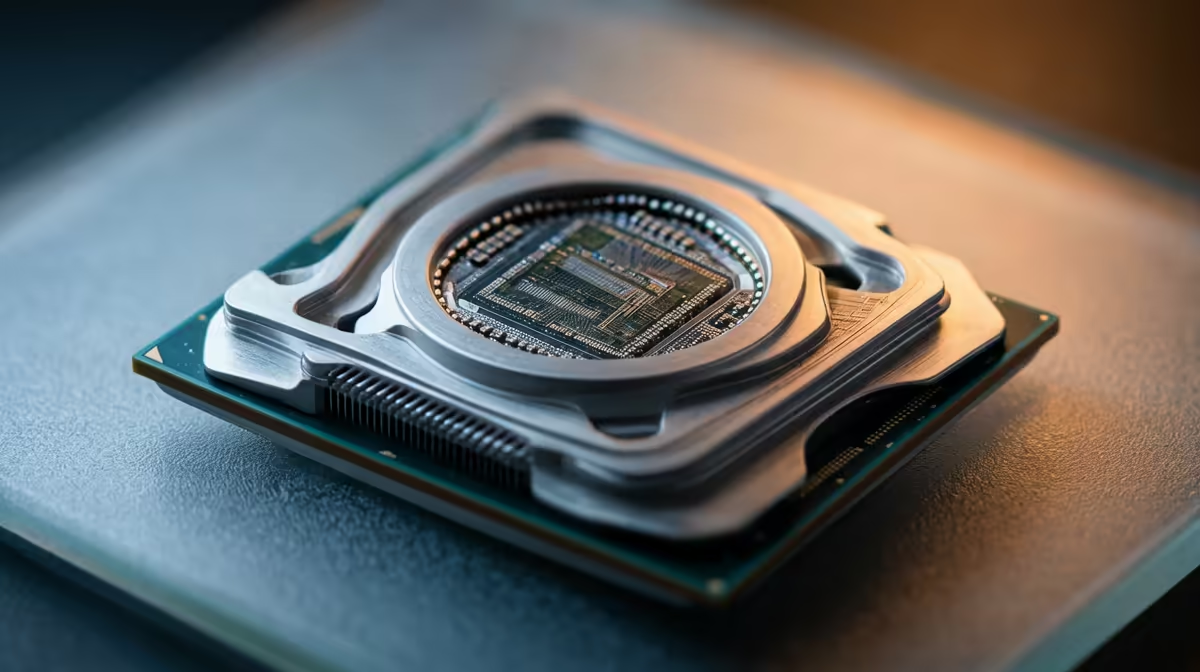
You've just dropped a serious chunk of your bonus on a shiny new GPU, ready to crank the latest titles to max settings. But... your FPS is stubbornly stuck. What gives? Chances are, you're facing a classic CPU bottleneck, a frustrating performance thief that holds your expensive new hardware hostage. Don't stress, Mzansi. We've got the top CPU bottleneck solutions to get your rig firing on all cylinders again. ⚡
What Exactly is a CPU Bottleneck?
Think of your PC as a high-speed assembly line. Your CPU (Central Processing Unit) prepares the data—like game logic and physics—and your GPU (Graphics Processing Unit) uses that data to render the beautiful graphics you see on screen. A CPU bottleneck happens when your processor can't prepare data fast enough for your powerful GPU.
The result? Your GPU sits around, underutilised, waiting for instructions. This leads to stuttering, lower-than-expected frame rates, and the feeling that your new hardware investment was a waste. It's one of the most common performance issues for PC builders.
Diagnosing and Fixing Your PC's Bottleneck
Before you rush out to buy new parts, let's pinpoint the problem and explore some practical CPU bottleneck solutions. A methodical approach can save you a lot of time and money.
Step 1: Confirm the Bottleneck 🔧
The easiest way to check for a bottleneck is with monitoring software. Tools like MSI Afterburner with RivaTuner Statistics Server are perfect for this.
Fire up a demanding game and look at your on-screen display. If you see your CPU usage consistently hitting 90-100% while your GPU usage is chilling below 90%, you've found your culprit. This imbalance is the classic sign of a CPU holding back your system's performance.
Quick Performance Check
Before diving deep, make sure no sneaky background processes are eating your CPU cycles. Open Task Manager (Ctrl+Shift+Esc) and close any unnecessary apps like web browsers or update services before you start gaming. It's a simple fix that can sometimes make a surprising difference.
Step 2: Optimise Your Settings (The Free Fixes)
You can often reduce a CPU bottleneck without spending a Rand. Start by tweaking your in-game settings.
- Lower CPU-Intensive Settings: Options like shadow quality, view distance, physics simulations, and population density are heavy on the CPU. Turning these down can free up your processor.
- Increase GPU-Intensive Settings: Counter-intuitively, increasing your resolution (e.g., from 1080p to 1440p) or texture quality can help. This forces your GPU to work harder, which can better balance the load between your two key components.
Step 3: The Upgrade Path 🚀
While software tweaks help, the most effective, long-term fix for a severe CPU bottleneck is a hardware upgrade. A new processor can completely transform your gaming experience, unlocking the true potential of your graphics card. When considering an upgrade, choosing the right CPU processor is critical for building a balanced and powerful rig.
For Team Blue fans, a move to a modern Core i5 or i7 can provide a massive uplift in single-core performance, which is vital for gaming. The latest generations of powerful Intel CPUs offer incredible clock speeds and efficiency, making them a fantastic choice for eliminating performance ceilings.
Alternatively, Team Red has been dominating the gaming space with its Ryzen processors, especially the X3D variants with their massive L3 cache. These chips are purpose-built for gaming. Exploring the range of cutting-edge AMD CPUs could be the key to unlocking silky-smooth frame rates in even the most demanding titles. Just remember to check for motherboard and RAM compatibility before you buy!
Ready to Unleash Your PC's True Power?
Don't let a sluggish CPU cap your gaming potential. Explore our massive range of processors and find the perfect match to eliminate bottlenecks for good. Shop now at Evetech for performance that leaves lag in the dust.