


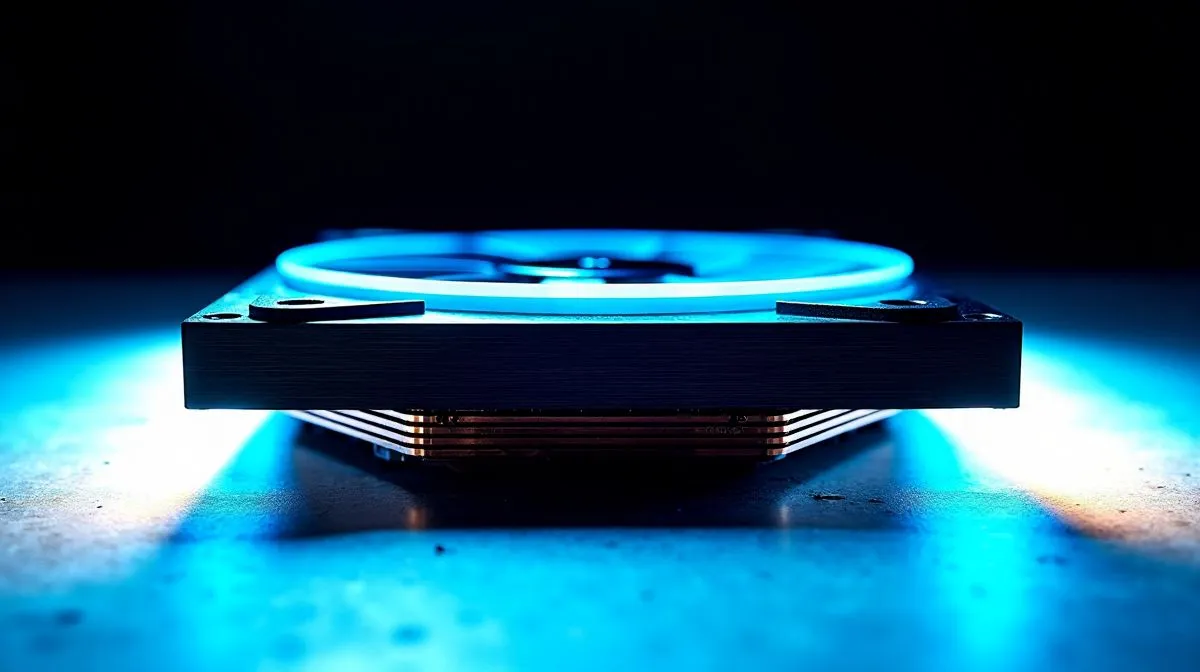
CPU Cooler Mounting System Explained for LGA1700, AM5, and AM4
South African builders: mounting your cooler can make or break a high-performance PC. CPU Cooler Mounting System Explained for LGA1700, AM5, and AM4 shows what changes between Intel and AMD sockets, why backplate alignment matters and how to avoid stripped threads. Read on for practical steps, quick parts picks, and tips to install like a pro 🔧✨
CPU cooler mounting basics for LGA1700, AM5, and AM4
Mounting starts with matching the bracket and backplate to the socket. Intel’s LGA1700 uses a rectangular footprint and often a different spacer height than older Intel sockets. AMD’s AM4 and AM5 use retention-style mounting, but coolers vary by manufacturer. If you want to shop compatible coolers, browse Evetech's CPU coolers range to compare specs and mounting kits.
Installing and aligning the cooler on LGA1700, AM5, and AM4
When fitting the cooler, follow three steps: fit the backplate, mount the bracket, and tighten screws evenly. Apply a pea-sized thermal paste, seat the cooler, then tighten in a diagonal pattern to spread pressure. LGA1700 often needs standoffs or an adapter; many coolers now ship with LGA1700 kits. Before you begin, check the manual and our air cooler selection to confirm included hardware.
Choosing the right size and type for your build
Air towers and AIOs behave differently during mounting. A 120mm fan air cooler is compact and easier around tall RAM modules; larger multi-fan towers require more clearance. If space matters, filter for 120mm fans and low-profile designs. See our recommended 120mm fan coolers to narrow options quickly.
Mounting Mini Tip ⚡
When swapping coolers, leave the original backplate in place until the new bracket lines up. That avoids stripped threads, saves time, and keeps your build safe.
Troubleshooting and brand notes for LGA1700, AM5, and AM4
If screws won’t seat, don’t force them. Remove the cooler, check backplate alignment, and verify standoff lengths. Some vendors publish clear compatibility notes; for example browse Deepcool options to confirm which models include AM4, AM5 or LGA1700 kits.
If you prefer alternative brands with concise mounting guides, check EINAREX coolers and their listed compatibility before buying. A quick compatibility check stops returns and keeps ZAR in your pocket.
Final checklist for CPU Cooler Mounting System Explained for LGA1700, AM5, and AM4
Before you torque the last screw, run a quick checklist. Confirm socket compatibility on the product page, verify that the backplate matches your motherboard, and measure RAM and case clearance. Use the correct standoff heights for LGA1700 or the retention clips for AM4/AM5. Keep the manual and a small torque driver nearby, and use diagonal tightening to avoid uneven pressure. If you are unsure, watch a short installer video or consult product notes; many Evetech listings include images and compatibility tables. A careful pre-check means fewer returns, safer hardware, and less downtime. Ready to upgrade your cooling or your whole rig? See options and think about pairing your build with a new system for better out-of-the-box compatibility 🚀 Shop local, save.
Ready to Find Your Perfect Match? The Mac vs Windows debate is complex, but for maximum power, choice, and value in South Africa, Windows is hard to beat. Explore our massive range of laptop specials and find the perfect machine to conquer your world.











