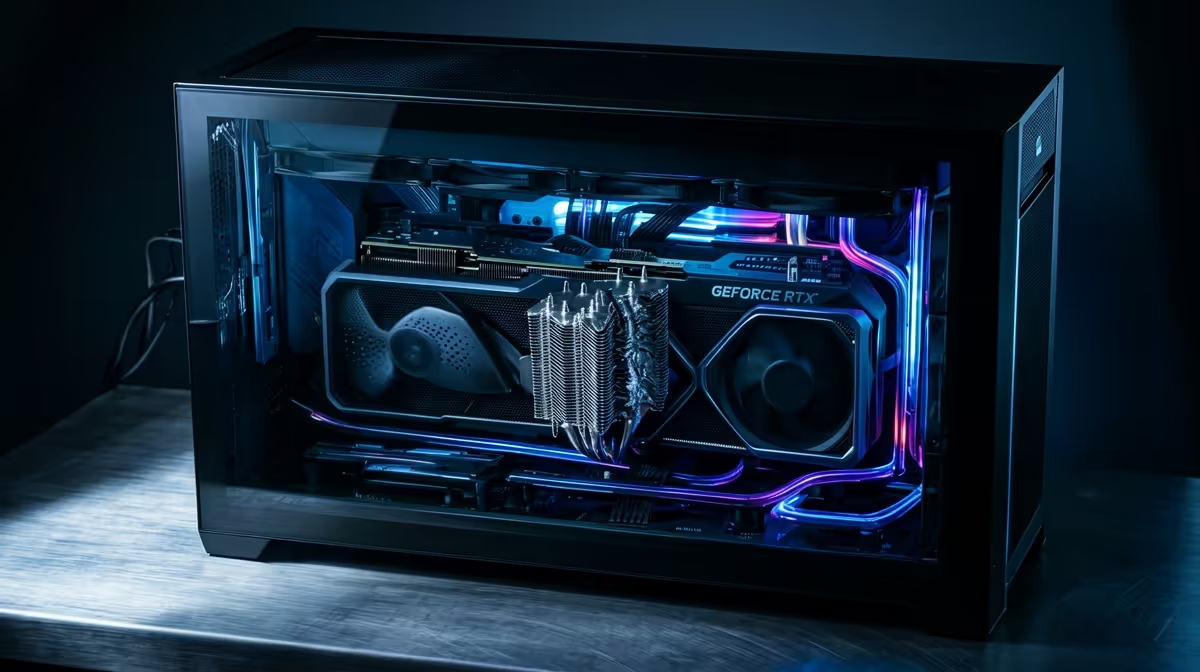
So, you’ve got a beast of a gaming PC sitting idle. The thought crosses your mind: why not make some extra cash? The idea of crypto mining on your gaming PC seems like a no-brainer. Your powerful GPU could be printing money while you sleep, right? But before you turn your rig into a 24/7 digital gold rush, let's talk about the real cost. What’s the actual impact on the components you’ve invested so much in?
The GPU: Your Rig's Golden Goose... and Primary Victim
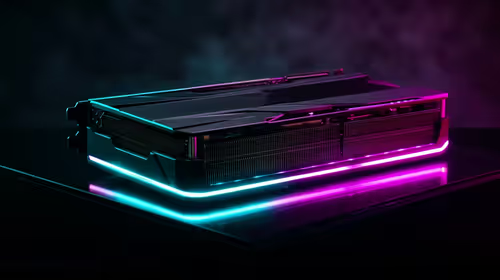
When it comes to crypto mining on a gaming PC, your graphics card does all the heavy lifting. It's brilliant at the repetitive, complex calculations needed to mine currencies like Ethereum Classic or Ravencoin. But there’s a huge difference between a gaming session and a mining marathon.
Gaming is a sprint; mining is an endless ultra-marathon. A few hours of intense firefights in a rig built for Call of Duty: Warzone 2.0 pushes your GPU, but it also gives it breaks during loading screens and menu navigation. Mining, however, slams your GPU core and VRAM to 100% load and holds it there... indefinitely.
This constant, high-temperature operation can have several nasty effects:
- VRAM Degradation: The memory chips on your GPU get incredibly hot during mining. Over time, this sustained heat can degrade them, leading to instability, artifacts (weird visual glitches), and a shorter lifespan.
- Fan Failure: Your GPU fans will be spinning at high RPMs 24/7. They aren't designed for this kind of industrial-level workload. The bearings can wear out, leading to noisy operation or complete failure, which could cause your card to overheat and die.
- Thermal Paste Dry-Out: The thermal paste between your GPU die and its heatsink will dry out much faster under constant mining temperatures, reducing its cooling efficiency and causing temperatures to creep even higher.
Even a top-tier card in a PC powerful enough for Cyberpunk 2077 at max settings isn't immune to this level of sustained stress.
Ripple Effects: How Mining Stresses Other Components
While the GPU takes the main hit, the strain of mining doesn't stop there. Your entire system feels the pressure. Think of it as running a car at its redline for days on end.
Your Power Supply Unit (PSU)
Your PSU is the heart of your rig, and mining puts it under immense, constant strain. It’s designed to handle the variable power spikes of gaming, which is a very different workload from the flat, high-wattage pull of mining. A lower-quality PSU might struggle, leading to unstable power delivery that can damage other components or even fail completely. The constant load is far different from the power draw when you're dropping into a game of Fortnite.
Motherboard and VRMs
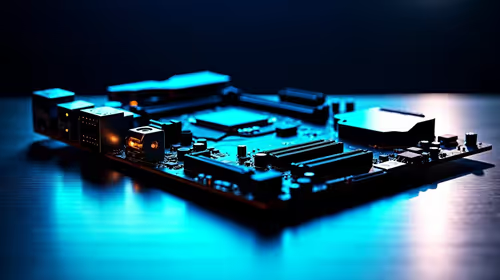
The Voltage Regulator Modules (VRMs) on your motherboard are responsible for delivering clean power to your CPU and GPU. Mining pushes them hard, especially the VRMs feeding the PCIe slot where your GPU lives. Without good airflow, they can overheat, leading to system instability and throttling.
Pro Miner's Tip: Undervolt and Underclock ⚡
To reduce heat and power consumption, miners often undervolt their GPUs. This means supplying the GPU core with less voltage than its stock setting. They also typically underclock the core while overclocking the memory, as VRAM speed is often more critical for mining algorithms. This can significantly lower temperatures and prolong the life of your card, but it requires careful tuning.
Gaming Performance After Mining: The Lingering Ghost
So, you've mined for a few months and decide to stop. Will your gaming experience be the same? Maybe not. The long-term impact of crypto mining on your gaming PC components can subtly, or sometimes drastically, reduce performance.
The primary culprit is thermal throttling. If your card's thermal paste has degraded or the fans are worn, it might not be able to cool itself as effectively as it once did. When you fire up a demanding title like Microsoft Flight Simulator, the GPU might hit its thermal limit faster and automatically reduce its clock speeds to protect itself. The result? Lower FPS and stuttering.
You can't afford these stutters or crashes in a competitive Overwatch 2 game. That slight performance dip could be the difference in securing a PUBG chicken dinner. The short, intense bursts of a Counter-Strike 2 match are what your PC is designed for, not the gruelling, non-stop workload of mining.
Is It Still Worth It in South Africa? 🤔
The final nail in the coffin for casual mining is the local context. With Eskom's electricity prices constantly on the rise and the unpredictable nature of an unexpected outage, profitability is razor-thin. An unexpected power cut can corrupt data or damage components during a delicate operation.
When you factor in the accelerated wear and tear on your expensive hardware, the potential earnings often don't outweigh the risks. That rig is an investment in your entertainment and passion, whether you're building worlds in Minecraft or exploring the sprawling city of Los Santos in a machine built for Grand Theft Auto V. Using your gaming PC for crypto mining is a high-stakes gamble with your prized possession. The question is, is it a gamble you're willing to take?
Ready for a Pure Gaming Experience?
Instead of risking your rig's health for diminishing returns, invest in a machine built and optimised for one thing: incredible gaming performance. Explore our massive range of Gaming PC deals and find the perfect PC to conquer your favourite games, worry-free.