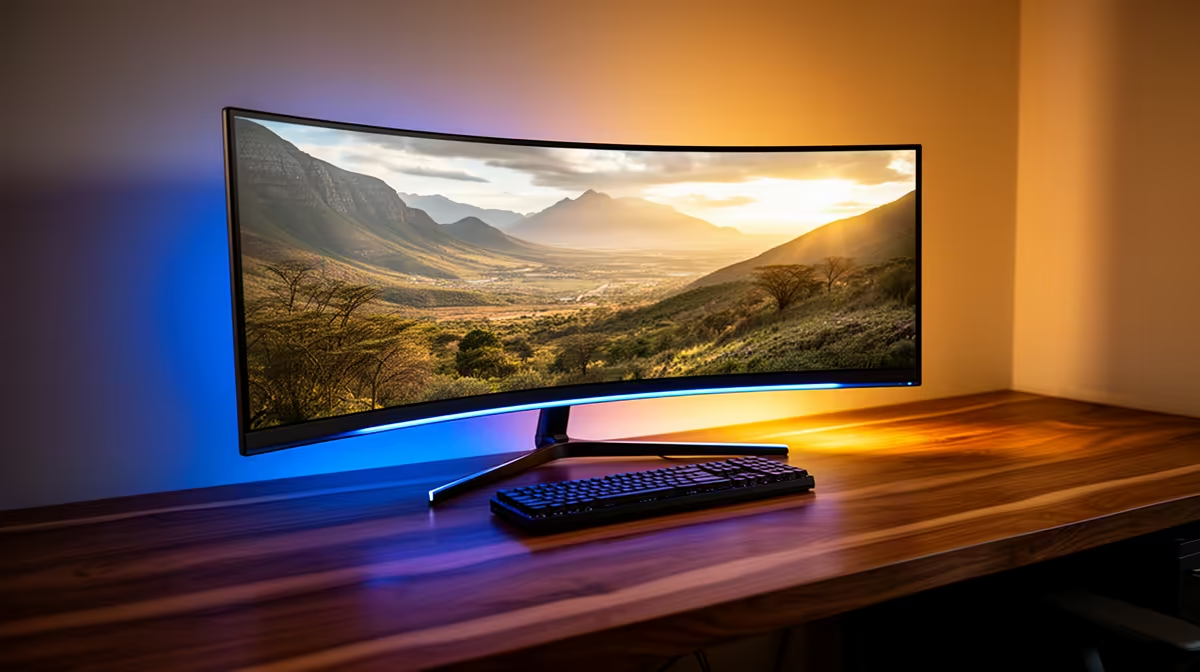
Dell SE2726H 144Hz at R1,797 suits a creator who wants an affordable gaming monitor for timeline editing, preview playback, and casual gaming on the same desk. A curved screen can feel more immersive, but for video work the bigger question is whether the panel size, refresh rate, and resolution help you edit comfortably without making straight lines or framing decisions feel awkward.
When a curved screen makes sense for editing
For a budget creator, the Dell SE2726H 144Hz at R1,797 is the sensible starting point because 144Hz keeps motion smoother while scrubbing clips, checking pans, and switching between edits. It is not about chasing the highest refresh rate for rendering work, it is about making the desk feel more responsive while you cut, preview, and review.
The ViewSonic VX2779A 240Hz at R2,350 is the sharper value choice if you also play fast games after editing. Its 240Hz spec is more than most editing timelines need, but the extra smoothness can make cursor movement and full-screen playback feel cleaner on a busy creator desk.
Creator desk reality in SA
If the screen is mainly for video timelines, thumbnails, and browser research, the AOC 27in QHD 200Hz at R3,200 is the one to look at because QHD gives more workspace than basic 27-inch options. That extra desktop room matters when the preview window, timeline, folders, and notes are open together.
The MSI MAG 274F 200Hz at R3,006 is a good middle option if you want a fast 200Hz screen without jumping to the AOC price, while the Dahua LM25 200Hz at R1,850 keeps the same 200Hz headline spec at a lower spend for a tighter desk setup.
Ready to choose the right gaming monitor?
Keep Dell SE2726H 144Hz at R1,797 on the list for curved monitor actually editing youtube; its listed spec is the detail to test against that brief.