Quick Answer
Daisy-chain fan connectors reduce cable count, simplify routing, and produce cleaner builds. Individual fan cables offer independent header control per fan, which gives finer speed tuning. For most SA gaming PC builders, daisy-chain connectors through a PWM hub deliver the better balance of tidiness and control.
The Cable Count Problem in Modern Gaming Builds 🔧
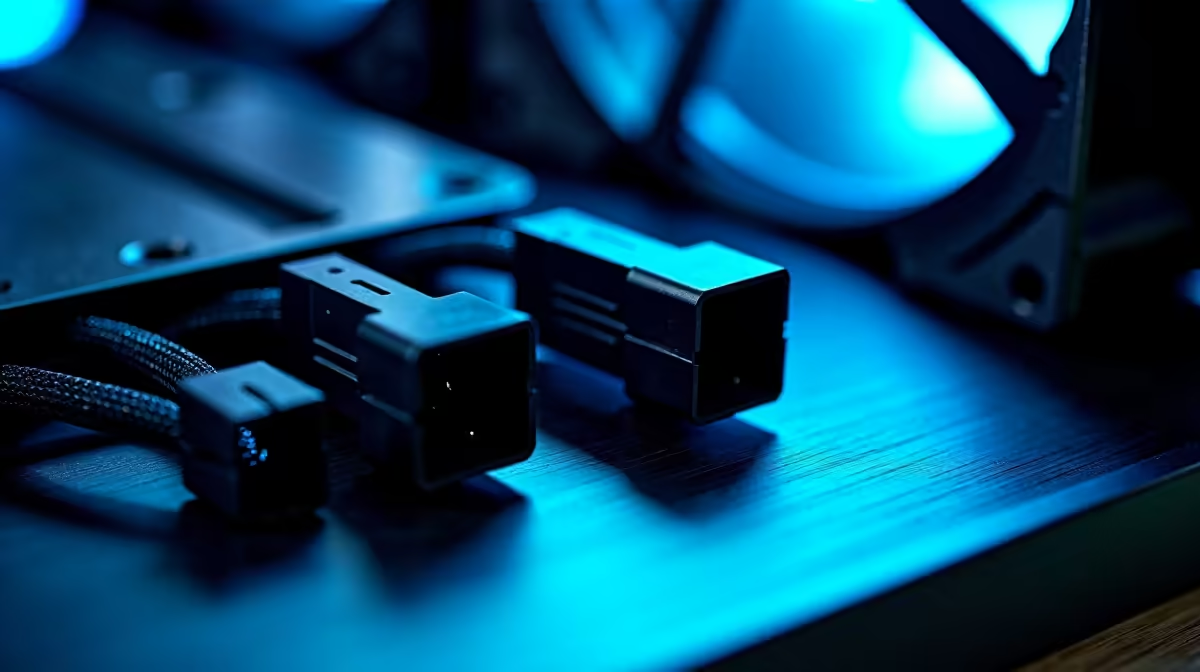
A typical mid-tower gaming case houses three to six 120mm fans. Six individual fan cables each running from a fan to a separate motherboard header generate a significant cable burden, particularly in non-modular builds where PSU cables already crowd the cable management channels. Most motherboards provide only two to four fan headers, so independent cable routing is impossible for a six-fan setup without multiple Y-splitters in any case. Daisy-chain connectors, as used in ARGB fan ecosystems from brands such as Lian Li, Phanteks, and DeepCool, pass both power and ARGB signal through a single interconnect between fans, connecting the chain to a single hub or motherboard header. This reduces six individual cable runs to one cable from the hub to the motherboard.
Where Individual Fan Cables Have an Advantage 🖥️
Individual cables allow the motherboard to read the tachometer (RPM) signal from each fan independently. Some motherboard software (ASUS Armoury Crate, MSI Center) displays per-fan RPM readings, which helps identify a failing fan immediately. With a daisy-chain hub, the motherboard header reads only the hub's total load, and individual fan RPM reporting depends on whether the hub itself has per-port tachometer output (more advanced hubs do; basic units do not). For builders who want granular diagnostics, individual headers per fan remain the more transparent approach, even if the cable management is harder to keep clean.
Choosing Based on Build Type and Budget 💰
For a standard gaming build (R15,000 to R30,000 in SA) focused on aesthetics and thermal performance, a daisy-chain ARGB fan pack with an integrated hub delivers the cleanest result at R600 to R1,500 for a three-to-five-fan set. Individual fan cables suit professional workstation builds where per-fan diagnostics matter more than aesthetics, or budget builds where fan packs with daisy-chain connectors are outside the parts budget. A three-pack of quality 120mm PWM fans with individual cables costs R400 to R800 locally, while a daisy-chain ARGB three-pack with a hub runs R700 to R1,400.
Use a Powered Hub for Any Daisy-Chain Setup Over Three Fans ⚡
A motherboard fan header is typically rated at 1A maximum. Three 120mm fans drawing 0.2A each total 0.6A, which is within spec. Add a fourth fan and the combined draw approaches or exceeds 1A, risking header damage over time. A powered PWM hub draws from a PSU SATA connector for power and takes only the PWM control signal from the motherboard header, safely supporting six or more fans without header overload.
FAQ
Can I convert individual fan cables to a daisy-chain setup later?
Not without buying a compatible daisy-chain hub or fan pack. The daisy-chain connector is a proprietary design per brand ecosystem and is not universal. If you plan a daisy-chain setup, buy fans from the same ecosystem from the start.
Do daisy-chain hubs pass full PWM speed control to all fans?
Quality hubs distribute the full PWM signal to every connected fan, so all fans respond simultaneously to the motherboard's fan curve. Basic hubs may only offer fixed-speed DC distribution. Check the hub's spec before purchasing.
Is a daisy-chain setup harder to troubleshoot if a fan fails?
Slightly, if the hub does not report per-fan RPM. The failing fan shows as a gap in airflow (which you may notice as a temperature increase) rather than as a named alert. Hubs with per-port tachometer output report each fan's RPM individually to monitoring software, which resolves this limitation.
Want a clean, tidy build without the cable chaos?
Evetech stocks daisy-chain ARGB fan packs, PWM fan hubs, and individual 120mm fan options for SA gaming and workstation builds.