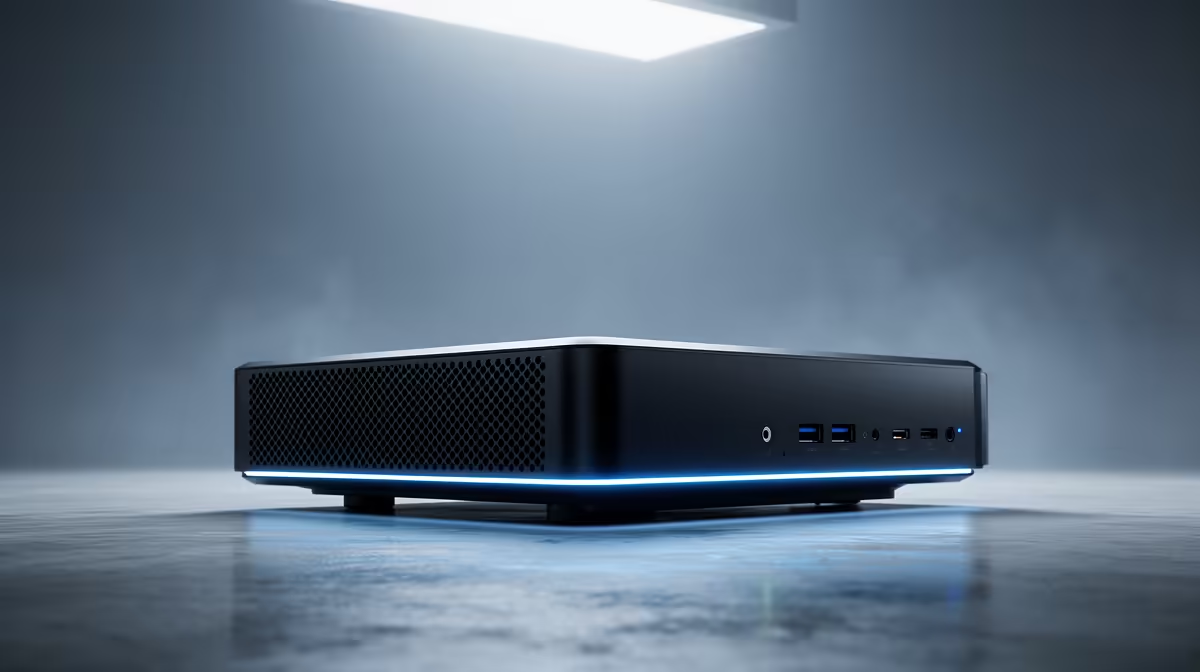
The UM750L 16GB/1TB at R4,600 suits a data science student who wants a mini pc for a lounge TV setup with enough memory and storage for coursework, notebooks, datasets, and streaming between study sessions.
Best mini PC choice for a TV study setup
For most students, the UM750L 16GB/1TB at R4,600 is the cleanest starting point because its 16GB memory gives more breathing room than an 8GB system, while the 1TB storage leaves space for Python environments, project files, lecture downloads, and media. On a TV, that matters because the machine may become both a study box and an entertainment hub.
The Minisforum NAB6 Lite i5 8GB/512GB at R4,150 is the lower-cost option if the workload is lighter and cloud notebooks carry most of the heavy lifting. Its i5 chip and 512GB storage make sense for browser-based learning, spreadsheets, and presentation work, but the 8GB memory is the limit to watch when tabs, documents, and analysis tools are open together.
The NINKEAR M8 16GB/1TB at R8,350 is worth considering when the TV setup is also a shared household computer. Its 16GB memory and 1TB storage give a stronger local base for bigger project folders, downloaded lecture content, and a cleaner split between study files and family media.
Lounge TV unit reality for South African students
A TV-based setup needs fewer loose pieces around the room. The NINKEAR L12 PRO i9 at R8,150 is useful where the unit will sit near the TV and stay connected for study, streaming, and browser work. The HP AIO 22 at R10,036 solves the screen in one purchase, but it takes over desk space instead of disappearing into a lounge cabinet.
Ready to choose the right mini pc?
Use Minisforum NAB6 Lite i5 8GB/512GB at R4,150 as the student desk benchmark, then check whether its listed spec matches the space, workload, and upgrade path.