Quick Answer
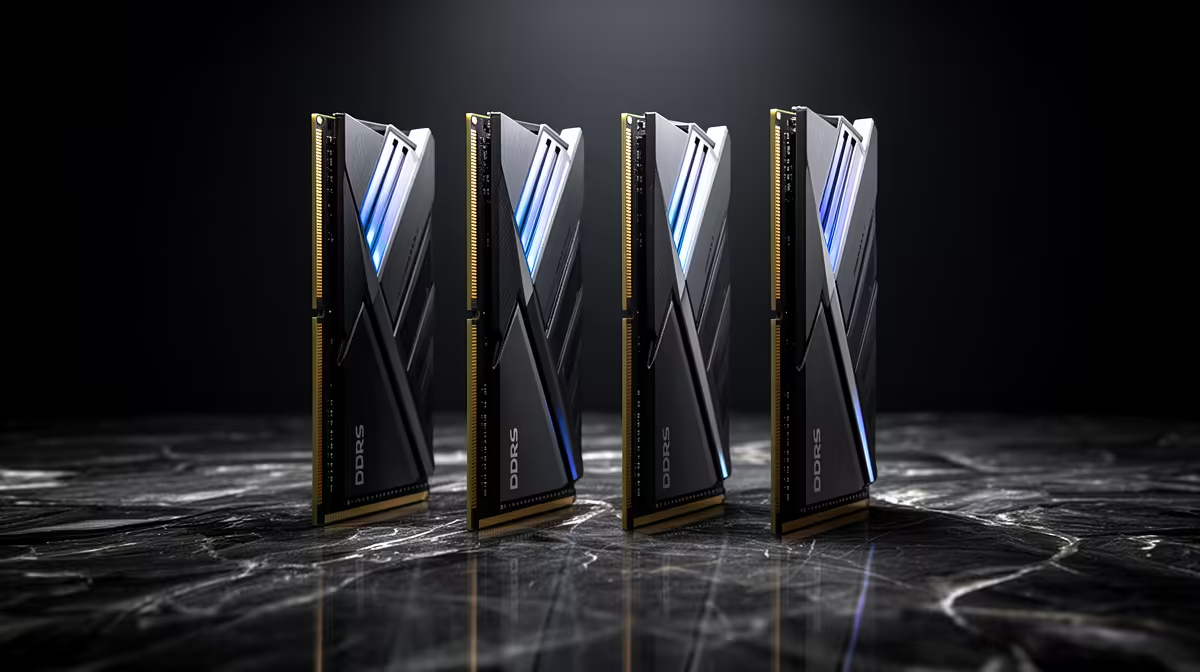
For 4K video editing, SA buyers should compare DDR5 kits on capacity first: 64GB (2x32GB) DDR5-5600 (around R3,500-R5,000 at Evetech) keeps 4K timelines and cache in memory. Speed past DDR5-6000 and RGB are not worth the premium - editing is bound by capacity, CPU and GPU, not memory clock.
Compare capacity before anything else
4K editing in Premiere, DaVinci Resolve or Final Cut holds large frame buffers and cache in RAM, so capacity is the first comparison point. 32GB is a bare minimum that forces constant cache flushing on complex 4K timelines; 64GB is the comfortable target; 128GB suits heavy multicam or 8K. A 2x32GB kit also keeps two slots free to reach 128GB later, which a 4x16GB layout does not.
Speed, dual-channel and the checklist
After capacity, always run dual-channel with a matched kit for the memory bandwidth editing benefits from. DDR5-5600 to 6000 is the practical speed - going to 7200 buys negligible export-time gains for editing. Skip RGB on an enclosed editing rig. Pair the RAM with a CUDA/OpenCL GPU (RTX 4060/4070) for accelerated effects and a 1TB+ NVMe cache drive. SA editors on a budget should reach 64GB before spending on anything faster, because that is where 4K timeline smoothness comes from.
FAQ
How much RAM do I need for 4K video editing?
64GB (2x32GB) is the comfortable target for 4K work, with 32GB as a tight minimum and 128GB for heavy multicam or 8K. Keeping the timeline and cache in memory is what smooths playback.
Is DDR5-7200 worth it for editing?
No - editing is bound by capacity, CPU cores and the GPU, so DDR5-5600 to 6000 captures the benefit. Spend the premium on reaching 64GB instead.
Should I buy a 2x32GB or 4x16GB kit for editing?
A 2x32GB kit is better, since it keeps two slots free to reach 128GB later, while a 4x16GB layout fills all slots. Both run dual-channel, so capacity flexibility decides it.
Compare on capacity - a 2x32GB DDR5-5600 kit from Evetech keeps 4K timelines in memory, and leaves room to reach 128GB rather than paying for DDR5-7200.