


RTX 4060 Ti Throttling Under Load: SA Temperature Guide
RTX 4060 Ti Throttling Under Load: Temperature. Everything you need to know with SA pricing, step-by-step instructions & expert recommendations.
Read moreDDR5 Speed vs Capacity for Video Editing, Motion Design and 3D: real-world performance, SA pricing, power draw and which one delivers better value for your build. The clear answer — without the fluff.
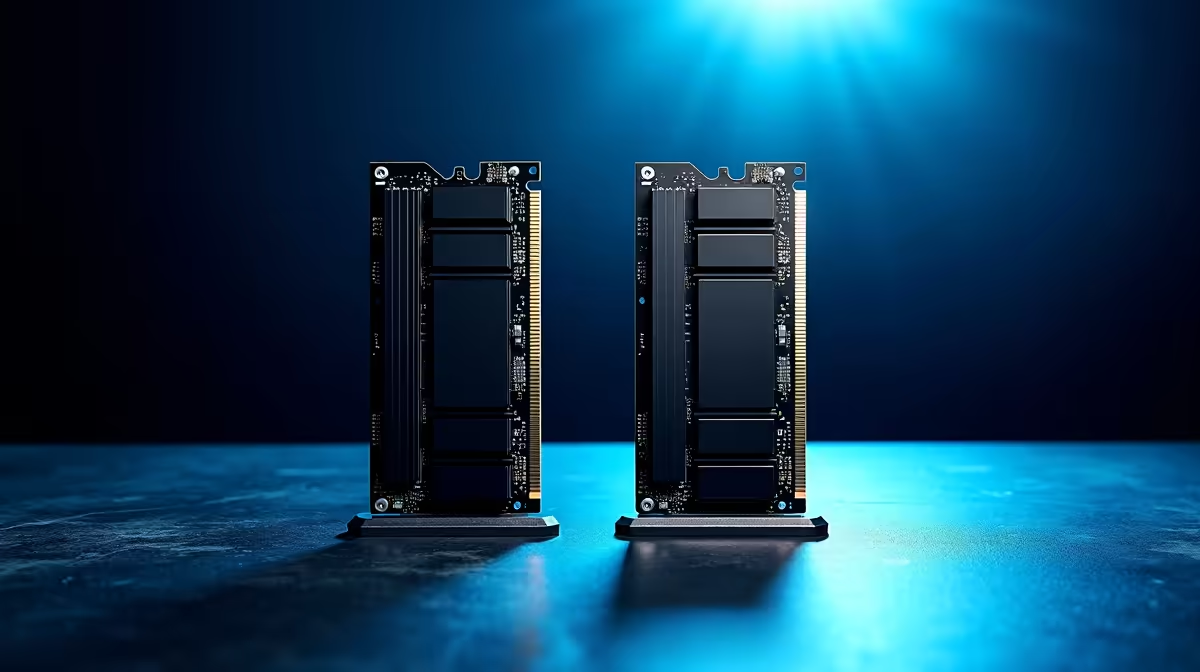
Building a professional workstation in South Africa means making tough choices with your hard-earned ZAR. When your Premiere Pro timeline stutters or Blender crashes during a complex render, you know it is time for a serious hardware upgrade. But when looking at DDR5 speed vs capacity for video editing, motion design and 3D workstations, which spec actually optimises your workflow? Let us break it down so you can render faster... and beat the load shedding schedule.
High-frequency DDR5 memory pushes data to your processor incredibly rapidly. Speeds of 6000MHz or 6400MHz are brilliant for active viewport performance in software like After Effects. If you are scrubbing through dense motion graphics or applying real-time colour grades, faster memory keeps your interface highly responsive.
However... high-speed RAM requires a solid technical foundation. You must pair it with the right chipset to avoid frustrating bottlenecks. Exploring compatible motherboards ensures your system actually achieves those advertised speeds without any stability issues during critical tasks.
Speed is fantastic... until you completely run out of system memory. If you are working with massive 8K raw video files, complex Cinema 4D environments, or Unreal Engine 5 assets, capacity beats speed every single time. Creative professionals rarely use just one application. You likely have Photoshop, Illustrator, and multiple browser tabs open alongside your main editing software. All of this eats into your available memory pool.
When your workstation runs out of physical RAM, it relies on your storage drive as a temporary swap file. That instantly slows your render times to an absolute crawl. For heavy creative lifting, 64GB or even 128GB is the accepted industry standard. Upgrading your rig with high-capacity DDR5 memory kits ensures you never hit that invisible performance wall right before a major client deadline.
If you use Adobe Premiere Pro or After Effects, dive into your memory preferences and manually allocate your RAM. Reserving 80% of your total memory exclusively for Adobe applications prevents background Windows tasks from stealing your resources during heavy exports.
Most South African creators need a practical middle ground. A 64GB kit running at 5600MHz or 6000MHz often provides the absolute best value per ZAR. It gives you enough breathing room for heavy multi-cam timelines while maintaining incredibly snappy playback.
If you do not want to build a custom rig from scratch, you can always look at pre-configured systems. Checking out our best gaming PC deals is a brilliant move... many of these high-end gaming rigs double as absolute powerhouse workstations for creative professionals.
Always keep a close eye on your upgrade budget. Technology prices fluctuate, but you can stretch your rand much further by hunting for the right discounts. Browse our latest component specials to find premium RAM, cooling, and workstation parts without breaking the bank.
Ready to Build Your Dream Workstation? The speed vs capacity debate is complex, but for maximum rendering power, choice, and value in South Africa, a custom Windows rig is hard to beat. Explore our massive range of PC components and find the perfect hardware to conquer your creative world.
DDR5 Speed vs Capacity for Video Editing, Motion Design and 3D is available at Evetech.co.za with local SA warranty, Rand pricing and nationwide delivery. Stock and pricing is updated in real time on the product page.
It depends on your workload and budget. We break down the key performance differences, SA pricing gap and the scenarios where each one is the smarter buy.
Real-world gaming performance varies by title and settings. The article covers head-to-head FPS benchmarks and the resolutions where the gap actually shows up.
We compare current Rand pricing from trusted SA retailers and show which option delivers more performance per Rand for your build tier.
Each option has clear wins and compromises covered in the article — from power draw and thermals to platform cost, upgrade path and feature set.
RTX 4060 Ti Throttling Under Load: Temperature. Everything you need to know with SA pricing, step-by-step instructions & expert recommendations.
Read more
Apex Legends Max Settings on RTX 4080. Tested & verified settings for best FPS and visual quality on SA hardware budgets.
Read more
GPU Buying Guide. Everything you need to know with SA pricing, step-by-step instructions & expert recommendations.
Read more
GPU Terms Guide. Everything you need to know with SA pricing, step-by-step instructions & expert recommendations.
Read more
AMD Adrenalin Download & Setup Guide: GPU. Clear setup instructions with SA-specific considerations, troubleshooting tips & recommended components.
Read more
Back-to-School GPU Buying Guide. Everything you need to know with SA pricing, step-by-step instructions & expert recommendations.
Read more
Snapdragon X2 NPU Explained: How 80 TOPS Changes. Plain-English explanation of what it means, why it matters & how it affects your buying decisions in SA.

HBM? High Bandwidth Memory Used in GPUs and AI. Plain-English explanation of what it means, why it matters & how it affects your buying decisions in SA.

How much should you spend on sim racing accessories in South Africa for a realistic setup? We break down budgets by quality tiers, so you buy smart gear and avoid overspending 🎮💸

G-Sync and FreeSync? Variable Refresh Rate. Plain-English explanation of what it means, why it matters & how it affects your buying decisions in SA.

AMD Laptop: Value. SA-focused analysis with local pricing data, real-world insights & actionable buying advice.

How MacBook Neo Handles 30+ Chrome Tabs with Only. SA-focused analysis with local pricing data, real-world insights & actionable buying advice.

Why Apple Put 8GB RAM in MacBook Neo: The A18 Pro. SA-focused analysis with local pricing data, real-world insights & actionable buying advice.

Upgrade your work laptop with a New Motherboard. Step-by-step instructions with SA-specific tips, common pitfalls to avoid & expert recommendations.

Maintain wired headset — Checklist: • inspect cables • clean earpads • store properly 🔧🎧 Practical steps to preserve sound quality and avoid premature replacements.

Fix crackling headset fast: step-by-step checks for cables, connectors, drivers, and settings to remove static or distorted audio on wired headsets 🎧⚙️

Stereo vs mono headsets: learn which delivers clearer calls, better spatial music, or simpler mono voice performance — pick the right headset for meetings, music, or gaming 🎧💬

- Compare gaming headset vs studio headphones; - Assess comfort, mic and sound; - Recommend best daily picks. Gaming headset vs studio headphones: learn which suits work, music and casual gaming. 🎧⚖️