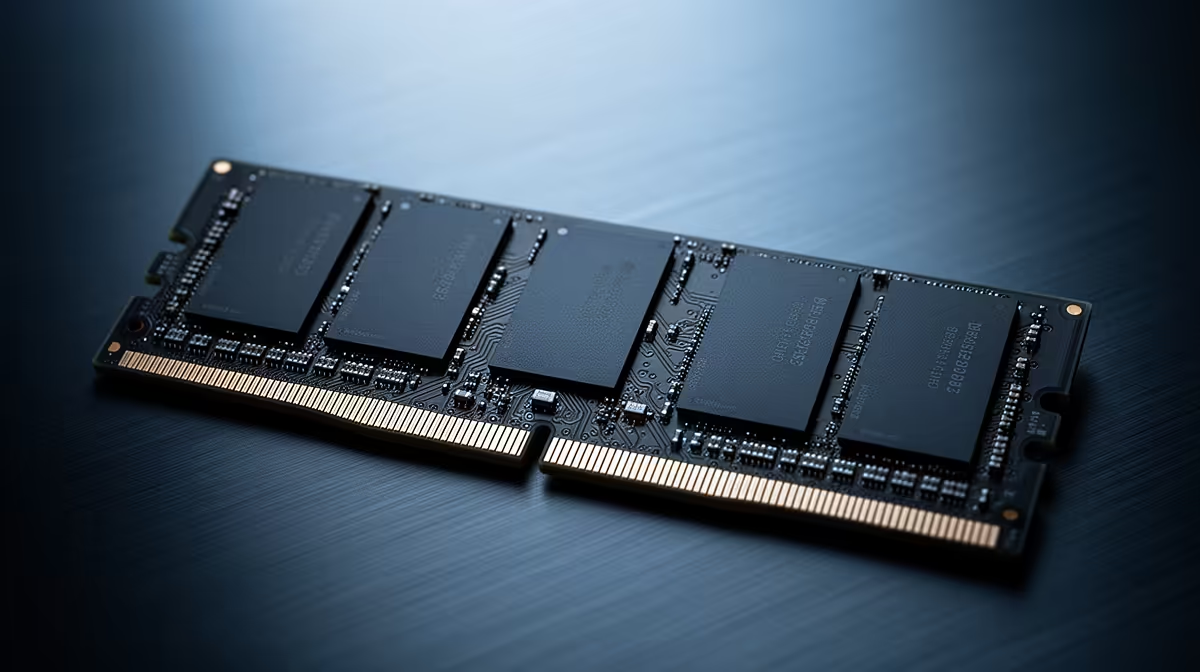
A DDR5 kit box is covered in numbers that rarely match what your system runs at the moment you first switch it on, and 8666MT/s is one of the flashier figures currently printed on Intel-platform packaging. A b860m motherboard rated for that ceiling can genuinely reach it, provided you understand the one step most builders skip.
Quick Answer
DDR5 at 8666MT/s on this R4,499 board is an overclocked speed, not the rate the system boots at by default, and getting there needs memory specifically rated for it plus the matching profile switched on in BIOS. The board supports the ceiling; whether you reach it depends entirely on the kit paired with it.
🧮 What "up to 8666MT/s" actually means
Every DDR5 module has a base JEDEC speed it runs at automatically, sitting well below 8666MT/s. The higher figure on the box is a certified overclocking profile the memory can reach once a compatible board switches it on, not the speed a system defaults to on first boot. That distinction catches out plenty of builders who assume a fast-rated kit performs at its ceiling automatically.
Why boards list a maximum rather than a default
Publishing the top supported speed gives builders a target and a way to compare boards, since stronger rated support generally reflects a sturdier memory subsystem overall, even for people running far more modest kits. The full supported range for this board sits on its dedicated listing.
⚙️ The steps that get you there
Reaching 8666MT/s needs a kit rated for that exact speed, since a slower-rated kit simply cannot be pushed there no matter what the board supports. Once matching memory is installed, switching on the manufacturer's overclocking profile in BIOS applies the higher speed, voltage, and timings the kit was validated at, rather than leaving it parked at its slower default.
Stability at the very top
Pushing memory this hard asks more of both the board's memory subsystem and the CPU's built-in memory controller, so outcomes can vary between individual chips even with identical kits installed. This is ordinary for overclocked speeds generally, and 8666MT/s is worth treating as an achievable ceiling on this board rather than a guaranteed outcome with every combination of parts.
If a system will not boot cleanly at the very top rated speed, dropping one speed tier while keeping the same kit installed usually settles it, since memory controllers vary slightly chip to chip even within the same model line. Most builders never hit this snag, but it is worth knowing before assuming a fast-rated kit is faulty just because the highest advertised figure will not boot first try.
📈 What it actually changes for gaming and work
Faster memory tends to smooth frame pacing and cut minor stutters more than it lifts average frame rates outright, with the clearest benefit in CPU-heavy titles rather than games mostly limited by the graphics card. For everyday desktop tasks, the gap between a mid-speed DDR5 kit and one pushed to 8666MT/s shrinks further still, since most applications are not bandwidth-limited to begin with.
Where a stronger GPU still wins
On a tight budget, a strong graphics card paired with a mid-speed DDR5 kit typically does more for gaming than the reverse. Chasing 8666MT/s is a refinement worth making once the rest of the build, the GPU especially, is already well balanced for what you plan to play.
The genres that show it most
Strategy games, simulation titles, and anything running large open worlds with heavy background calculations lean more on memory speed and CPU performance than purely GPU-bound titles at high resolution. A library skewed toward those genres makes pushing memory speed further up the scale more likely to pay off than it would for a mostly graphics-bound habit.
🧰 Pairing memory with the rest of the platform
Alongside its DDR5 support, this board carries a PCIe 5.0 x16 graphics slot and triple PCIe 5.0 M.2 storage, so a build chasing maximum memory speed can extend that same forward-looking approach to graphics card and storage choices too. For a sense of how memory support compares across the chipset, other boards in the B860 range offer a useful reference before finalising a kit purchase.
Frequently Asked Questions
Does the board run at 8666MT/s straight out of the box?
No, that speed is an overclock reached with a specifically rated memory kit and an enabled BIOS profile, not the default boot speed.
What happens with a slower-rated DDR5 kit installed?
It runs at its own rated speed rather than being pushed to 8666MT/s, since the memory itself must be rated for that ceiling.
Is hitting 8666MT/s guaranteed with the right kit?
Results can vary slightly between individual boards and CPUs even with an identically rated kit, since overclocked speeds are inherently less certain than standard JEDEC speeds.
Does faster memory noticeably lift frame rates?
The bigger effect is usually smoother frame pacing and fewer minor stutters rather than a large average-fps jump, particularly in CPU-heavy games.
Should capacity or speed come first when choosing a kit?
For most builds, having enough capacity to avoid running short matters more day to day than chasing the highest rated speed.
Is enabling a DDR5 overclock profile risky for daily use?
Enabling a manufacturer-validated profile is generally considered safe and reversible, unlike manual overclocking outside rated specifications.
Does the CPU affect how high memory speed can go?
Yes, the memory controller built into your CPU also shapes how far speed can be pushed, so results can vary by CPU even on the same board.
Does running memory below the top speed hurt performance?
No, a mid-speed DDR5 kit at its own rated speed is a stable, ordinary choice, and for most games the gap against the top rated speed is modest.
Do I need to reapply the overclock profile after a BIOS update?
Occasionally, since a BIOS update can reset memory settings to default; it is worth checking the profile is still active and re-enabling it if a system boots noticeably slower after an update.
For the full range of boards this platform is sold on, the complete Intel motherboard range is worth reviewing before finalising a memory and board combination.
Ready to understand what 8666MT/s really means for you?
The ASUS B860M MAX Gaming AX resides among Evetech's Intel B860 motherboard category, geared to reach DDR5 speeds well past what standard kits are rated for.