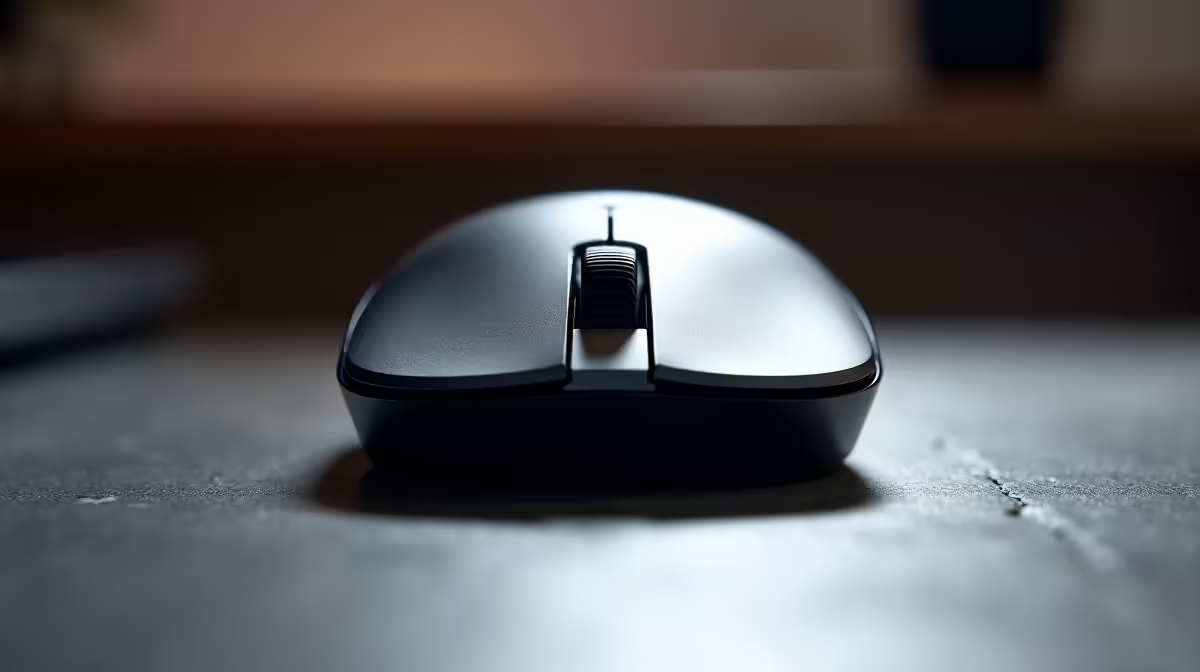
Office mouse specs have a habit of leading with the biggest number. You see "26000 DPI" at the top of the box, the sensor name underneath, and somewhere near the bottom in smaller text the switch rating and polling rate. That ordering reflects marketing priorities, not office priorities. For anyone buying a mouse to use across spreadsheets, document management, and all-day admin, a 4K DPI sensor is only relevant in one specific scenario, and the specs that actually determine whether the mouse is still performing well in year three are the ones that rarely headline a product page.
Quick Answer
Prioritise a 4K DPI sensor only on a 4K monitor or a multi-monitor setup where the extra speed genuinely reduces hand travel. For a single-display office workstation, switch durability and polling consistency matter more. A mouse rated for 10 million clicks with a steady 125Hz poll will outlast and outperform a high-DPI shell with weaker hardware in every typical office task.
🔧 The Case For and Against a 4K Sensor in an Office
DPI is a ratio: dots per inch of hand movement. At 4000 DPI the pointer covers the full width of a 1920-pixel monitor with a hand movement of roughly 12mm. That is fast to the point of being uncontrollable for careful work. The pointer overshoots cells, misses small UI targets, and forces constant correction.
The setup where 4K DPI stops being a nuisance and starts being an asset is a 4K monitor. A 3840-pixel-wide panel needs proportionally more cursor travel to cross at any given DPI, so a higher ceiling actually becomes practical. Add a second monitor beside a 4K primary and the combined 7680 horizontal pixels make a high-DPI sensor a genuine productivity asset, reducing the arm sweep needed to move between applications.
For a standard single 1080p or 1440p display, the sensor ceiling matters less than the floor. A sensor that tracks cleanly at 800 and 1000 DPI, without jitter or acceleration at those low settings, is worth more than one rated to 26000 DPI that wobbles at the settings you will actually use.
📊 Switch Rating: The Spec That Determines Longevity
A mouse switch is the mechanism inside each clickable button. Every click is a mechanical event with a finite lifespan, and the switch rating tells you how many cycles the manufacturer has tested the mechanism to handle reliably.
Entry-level switches in budget mice typically carry a rating of 3 to 5 million clicks. Mid-range office mice commonly land between 10 and 20 million. The arithmetic is instructive: an office worker clicking conservatively, say 2,000 deliberate clicks per day across spreadsheets and email, will reach 5 million clicks in roughly seven years. A heavy user who clicks 5,000 times daily gets there in under three years.
When a switch degrades it does not always fail silently. Double-clicking on single press, erratic registration, and a mushy or unresponsive feel are the symptoms. By the time those appear, the switch is already at or past its rated life. Buying a mouse with a 20-million-cycle switch rating from the start means the mechanism outlasts several operating system upgrades and is not the reason you replace the device.
Why Switch Material Matters Beyond the Rating
The physical switch construction also determines tactile consistency. Optical switches, which use a light beam to register the click without physical contact between metal components, do not degrade the same way mechanical switches do. They tend to stay crisp across their rated lifespan rather than softening gradually. For heavy office users who want consistent tactile feedback from day one to year four, an optical switch mouse is worth comparing against the equivalent mechanical-switch option at the same price point.
⚡ Polling Rate for Office Navigation
Polling rate is how frequently the mouse reports its position to the PC, measured in Hz. A 125Hz mouse updates 125 times per second. A 1000Hz mouse updates 1000 times per second. The difference matters enormously for gaming, where an 8ms update interval versus a 1ms interval changes reaction-based performance. For office work, the gap is largely imperceptible.
At 125Hz, cursor movement across a document or spreadsheet feels smooth and responsive. The pointer does not stutter or lag in any way that affects productivity. The main practical advantage of a higher polling rate for an office user is not smoothness but a slight reduction in the micro-lag felt when the cursor changes direction sharply. If you use CAD or detailed illustration tools alongside standard office software, 500Hz is worth considering. For pure admin, 125Hz is sufficient and draws less CPU processing overhead than 1000Hz polling.
Pro Tip ⚡
If you are considering two mice at a similar price, check the switch lifespan rather than the DPI ceiling. A mouse rated for 20 million clicks costs Evetech buyers roughly the same as one rated for 5 million, but the difference in how long it performs reliably is measured in years of daily use, not percentage points of spec-sheet DPI.
🖱️ Build Material and Surface Finish
The casing material affects daily comfort in ways spec-sheet comparisons rarely capture. A matte-coated shell resists fingerprint oils and the perspiration that accumulates on palm contact during warm SA afternoons, particularly in humid coastal cities. Glossy shells show every mark and develop a slick surface film over months that changes the grip texture.
Weight is secondary to distribution. A balanced mouse where the front and back carry roughly equal mass tracks more predictably than a back-heavy shell. For long sessions, a lighter overall weight, under 100 grams, reduces the fatigue of repeated lift-and-reposition movements during document work where large cursor traversals are common.
Frequently Asked Questions
Which spec should office buyers check first?
Switch rating. A mouse graded for 10 to 20 million clicks reliably outlasts a higher-DPI model with a weaker mechanism. Most daily office tasks run below 2000 DPI, so the sensor ceiling rarely determines performance, but switch durability determines how long the mouse stays consistent.
When does a 4K DPI sensor justify the priority on an office spec sheet?
Only on a 4K monitor or a desk running three or more displays. At those resolutions and workspace widths, a high DPI ceiling genuinely reduces hand travel. On a single 1080p or 1440p screen, most users dial the sensor back to 1000 or 1200 DPI and the high ceiling goes unused.
Does polling rate make a noticeable difference for spreadsheet work?
Marginally. 125Hz is smooth and responsive for admin, data entry, and document navigation. The perceptible difference between 125Hz and 1000Hz for spreadsheet work is close to zero. Higher polling rates benefit fast directional changes in gaming and illustration rather than the slower, deliberate cursor movements of office use.
Why do manufacturers list 4K DPI if most office users set it lower?
The high ceiling provides headroom and future compatibility with higher-resolution monitors. A sensor floor that tracks accurately at the settings you use daily, typically 800 to 1600 DPI, matters more than the maximum number, but marketing naturally leads with the larger figure.
Should I factor in wireless latency when evaluating office mouse specs?
Yes. A 2.4GHz dedicated dongle adds under 8ms of latency, which is imperceptible in office use and more consistent than a Bluetooth connection that competes with other devices for wireless bandwidth. In a busy Cape Town or Joburg office with multiple Bluetooth peripherals, a dongle-based wireless connection is steadier than Bluetooth and avoids the periodic stutter that Bluetooth congestion can introduce.
Is casing material worth comparing on an office mouse spec sheet?
It is. A matte-coated shell maintains its grip texture over months of daily use and resists the surface film that glossy plastic develops. For an office environment in coastal SA where ambient humidity is higher, the difference between matte and gloss finish is noticeable within a few weeks of regular palm contact.
Ready to choose an office mouse on specs that actually matter?
Browse the full office and productivity mouse range at Evetech and find a model with the switch durability and ergonomic build that will still feel as good in year three as it does on day one.