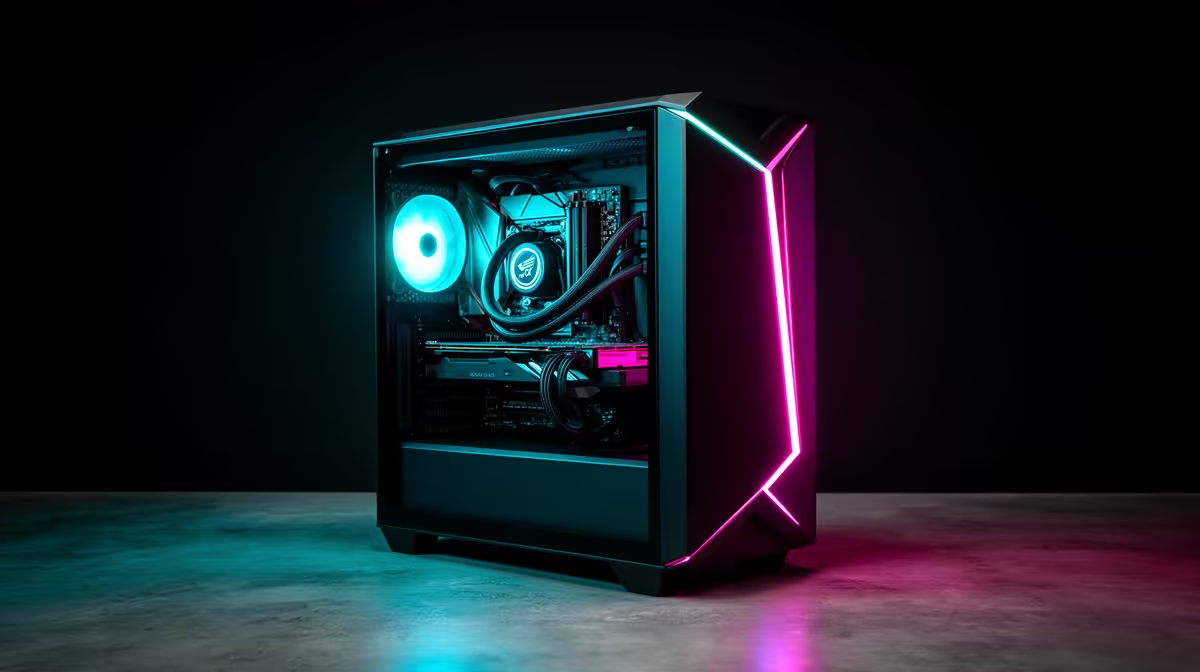
A display PC can offer a real saving and has spent time powered, handled or tested outside a sealed box. Before buying a demo gaming PC, verify condition, included parts, dated price and written warranty coverage.
Quick Answer
A demo-unit gaming PC can be worth buying in 2026 when the discount is tied to one identified machine, its condition is documented, the full specification matches the listing and the written warranty plus return terms suit you. Display or test use does not make the internals inferior by definition. It does create an inspection job. Compare the demo unit with the current new price for the same parts, then judge cosmetic wear, usage evidence and cover before paying.
Demo, open-box and refurbished describe different histories
A demo PC may have been displayed, photographed or used for testing. An open-box item may have had its packaging opened or been returned without extended use. A refurbished machine may have been inspected, repaired or restored through a defined process.
Those labels can be used differently by sellers. Ask for the status of the exact serialised unit in writing. Find out whether parts were replaced, whether the operating system was reset and whether original packaging or accessories are missing.
The machine on the page needs to be the machine you receive. Record the case, CPU, GPU, motherboard, RAM capacity and speed, SSD, cooler, PSU and operating-system licence from the listing.
The discount needs a current control
An old original price is weak evidence of value. Build a current comparison from the same components or a new system with equivalent gaming performance and support.
Check model detail. An RTX family name can cover several VRAM capacities and board designs. A Ryzen 7 or Core i7 label covers many generations. The PSU wattage alone does not tell you the platform or cable standard.
Include missing accessories in the comparison. A replacement Wi-Fi antenna, power cable, case panel or recovery media can erode a small discount. Cosmetic marks may be easy to accept when the saving is large and documented.
Use the gaming PC deals to build the new-system control. The PC best-seller page gives you another live view of popular configurations.
Ask for condition evidence
Request clear photos of the front, side glass, rear ports, feet and internal layout when the listing does not show the individual unit. Look for scratches, missing slot covers, bent USB ports, chipped glass and dust packed into radiators or filters.
A clean case does not prove low use. Storage power-on hours and health data can add context, while they do not measure GPU or CPU history. Check whether the seller permits a health report or inspection before collection.
Display use may mean many idle hours with lighting on. Test every fan and RGB zone you care about. A fan that starts, stops or clicks at one speed deserves attention.
Run a structured acceptance test
Begin with identity. Confirm the serial numbers and hardware list against the invoice. Open system information and a hardware monitor to verify CPU, GPU, RAM and drives.
Then test in stages:
- Inspect ports, glass, filters, screws and cable routing with power off.
- Boot from cold and listen for fan, pump or drive noise.
- Check memory capacity, channel arrangement and storage health.
- Run separate CPU and GPU loads while logging temperature, clocks and errors.
- Run a game that loads both components and watch frame time.
- Test Ethernet, Wi-Fi, Bluetooth, audio, front USB and every display output you need.
Do not chase an aggressive stress test for hours. You want repeatable evidence that the shipped configuration is stable at stock settings. Return BIOS overclocks or tuning profiles to agreed defaults before the baseline.
Cooling tells you how the display period was handled
Record idle and sustained temperatures with the room temperature. Check whether fans ramp smoothly and whether the GPU holds expected clocks for the exact model.
Dust is serviceable. A dried pump, noisy bearing or damaged fan needs a repair decision. Ask who will handle that fault and how it affects the unit's written cover.
Inspect liquid-cooler tubes for rubbing and case radiators for bent fins or blocked filters. Keep hands clear of fans and avoid opening sealed components during inspection.
Warranty must be exact and written
Do not infer cover from the word demo. Read the invoice, product page and warranty terms for the individual PC. Confirm the start date, duration, covered components, remedy process and whether any manufacturer warranties have different dates.
Ask how cosmetic condition is recorded so an existing mark is not confused with transport damage. Photograph the unit at collection or unpacking and keep the serial list.
Your South African consumer remedies turn on the evidence, sale terms and law in force. The National Consumer Commission and Consumer Goods and Services Ombud publish authoritative guidance and escalation processes. Get advice from the relevant authority when a dispute turns on legal rights.
Transport can create a new fault
A heavy graphics card can strain its slot during movement. Ask whether the card will be supported or packed separately, and follow the builder's instructions before first boot. Keep expanding foam and packing material away from power-on.
Tempered-glass panels need careful handling on a clean surface. Check the box and internal supports before signing off on collection damage.
Once home, repeat the cold boot and short game test. A connector can loosen during transport even when the shop test passed.
Upgrade value depends on ordinary parts
Check motherboard expansion, spare memory slots, PSU capacity, GPU clearance and cooler support. Proprietary connectors or a locked case layout can limit later changes.
A demo discount is attractive when the PC already fits your next two years. Buying it because it is cheap and replacing the PSU, storage and cooling at once can cost more than a new balanced build.
Use a pass-or-walk checklist
Buy when the exact machine matches its specification, passes the agreed tests, carries written cover you accept and beats a current equivalent by enough to reflect its history and cosmetic state.
Walk away when the hardware identity is vague, condition cannot be documented, testing is refused or warranty answers shift between conversations. A demo unit should reduce the price, not reduce the evidence.
FAQ
Is a demo unit the same as refurbished?
No fixed definition covers every seller. Ask for the exact unit's use, repairs, replaced parts and inspection process in writing.
Can a demo PC have cosmetic wear?
Yes. Inspect and photograph the case, ports, glass and accessories, then make sure the agreed condition appears on the sale record.
Does a demo unit have a full warranty?
Do not assume it. Confirm the duration, start date, component coverage and remedy process for the exact serialised PC before purchase.
Compare the demo PC with a current new build, inspect the serialised unit and accept it only with written condition and warranty terms.