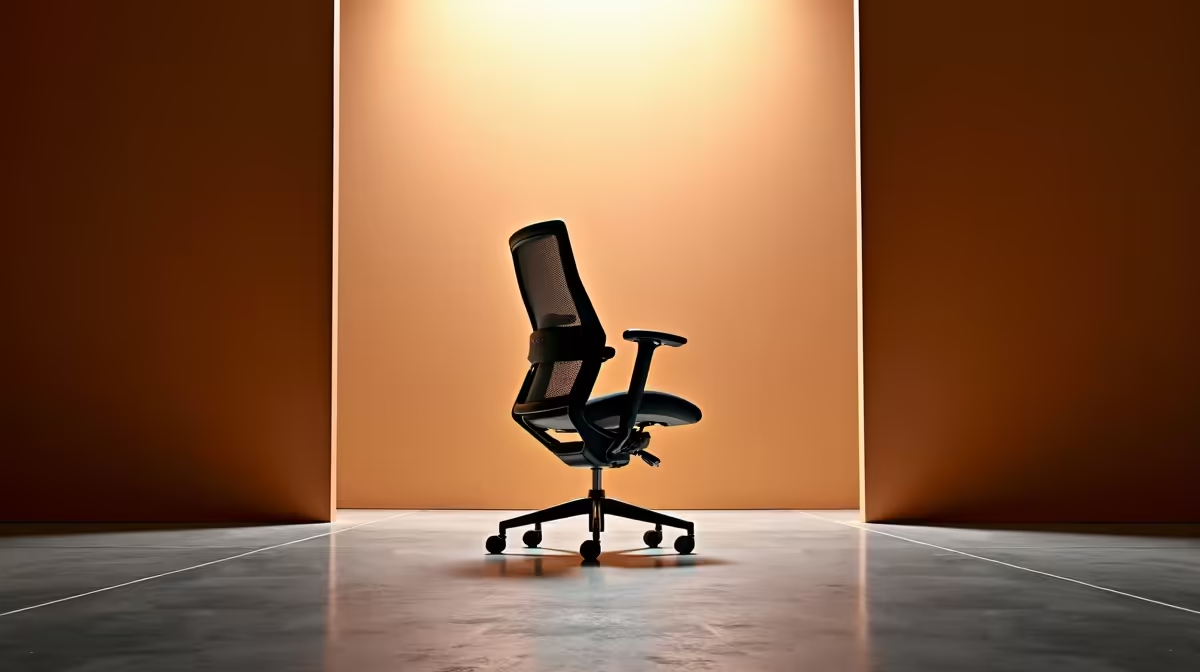
A design student should choose an ergonomic office chair by testing drawing, keyboard and screen positions at the actual desk. Evetech factpacks contain no confirmed office-chair SKU and price. Gaming-chair references can guide dimensions, but the student needs seat depth, lumbar support and armrest clearance that fit their body.
Match the chair to creative tools
Measure desk height, user height and the distance to a pen tablet or mouse. Compare adjustable seat depth, lumbar position, armrest range, recline, fabric, weight rating and warranty. Armrests should support the elbows without blocking close access to the drawing surface.
The HBADA E3 Pro has a verified R5,700 price as one chair reference. The AutoFull A4 RGB provides a second gaming-chair reference at a verified R4,750. Neither model should be treated as an office-fit guarantee without checking current dimensions and sitting in it where possible.
The Logitech Lift Vertical Ergonomic mouse carries a verified R956 price for a different hand posture after size and operating-system checks. Chair, mouse and keyboard positions interact, so adjust the whole desk before blaming one accessory.
Recreate a studio deadline
Sketch, edit and write for several work blocks. Note pressure behind the knees, lower-back support and shoulder tension. Move one control at a time and keep the setting that reduces strain. Persistent numbness or pain needs assessment from a qualified health professional.
Buy the chair that supports the measured workflow and fits through the room entrance. A striking colour or tall back should not crowd the camera frame or shared space.
Building a design-study desk? > Ask Evetech to compare current chairs and ergonomic input devices.