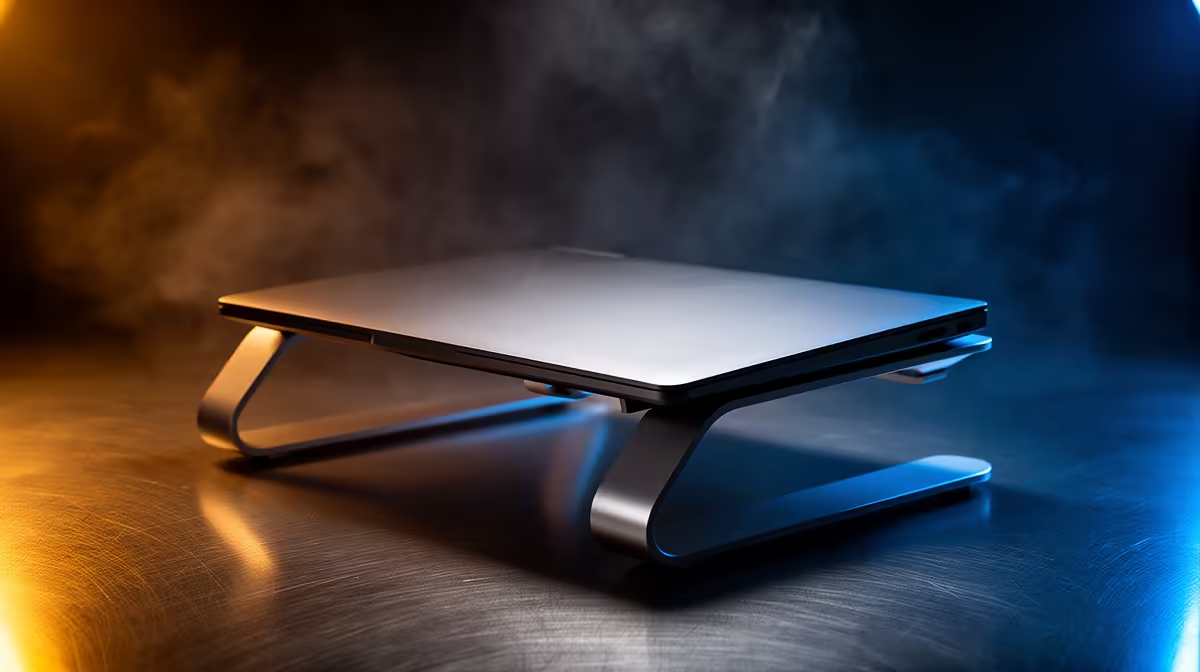
A design student should start with the ASUS Vivobook S14 OLED at R10,719 because its OLED screen suits colour-sensitive sketching, layout review, and portfolio work on a raised laptop stand. A stand matters most when it lifts the screen to eye level, leaves room for a drawing tablet or notebook, and keeps the keyboard area from taking over a compact study surface.
Stand Fit For Design Work
The ASUS Vivobook S14 OLED at R10,719 is the strongest creative pick here because OLED is useful when checking contrast, presentation slides, mood boards, and visual detail. Pair it with a firm, ventilated stand so the display sits higher while the base stays stable during long editing sessions.
The Lenovo IdeaPad Slim 3 i7 at R13,400 and ASUS Vivobook X1504VA i7 at R13,999 make sense for students who want i7 performance for heavier coursework, browser tabs, and design apps. On a stand, either model should sit beside an external mouse so wrist movement stays natural instead of cramped.
Student Desk Setup In SA
On a res desk, shared flat desk, or small creator desk, the Lenovo LOQ RTX3050 at R9,500 is useful when coursework overlaps with 3D scenes, GPU-assisted work, or gaming after class. The RTX3050 spec makes it the more graphics-focused option, but it needs a sturdier stand than a slim notebook because the chassis should not wobble while typing.
The ASUS ExpertBook P1503 i5 at R9,858 is a practical value pick for lecture notes, research, and admin, while the ASUS ExpertBook P5405 at R12,700 gives a more premium ExpertBook option for students who want a cleaner daily work setup.
Ready to choose the right laptop?
Use ASUS ExpertBook P1503 i5 at R9,858 as the student desk benchmark, then check whether its listed spec matches the space, workload, and upgrade path.