


Maintain Wired Headset: Tips to Extend Lifespan
Maintain wired headset — Checklist: • inspect cables • clean earpads • store properly 🔧🎧 Practical steps to preserve sound quality and avoid premature replacements.
Read moreDisplayPort over USB-C lets Lenovo laptops drive multiple monitors—learn docking, MST hub, and cable choices plus step-by-step setup and bandwidth tips. 🔌🖥️
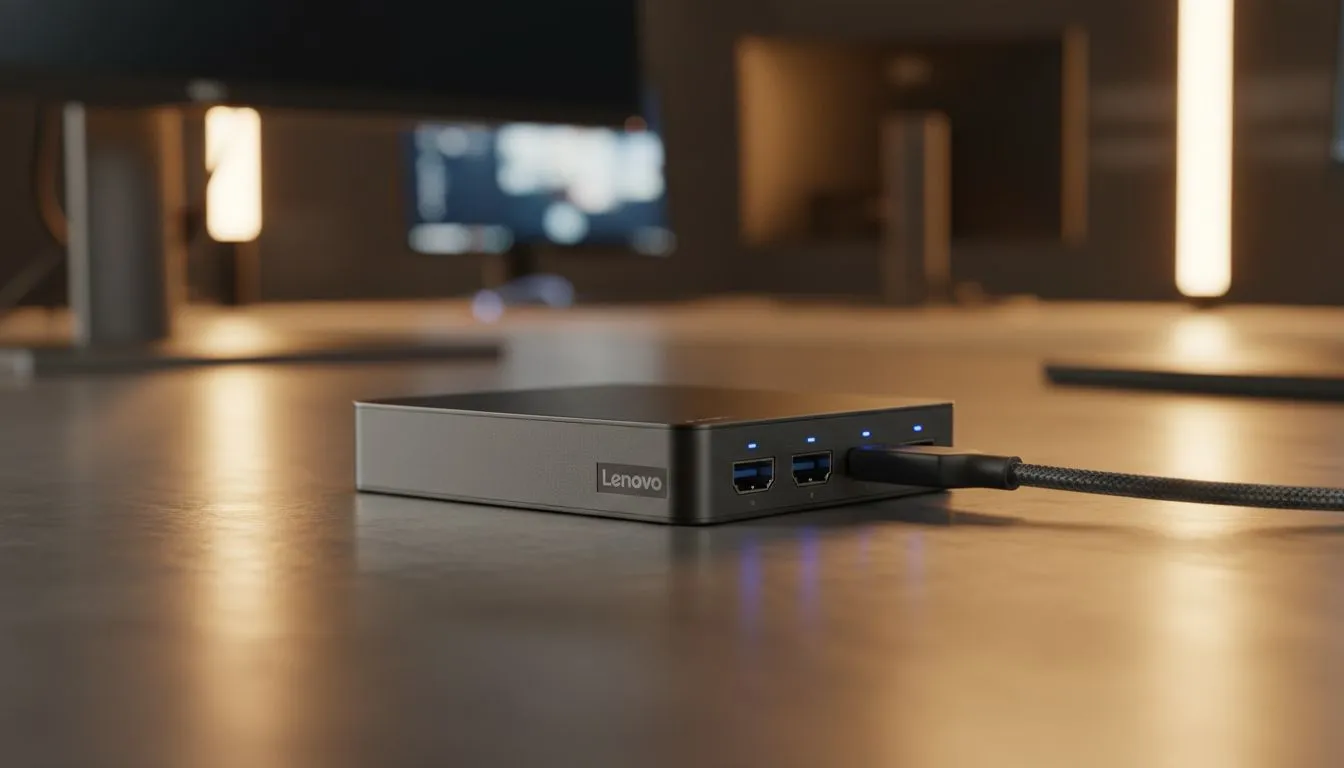
Tired of squinting at a single laptop screen while trying to game and stream? You need more pixels. Most modern South African setups now rely on DisplayPort Over USB-C to connect multiple monitors without the clutter of bulky docking stations. It is the cleanest way to turn your portable rig into a full-blown command centre. Let's look at how this tech works and how you can use it.
DisplayPort Alt Mode allows a USB-C port to carry high-definition video signals. It works just like a dedicated DisplayPort cable but fits into a much smaller connector. Many users looking for Intel laptops on special often overlook this feature during their search. If your port has a small "D" icon or a lightning bolt, you are likely ready to expand your view. This technology enables high refresh rates and crisp resolutions through a single, slim cable... making your desk look cleaner than ever. 🔧
Daisy chaining is the secret to a professional desk layout. You connect your laptop to one monitor, then connect that monitor to a second one. This requires Multi-Stream Transport (MST) support. When you are browsing the latest Ryzen laptop deals, check if the device supports DP 1.4. This version provides enough bandwidth for dual 1440p setups at 60Hz or higher. It simplifies your life by reducing cable spaghetti... a must for any serious South African gamer or creator.
Not all USB-C cables are created equal. To ensure your multi-monitor setup runs at high refresh rates, use a cable specifically rated for USB 3.2 Gen 2 or higher. A basic charging cable will often fail to carry the necessary video bandwidth, leading to flickering or no signal at all.
For those pushing high frames in titles like Apex Legends or Valorant, bandwidth is everything. If you are eyeing geforce RTX gaming laptops on special, you will want to utilise the full potential of DisplayPort. It supports G-Sync and FreeSync, which are vital for smooth gameplay. High-end GPUs need that direct pipeline to your monitors to avoid latency issues. Why settle for a cramped screen when you can have a panoramic view of the battlefield? 🚀
You do not need to break the bank to build a productive workspace. Even when looking at gaming laptops under R20k, many models include at least one Alt-Mode capable port. This allows budget-conscious South Africans to expand their screen real estate for university work or side hustles. It is about working smarter... not just spending more. One screen for your research and another for your document makes a world of difference.
Before you commit to a new monitor, always verify your specific laptop port specifications. You can find excellent hardware in our latest best gaming laptop deals section. Ensure your monitors also have DisplayPort-out ports if you plan on daisy chaining. If they do not, a high-quality USB-C hub with dual HDMI or DisplayPort outputs will be your best friend. ✨
Ready to Expand Your Vision? Setting up multiple monitors is the ultimate way to boost your productivity and gaming immersion. Explore our massive range of laptop specials and find the perfect machine to power your multi-display dream today.
Yes. If your Lenovo supports DisplayPort Alt Mode or Thunderbolt, you can use a USB-C dock or MST hub to connect dual or more monitors.
It depends on DP Alt Mode and bandwidth. Typically 1–2 displays natively, or up to 3 with an MST hub or a powered docking station.
A USB-C to DisplayPort cable works for one monitor. For multiple monitors use a USB-C docking station or an MST hub for additional outputs.
MST (Multi-Stream Transport) splits a single DisplayPort stream across monitors; an MST hub or compatible dock enables daisy-chaining multiple displays.
No. Only Lenovo models with USB-C ports that support DisplayPort Alt Mode or Thunderbolt 3/4 can output DisplayPort over USB-C.
Connect a compatible dock or MST hub to the USB-C port, attach monitors, then set display mode to Extend in Windows Display Settings.
Check cables and drivers, ensure the dock has power, and verify the hub supports the required resolution—bandwidth limits can prevent an extra display.
Maintain wired headset — Checklist: • inspect cables • clean earpads • store properly 🔧🎧 Practical steps to preserve sound quality and avoid premature replacements.
Read more
Fix crackling headset fast: step-by-step checks for cables, connectors, drivers, and settings to remove static or distorted audio on wired headsets 🎧⚙️
Read more
Stereo vs mono headsets: learn which delivers clearer calls, better spatial music, or simpler mono voice performance — pick the right headset for meetings, music, or gaming 🎧💬
Read more
- Compare gaming headset vs studio headphones; - Assess comfort, mic and sound; - Recommend best daily picks. Gaming headset vs studio headphones: learn which suits work, music and casual gaming. 🎧⚖️
Read more
- Check pressure points - Compare earcup materials - Adjust clamp and fit Best gaming headsets for glasses: quick guide to reduce temple pressure, pick breathable memory foam earcups, and optimize fit for long sessions 🕹️👓
Read more
Gaming microphone noise reduction: Use beamforming mics, AI noise suppression, and hardware filters to cut background noise and boost in-game voice clarity. 🎧⚙️ Learn setups, settings, and top mic features.
Read more
Snapdragon X2 NPU Explained: How 80 TOPS Changes. Plain-English explanation of what it means, why it matters & how it affects your buying decisions in SA.

HBM? High Bandwidth Memory Used in GPUs and AI. Plain-English explanation of what it means, why it matters & how it affects your buying decisions in SA.

How much should you spend on sim racing accessories in South Africa for a realistic setup? We break down budgets by quality tiers, so you buy smart gear and avoid overspending 🎮💸

G-Sync and FreeSync? Variable Refresh Rate. Plain-English explanation of what it means, why it matters & how it affects your buying decisions in SA.

AMD Laptop: Value. SA-focused analysis with local pricing data, real-world insights & actionable buying advice.

How MacBook Neo Handles 30+ Chrome Tabs with Only. SA-focused analysis with local pricing data, real-world insights & actionable buying advice.

Why Apple Put 8GB RAM in MacBook Neo: The A18 Pro. SA-focused analysis with local pricing data, real-world insights & actionable buying advice.

Upgrade your work laptop with a New Motherboard. Step-by-step instructions with SA-specific tips, common pitfalls to avoid & expert recommendations.
Maintain wired headset — Checklist: • inspect cables • clean earpads • store properly 🔧🎧 Practical steps to preserve sound quality and avoid premature replacements.
Fix crackling headset fast: step-by-step checks for cables, connectors, drivers, and settings to remove static or distorted audio on wired headsets 🎧⚙️
Stereo vs mono headsets: learn which delivers clearer calls, better spatial music, or simpler mono voice performance — pick the right headset for meetings, music, or gaming 🎧💬
- Compare gaming headset vs studio headphones; - Assess comfort, mic and sound; - Recommend best daily picks. Gaming headset vs studio headphones: learn which suits work, music and casual gaming. 🎧⚖️