


RTX 4060 Ti Throttling Under Load: SA Temperature Guide
RTX 4060 Ti Throttling Under Load: Temperature. Everything you need to know with SA pricing, step-by-step instructions & expert recommendations.
Read moreDisplayPort vs HDMI 2.1 — decide the best way to connect your 4K 240Hz monitor. Learn which port, cable, and GPU settings unlock stable 4K@240Hz performance 🔌🎮
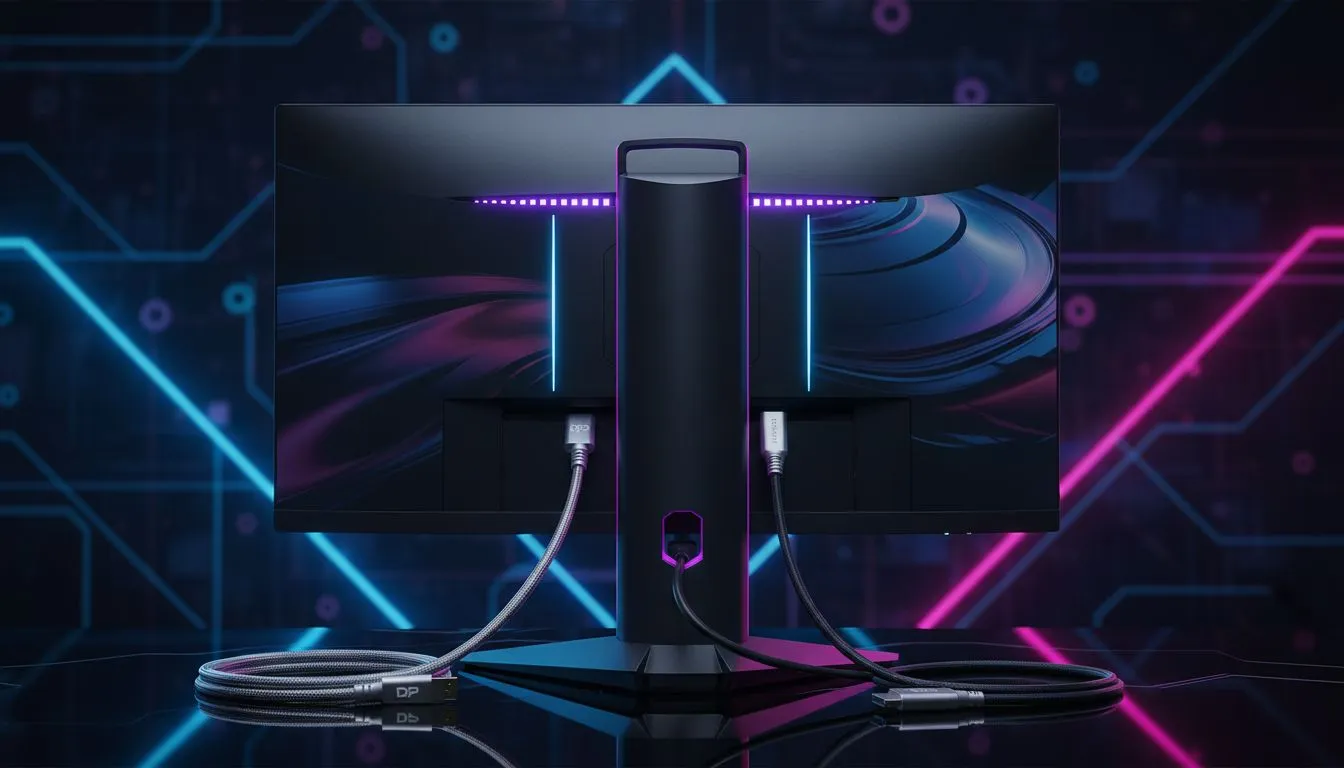
You just unboxed a beastly 4K 240Hz monitor. It is the pinnacle of South African gaming setups. But you are staring at two cables: DisplayPort and HDMI. If you pick the wrong one, you are capping your performance. Let us settle the DisplayPort vs HDMI 2.1 debate so you can actually hit those frame rates. ⚡
Choosing the right connection is about more than just plugging things in. It is about bandwidth. When you look at the best PC monitor deals, you will notice that high refresh rates are the new standard. To push 4K at 240Hz, your cable must handle a massive amount of data every second.
Standard PC monitors often rely on older standards... but you are not looking for standard. HDMI 2.1 offers a bandwidth of 48Gbps. This is enough to handle 4K at 120Hz natively. To reach 240Hz, it uses Display Stream Compression (DSC). This is a visually lossless technology that shrinks the data size without ruining your image quality.
DisplayPort 1.4 is also very common. However, it has a lower raw bandwidth of 32.4Gbps. It relies heavily on DSC to hit those high refresh rates. If you are browsing all gaming monitors for the ultimate competitive edge, DisplayPort is usually the "PC first" choice. It plays better with Nvidia G-Sync in many older configurations.
Not all cables are created equal. Even if your GPU and monitor support HDMI 2.1, a cheap R100 cable from a local supermarket might cause flickering or black screens. Always look for "Ultra High Speed" certification for HDMI or "DP8K" for DisplayPort to ensure you get the full 240Hz experience without signal dropouts.
The choice often depends on your hardware. If you are using a modern RTX 40-series card, both options are viable. The immersion offered by curved monitors at 4K is incredible... but only if the signal is stable. HDMI 2.1 is generally better if you also plan to connect a PS5 or Xbox Series X to the same screen.
Interestingly, even portable monitors are starting to adopt these higher standards for pro-grade editing on the go. But for a desktop powerhouse, DisplayPort 2.1 is the future king. It offers up to 80Gbps, which handles 4K 240Hz without any compression at all.
Investing in high-end 5K and 4K monitors requires a bit of technical planning. If your monitor and GPU both support DisplayPort 2.1, use it. It is the most robust connection available today. If you are limited to DP 1.4 versus HDMI 2.1, the HDMI 2.1 port often provides more raw bandwidth before compression kicks in. 🚀
Do not forget to check your monitor accessories for the correct cable length. Longer cables can sometimes lose signal integrity at 240Hz... keep them under two metres if possible for the best results.
Ready to Find Your Perfect Match? The DisplayPort vs HDMI 2.1 debate is vital for high-end gaming, and choosing the right screen is the first step toward victory. Explore our massive range of gaming monitors and find the perfect display to dominate your favourite titles.
Some HDMI 2.1 implementations can, but you need full 48 Gbps bandwidth, a certified HDMI 2.1 cable, and GPU support for 4K@240Hz.
DisplayPort (especially DP 2.0) offers higher bandwidth headroom and consistent support, making it the safer choice for 4K@240Hz gaming.
Use a certified HDMI 2.1 high speed cable or a DisplayPort 1.4+ (with DSC) or DP 2.0 cable depending on your monitor and GPU.
Yes. Check GPU specs: it must output the required bandwidth and support the resolution/refresh via HDMI 2.1 or DisplayPort.
Update GPU drivers, connect with a compliant cable, then set 3840x2160 at 240Hz in Display Settings or your GPU control panel.
Many HDMI 2.1 monitors support variable refresh (VRR), but verify the monitor spec; DisplayPort historically had wider adaptive sync support.
DP 2.0 offers more bandwidth and flexibility for higher resolutions and refresh rates, making it more future-proof for 4K@240Hz and beyond.
RTX 4060 Ti Throttling Under Load: Temperature. Everything you need to know with SA pricing, step-by-step instructions & expert recommendations.
Read more
Apex Legends Max Settings on RTX 4080. Tested & verified settings for best FPS and visual quality on SA hardware budgets.
Read more
GPU Buying Guide. Everything you need to know with SA pricing, step-by-step instructions & expert recommendations.
Read more
GPU Terms Guide. Everything you need to know with SA pricing, step-by-step instructions & expert recommendations.
Read more
AMD Adrenalin Download & Setup Guide: GPU. Clear setup instructions with SA-specific considerations, troubleshooting tips & recommended components.
Read more
Back-to-School GPU Buying Guide. Everything you need to know with SA pricing, step-by-step instructions & expert recommendations.
Read more
Snapdragon X2 NPU Explained: How 80 TOPS Changes. Plain-English explanation of what it means, why it matters & how it affects your buying decisions in SA.

HBM? High Bandwidth Memory Used in GPUs and AI. Plain-English explanation of what it means, why it matters & how it affects your buying decisions in SA.

How much should you spend on sim racing accessories in South Africa for a realistic setup? We break down budgets by quality tiers, so you buy smart gear and avoid overspending 🎮💸

G-Sync and FreeSync? Variable Refresh Rate. Plain-English explanation of what it means, why it matters & how it affects your buying decisions in SA.

AMD Laptop: Value. SA-focused analysis with local pricing data, real-world insights & actionable buying advice.

How MacBook Neo Handles 30+ Chrome Tabs with Only. SA-focused analysis with local pricing data, real-world insights & actionable buying advice.

Why Apple Put 8GB RAM in MacBook Neo: The A18 Pro. SA-focused analysis with local pricing data, real-world insights & actionable buying advice.

Upgrade your work laptop with a New Motherboard. Step-by-step instructions with SA-specific tips, common pitfalls to avoid & expert recommendations.

Maintain wired headset — Checklist: • inspect cables • clean earpads • store properly 🔧🎧 Practical steps to preserve sound quality and avoid premature replacements.

Fix crackling headset fast: step-by-step checks for cables, connectors, drivers, and settings to remove static or distorted audio on wired headsets 🎧⚙️

Stereo vs mono headsets: learn which delivers clearer calls, better spatial music, or simpler mono voice performance — pick the right headset for meetings, music, or gaming 🎧💬

- Compare gaming headset vs studio headphones; - Assess comfort, mic and sound; - Recommend best daily picks. Gaming headset vs studio headphones: learn which suits work, music and casual gaming. 🎧⚖️