Quick Answer
For 8K at 60Hz, DisplayPort 2.1 is the correct choice. HDMI 2.1 can technically carry 8K/60Hz but requires Display Stream Compression, while DisplayPort 2.1 delivers uncompressed 8K/60Hz at full bandwidth. If your monitor and GPU both support DP 2.1, use it.
Why DisplayPort Wins at 8K Resolution 🖥️
DisplayPort 2.1 offers up to 80 Gbps of raw bandwidth via the UHBR20 specification, which comfortably handles 8K at 60Hz without compression. HDMI 2.1 tops out at 48 Gbps, meaning it uses Display Stream Compression to hit 8K/60Hz, introducing a minor encoding step between your GPU and display. For gaming, this is largely imperceptible. For colour-critical creative work, uncompressed DP 2.1 is preferable. Modern GPUs like the RTX 5090 and RX 9070 XT include DP 2.1 outputs, and most 8K monitors prioritise DP 2.1 as their primary high-bandwidth port.
Where HDMI Still Makes Sense 📺
HDMI is the right call when connecting a PC to a television rather than a dedicated monitor. Most 8K TVs ship with HDMI 2.1 ports and no DisplayPort, so HDMI becomes your only option. It also carries audio natively, which matters for home-theatre setups. If you are running a gaming PC connected to a large-screen TV in your lounge, HDMI 2.1 with a certified 48G cable works perfectly. For SA buyers, 8K TVs are still rare and expensive, generally starting well above R80,000, so the practical market remains monitor-focused for now.
Choosing the Right Cable in South Africa 💰
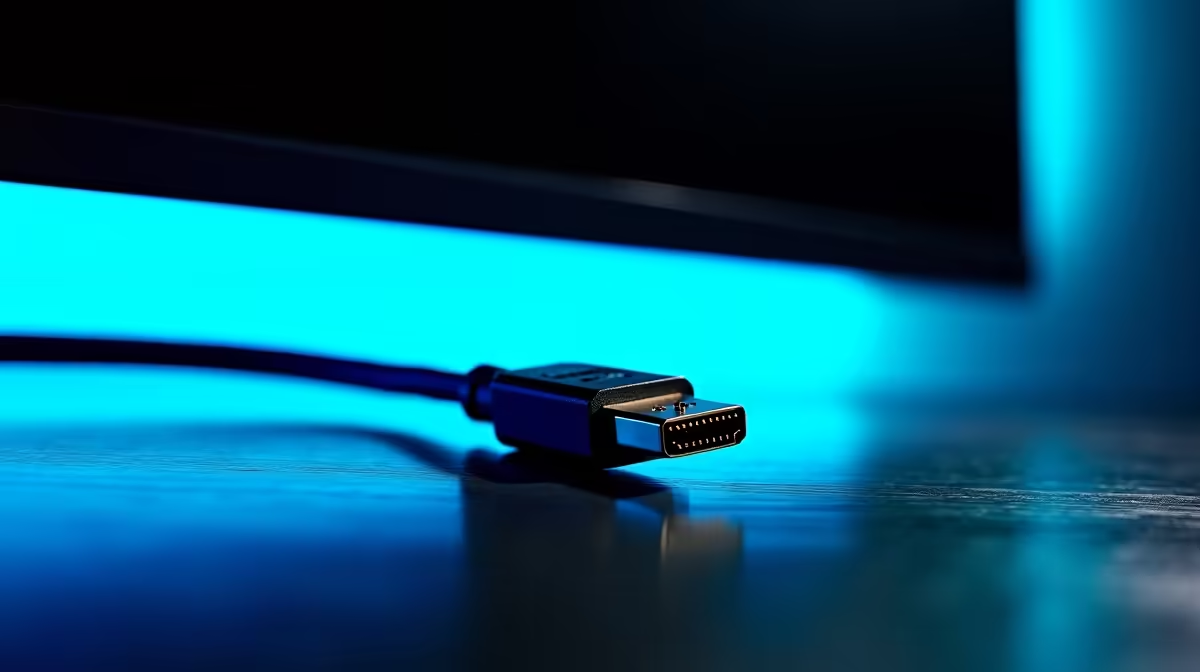
Not all cables labelled DisplayPort or HDMI are built for 8K bandwidth. Look for cables certified to DP 2.1 or HDMI 2.1 48G standards. Cheap cables lacking proper shielding drop signal under sustained 8K output. Quality DP 2.1 cables stocked locally run from around R350 to R700 for 1.8m to 2m lengths. HDMI 2.1 48G certified cables in similar lengths sit in a comparable range. Aluminium-shell connectors and braided sleeving improve durability and reduce signal interference at high bandwidths. Always verify that your GPU output port and monitor input port match the cable specification before purchasing.
Check Both Ends Before Buying ⚡
Before ordering a DP 2.1 cable, confirm your GPU model's output spec and your monitor's input spec in the manual. Many 4K monitors only accept DP 1.4, and a DP 2.1 cable on a DP 1.4 port simply runs at the lower spec. Matching cable and port versions saves a return trip.
FAQ
Can I use an HDMI to DisplayPort adapter for 8K?
Passive adapters will not work for 8K bandwidth. Active adapters exist but introduce latency and compression and are not certified for uncompressed 8K/60Hz. Use a native DP 2.1 cable direct from GPU to monitor where possible.
Does cable length affect 8K signal quality?
Yes. At 8K bandwidth, cables beyond 2m can experience signal degradation without active signal boosting. Stick to 1.8m or 2m certified passive cables for desktop setups, or choose an active cable for longer runs.
Is DisplayPort 2.1 backward compatible with DP 1.4 monitors?
Yes, DP 2.1 is fully backward compatible. A DP 2.1 cable on a DP 1.4 monitor negotiates down to DP 1.4 bandwidth automatically, so there is no compatibility issue.
Ready to connect your 8K display correctly?
Evetech stocks certified DisplayPort 2.1 and HDMI 2.1 cables suited for high-bandwidth gaming and creator setups. Browse the full cable range at Evetech.