Quick Answer
Yes, built-in GPU braces genuinely prevent graphics card sag over time. A triple-fan flagship GPU weighing 1.8 kg to 2.4 kg will measurably sag in the PCIe x16 slot within months without support, placing stress on the slot contacts and the GPU PCB. A proper brace or support bracket eliminates that deflection entirely.
Why GPU Sag Is a Real Concern for Current-Gen Cards 🎮
Modern high-performance GPUs are heavier than at any previous point in consumer PC history. An RTX 5090 triple-fan card can exceed 2.2 kg. The PCIe x16 slot is designed to handle the electrical connection and some mechanical load, but not 2.2 kg of sustained lateral pull over years of operation. Without support, a heavy GPU droops at the rear of the card, causing the PCIe slot to flex, which can crack solder joints on cheaper motherboards and cause intermittent PCIe signal errors. Sag also stresses the 16-pin NVIDIA 12VHPWR connector when the card deflects downward and the cable resists the movement.
How Built-In Braces Work Versus Aftermarket Options 🔧
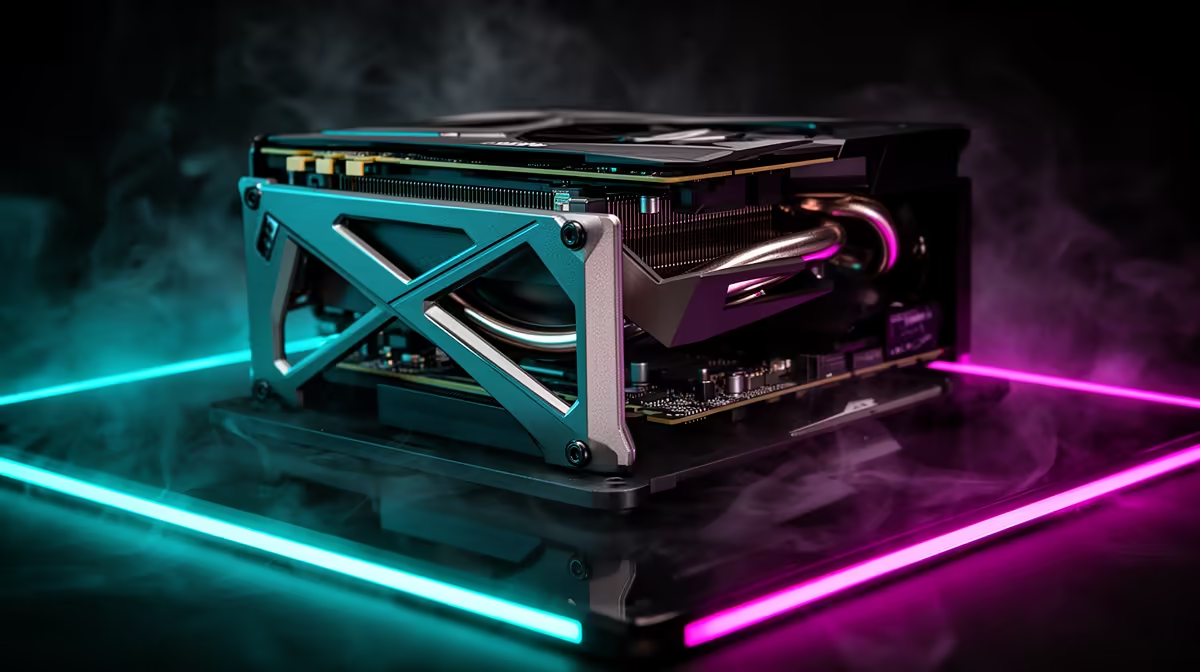
Built-in GPU braces take two main forms. The first is a fixed metal arm or ledge that slots under the GPU cooler shroud. The second is an adjustable screw-post or sliding bracket that can be positioned to contact the card at different points along its length. Adjustable built-in braces are more useful because GPU lengths vary widely. Aftermarket GPU sag brackets cost R200 to R450 in South Africa and attach to a drive cage slot or case standoff. Both approaches work equally well mechanically; the built-in version is more elegant inside a glass-panel case.
Long-Term Motherboard and PCIe Slot Protection 💻
The PCIe x16 slot retention clip on most mid-range motherboards provides minimal resistance to sustained downward sag load. Entry-level motherboards under R3,500 use thinner PCB substrate that amplifies this flexing over time. A GPU brace costs R200 to R450 and protects a component worth R15,000 to R35,000. That cost ratio makes a brace one of the highest return-on-investment accessories in a South African PC build. Some premium Z890 and X870E boards use reinforced steel PCIe slot shields, but a brace remains advisable for any GPU over 1.5 kg.
Adjust the Brace After Cables Are Routed ⚡
Set your GPU brace height only after all power cables, including the 16-pin connector, are plugged in and dressed. Cable tension changes the card's natural resting position. Adjust until the brace contacts the shroud snugly without lifting the card off the PCIe slot floor.
FAQ
Can GPU sag actually damage my card?
Slow progressive sag over many months stresses PCB traces and connector solder joints, particularly the PCIe edge contacts. It rarely kills a card outright but contributes to intermittent PCIe detection errors over time. A brace eliminates the risk for a small cost.
Do vertical GPU mounts eliminate sag completely?
Yes. A vertical mount holds the card on its face rather than its edge connector. The trade-off is a PCIe riser cable (R400 to R800) and potential airflow restriction if the GPU sits close to the side glass panel.
Are GPU braces compatible with all graphics card sizes?
Adjustable braces fit virtually all sizes from 170mm to 420mm GPU length. When buying an aftermarket bracket, confirm the height adjustment range covers your GPU cooler shroud thickness, which varies from 40mm to 70mm on triple-fan designs.
Protecting a heavy flagship GPU from slot sag?
Evetech stocks GPU support brackets and cases with built-in brace systems to keep your card level and your PCIe slot safe.