



Marvel Rivals launch in South Africa
Marvel Rivals launch needs a balanced parts plan, not a random basket. Map the CPU, GPU, RAM, SSD, cooling, and monitor target to the budget so SA builders know where to spend first.
Read moreSpec-first buyer view of i really need a gpu support bracket for a heavy graphics card sets ZAR price bands, must-have features and skip-it extras for SA gaming and creator builds. ZAR price bands, SA Evetech stock notes and the gotchas specific to i really need a gpu.
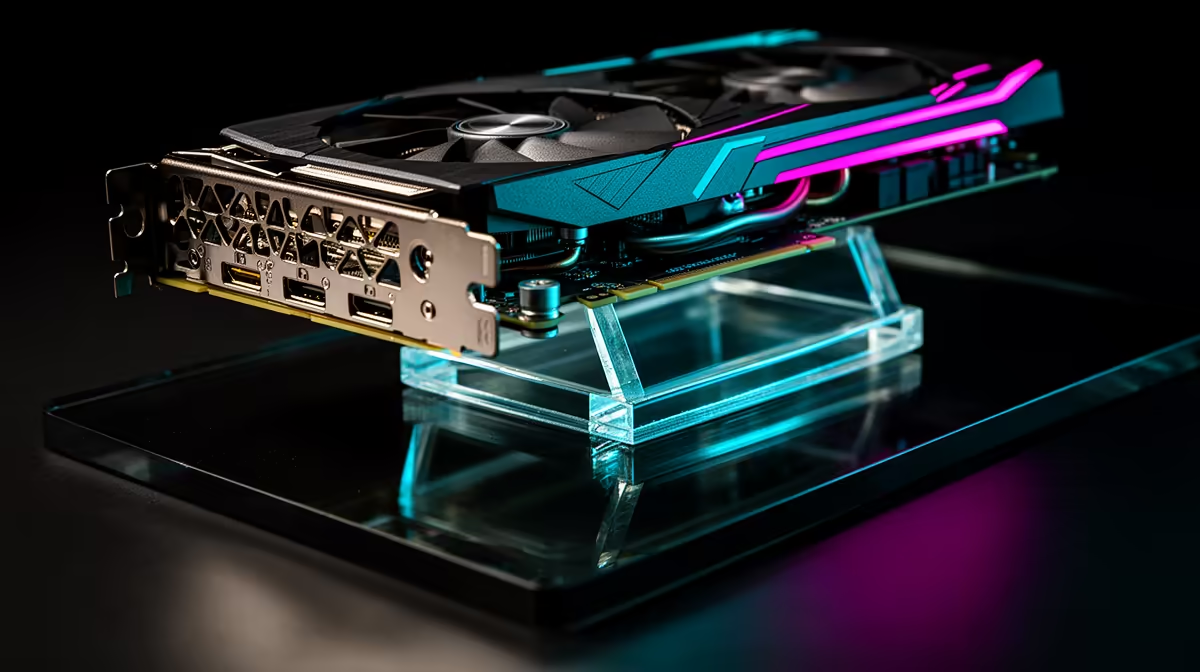
Yes, for cards weighing 1.5 kg or more a GPU support bracket is strongly recommended. Cards like the RTX 5080 Founders Edition at approximately 1.8 kg and the RTX 5090 Founders Edition at approximately 2.1 kg will bend the PCIe slot over weeks to months without support, potentially damaging the slot, the card, and the motherboard PCB.
PCIe x16 slots are rated to hold roughly 500 g to 800 g comfortably over the lifespan of the product. Modern flagship GPUs exceed that by two to three times. The slot itself has a steel retention clip, but the lever mechanism is not designed as a long-term structural support. Over six to twelve months without a bracket, the GPU can sag two to five millimetres at the far end, which creates a visible lean, stresses the PCIe connector pins, and in severe cases causes intermittent contact issues that appear as graphical artefacts or random crashes.
The three main types are: adjustable pole brackets (a single or dual telescoping post that sits on the case floor and lifts the card from below), case-integrated rail brackets (a rail on the PCIe bracket panel that the GPU slides into), and magnetic or clip-on supports that attach to the case frame. Adjustable pole brackets cost R80 to R250 locally and accommodate cards at different heights through a screw or friction-lock mechanism. Case-integrated rails are the cleanest option but require a case that includes the feature. ARGB-lit support brackets add ambient lighting to the GPU underside and cost R200 to R450 at Evetech. All three methods effectively eliminate measurable sag on cards up to 2.5 kg.
For cards in the RTX 5060 Ti or RX 9060 XT range, which weigh approximately 800 g to 1.2 kg, a support bracket is optional rather than essential. The PCIe slot handles this weight without long-term structural risk in most builds. The consideration changes if the PC is regularly transported or if the motherboard is a lower-cost model with a basic plastic-reinforced PCIe slot rather than a full steel-armoured one. Asus's SafeSlot and Gigabyte's Ultra Durable slot reinforcement handle mid-range card weights reliably, but the reinforcement does not eliminate sag physics on a 1.8 kg flagship. For high-end builds, R80 to R250 spent on a bracket is the lowest-cost insurance against a R15,000 to R30,000 GPU and motherboard combination.
GPU support brackets are adjustable but only within a fixed range, typically 72 mm to 128 mm from the case floor to the card underside. Measure the distance from your case floor to the underside of your GPU before ordering, then confirm the bracket's adjustment range covers that measurement. A bracket that cannot reach the right height does nothing.
Not if it is adjusted correctly. A bracket that is set too high pushes upward on the card and introduces flex in the opposite direction. Set the height so the bracket just contacts the GPU underside without lifting the card off the PCIe connector.
Yes, for cards above 1.5 kg. Reinforced slots like Asus SafeSlot reduce the risk of slot damage but do not eliminate GPU sag or the long-term stress on the PCIe connector from unsupported card weight.
Basic adjustable brackets cost R80 to R180 locally. ARGB-lit and premium aluminium brackets run R200 to R450 at Evetech. The cost is trivial relative to the hardware being protected.
Protecting your GPU investment? Browse Evetech's selection of GPU support brackets including adjustable height and ARGB options, all stocked locally with delivery across South Africa.
Marvel Rivals launch needs a balanced parts plan, not a random basket. Map the CPU, GPU, RAM, SSD, cooling, and monitor target to the budget so SA builders know where to spend first.
Read more
Path of Exile 2 launch needs a balanced parts plan, not a random basket. Map the CPU, GPU, RAM, SSD, cooling, and monitor target to the budget so SA builders know where to spend first.
Read more
Black Myth Wukong launch needs a balanced parts plan, not a random basket. Map the CPU, GPU, RAM, SSD, cooling, and monitor target to the budget so SA builders know where to spend first.
Read more
Hollow Knight PC requirements should be mapped to resolution, settings and upgrade budget before choosing a tier. Verify current requirements, then balance GPU, CPU, RAM and SSD around SA pricing.
Read more
Hollow Knight build planning should focus on the target resolution, settings and total system balance. Treat launch wording as time-sensitive, then verify requirements before choosing SA PC parts.
Read more
Fallout 4 PC requirements should be mapped to resolution, settings and upgrade budget before choosing a tier. Verify current requirements, then balance GPU, CPU, RAM and SSD around SA pricing.
Read more
Best Value Laptops South Africa 2026 — Find top picks, local prices and buy tips to maximise performance per rand. Compare deals for students, creators and gamers. 🔎💸

Struggling with a weak Desktop PC Wi-Fi signal? 📶 Discover expert tips on positioning your tower and external antennas to eliminate lag and maximize your internet speeds for gaming and streaming. 🚀

Tired of loadshedding router restarts killing your Wi-Fi? ⚡ Discover why power cuts disrupt your connection and learn expert tips to get back online faster after the lights return. 🌐

Master using a Nano SIM 4G router as your primary internet solution. Get stable speeds and seamless connectivity for gaming and streaming at home! 🌐🚀

Gauteng r30 000 needs practical checks before you choose. Compare fit, workload, support, setup needs, timing, and delivery expectations without relying on live availability or fixed 2026 claims.

Gauteng r40 000 needs practical checks before you choose. Compare fit, workload, support, setup needs, timing, and delivery expectations without relying on live availability or fixed 2026 claims.

Gauteng r50 000 needs practical checks before you choose. Compare fit, workload, support, setup needs, timing, and delivery expectations without relying on live availability or fixed 2026 claims.

Gauteng r60 000 needs practical checks before you choose. Compare fit, workload, support, setup needs, timing, and delivery expectations without relying on live availability or fixed 2026 claims.

Three-tier smart watch plan for commuting should be shortlisted around the job it must do. South African buyers should compare fit, performance, compatibility, and upgrade room, warranty path, and upgrade room before treating any pick as best.

AR Glasses buying order for commuting students should be shortlisted around the job it must do. South African buyers should compare fit, performance, compatibility, and upgrade room, warranty path, and upgrade room before treating any pick as best.

Smart Watch buying order for commuting should be shortlisted around the job it must do. South African buyers should compare fit, performance, compatibility, and upgrade room, warranty path, and upgrade room before treating any pick as best.

Smart Watch buying order for quiet PC builds needs a balanced parts plan, not a random basket. Map the CPU, GPU, RAM, SSD, cooling, and monitor target to the budget so SA builders know where to spend first.