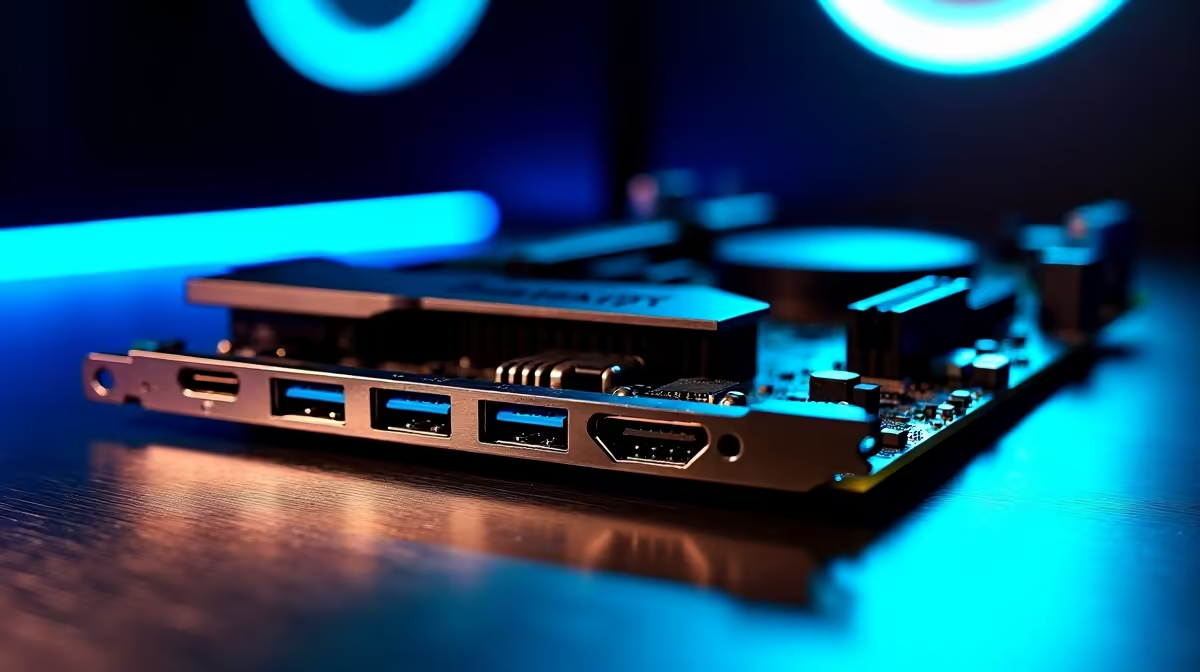
Let's talk about massive bandwidth. If you are building a top-tier rig in South Africa right now... you might be staring at the spec sheets and wondering about the latest connectivity hype. Specifically, do you need dual Thunderbolt 5 on a desktop motherboard for gaming or creative work? With speeds hitting an incredible 120Gbps, it sounds phenomenal. But is it worth the extra ZAR for your daily setup?
The Leap to Next-Gen Bandwidth 🚀
Thunderbolt 4 was already incredibly fast at 40Gbps. However, Thunderbolt 5 triples that potential... delivering up to 120Gbps via Bandwidth Boost for display-heavy workloads. It is an absolute monster for data transfer.
When you decide to upgrade your motherboard, you are essentially choosing the nervous system of your PC. Having two of these cutting-edge ports means you can daisy-chain multiple 8K monitors and high-speed external NVMe enclosures simultaneously. Thunderbolt 5 also introduces better support for PCIe Gen 4... meaning external devices will perform flawlessly.
Do Gamers Actually Need It? 🎮
If your main goal is pushing frames in competitive shooters or exploring massive RPG worlds... the short answer is no. Standard USB ports are more than enough for your gaming mouse, mechanical keyboard, and wireless headset. Your graphics card handles the heavy lifting for your display output.
If you just want to plug in and start dominating lobbies, browsing the latest gaming PC deals usually guarantees you get all the standard ports you need. You will not need to overspend on ultra-premium connectivity features that you might never fully use. However, if you are a high-end streamer running a complex dual-PC setup with external capture devices... the extra bandwidth starts to look very appealing.
The Ultimate Creator's Advantage ✨
For creative professionals, the story changes completely. If you edit high-bitrate video, render complex 3D animations, or manage massive asset libraries... time is literally money. Waiting for terabytes of raw footage to copy over a slow connection is incredibly frustrating.
This is where having dual Thunderbolt 5 on a desktop motherboard for gaming or creative work truly shines. Whether you prefer the raw core counts of modern ASUS Intel motherboards or the multi-threading efficiency of ASUS AMD motherboards, pairing them with next-gen connectivity means zero bottlenecks. You can edit directly off an external NAS as if it were installed directly inside your PC case.
Balancing Your Build
Remember that a super-fast port requires equally fast components to keep up. Pushing massive data rates requires serious system resources. To prevent bottlenecks elsewhere in your system, you will need blazing-fast internal NVMe storage and premium memory kits to handle that data flow efficiently.
Storage Pro Tip ⚡
To fully utilise Thunderbolt 5 speeds on your workstation, ensure your external drives use PCIe Gen 4 or Gen 5 NVMe SSDs. Plugging an older SATA drive into a 120Gbps port will not make your file transfers any faster!
If you are a hardcore professional creator... dual Thunderbolt 5 is a phenomenal investment for future-proofing your workstation. For everyone else, it remains a brilliant luxury rather than a strict necessity.
Ready to Build Your Dream Machine?
Whether you need the extreme bandwidth of Thunderbolt 5 for creative workloads or just want a balanced rig for smooth 4K gaming, we have the perfect parts for your budget. Explore our massive range of desktop motherboards and start building your ultimate PC today.