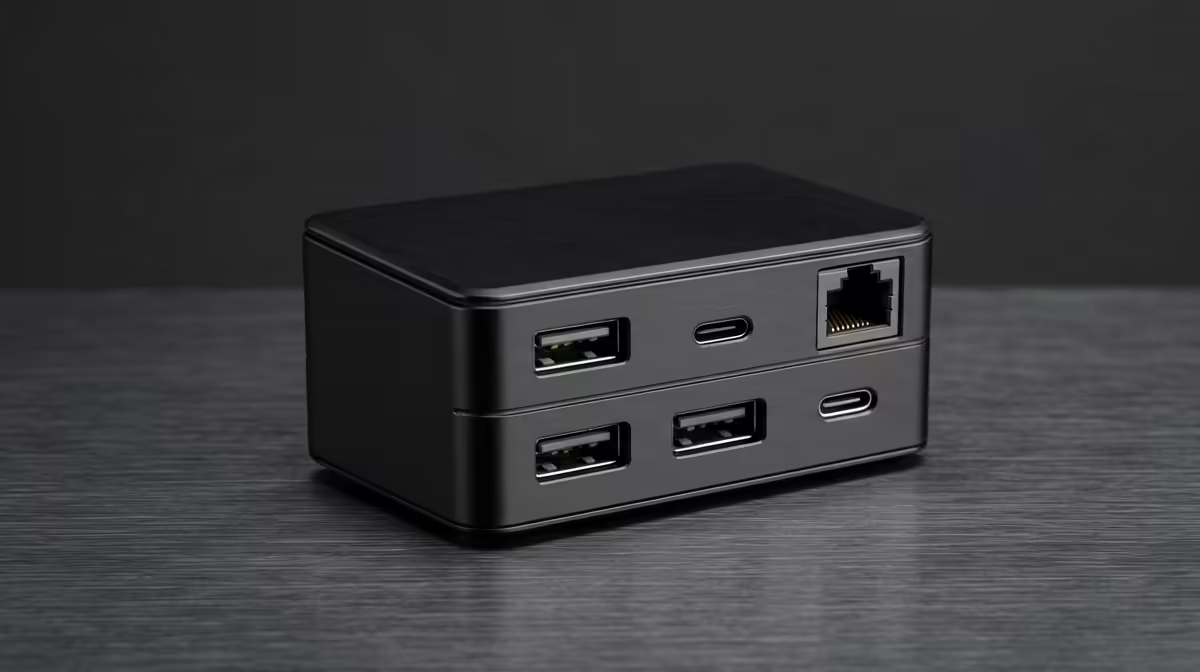
OBS recording chains a camera, microphone, capture card and storage through one dock, so the dock's bandwidth and port count decide whether streams drop frames. A South African buyer should compare on real throughput maths, not marketing port counts.
Quick Answer
For OBS recording, compare docks on total bandwidth and ports: a USB-C 10Gbps dock around R1,800 to R3,500 at Evetech handles a 1080p60 capture card plus a USB mic and SSD, while a Thunderbolt dock near R5,000-plus is needed only for 4K60 capture. Match the dock to your busiest recording chain.
Do The Bandwidth Maths
A 1080p60 capture card streams roughly 3Gbps uncompressed, a USB microphone needs little, and an external SSD writing the recording wants headroom. A USB-C 10Gbps dock comfortably carries a 1080p60 chain plus storage. Step up to a Thunderbolt 4 dock (40Gbps) only when you capture 4K60, which can saturate a 10Gbps link once an SSD is writing alongside it. Count the ports your chain needs: HDMI in (via card), USB for mic and controller, plus a fast port for the SSD.
Port Layout That Matters
For an OBS rig, prioritise at least three USB-A ports, one USB-C, and a dedicated high-speed port for the recording SSD. Power delivery to charge a laptop while recording is a real convenience, so look for 60W-plus PD on a laptop-driven setup.
Where SA Buyers Should Be Careful
Confirm local warranty and that the dock's chipset is well supported on Windows, because OBS capture is sensitive to driver stability. A R2,500 10Gbps dock with solid support beats a cheaper unit that drops frames under load.
FAQ
Do I need a Thunderbolt dock for OBS?
Only for 4K60 capture, where bandwidth gets tight once an SSD writes alongside the card. For 1080p60 recording, a USB-C 10Gbps dock around R1,800 to R3,500 has ample headroom and costs far less.
How many ports does an OBS dock need?
Plan for at least three USB-A, one USB-C and a fast port for the recording SSD, so the camera, mic, controller and storage all connect at once. Power delivery to charge a laptop is a useful bonus.
Will a cheap dock drop frames in OBS?
It can if its chipset has weak Windows drivers or insufficient bandwidth for your capture card. Prioritise a 10Gbps dock with good driver support and local warranty over the cheapest option to keep recordings stable.
Add up your capture, mic and SSD bandwidth, then choose a 10Gbps dock at Evetech for 1080p60 or a Thunderbolt dock only if you record 4K60.