Quick Answer
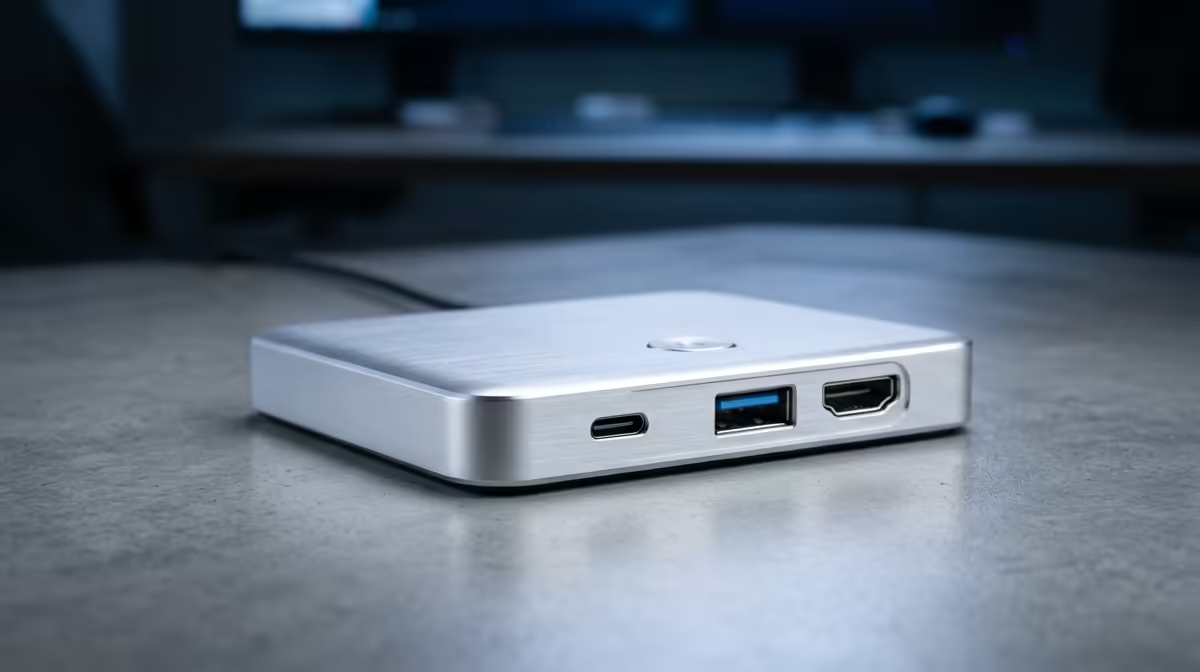
For a school coding club, a starter USB-C dock with HDMI, Ethernet, and a couple of USB-A ports (around R600-R1,200 at Evetech) is enough to turn a laptop into a desk workstation. Step up to a Thunderbolt 4 dock with 85W or higher power delivery only when students drive dual monitors or charge while docked.
Starter tier: get laptops on a big screen
A coding club's first need is a single external monitor and wired internet. A basic USB-C dock with HDMI (4K at 30Hz or 60Hz), Gigabit Ethernet, and USB-A ports for a mouse and keyboard does this for R600-R1,200. It tidies the desk and stops students squinting at a 14-inch laptop screen during a session.
Serious tier: dual monitors and power
When students move to dual displays or want one cable to charge and connect, a Thunderbolt 4 or USB4 dock with 85W-100W power delivery and dual 4K at 60Hz output is the upgrade. These cost more but eliminate the dance of multiple chargers and adapters. Match the dock's power delivery to the laptop's charger wattage.
SA buyer notes
Buy locally for warranty; confirm the dock's HDMI refresh rate, because some cheap docks cap 4K at 30Hz, which feels laggy for cursor movement.
FAQ
What dock does a school coding club need?
A starter USB-C dock with HDMI, Gigabit Ethernet, and USB-A ports (R600-R1,200) covers a single monitor and wired internet, which is all most clubs need.
When is a Thunderbolt dock worth it?
When students drive dual 4K monitors or want a single cable to charge and connect. Then an 85W-100W Thunderbolt 4 or USB4 dock earns its higher price.
Why does 4K at 30Hz feel laggy?
At 30Hz the cursor and scrolling look choppy. Look for a dock rated 4K at 60Hz over HDMI 2.0 or DisplayPort for smooth desktop use.
club on a budget, start with a R600-R1,200 USB-C dock rated 4K at 60Hz; only move to a Thunderbolt dock with 85W power delivery once students need dual monitors.