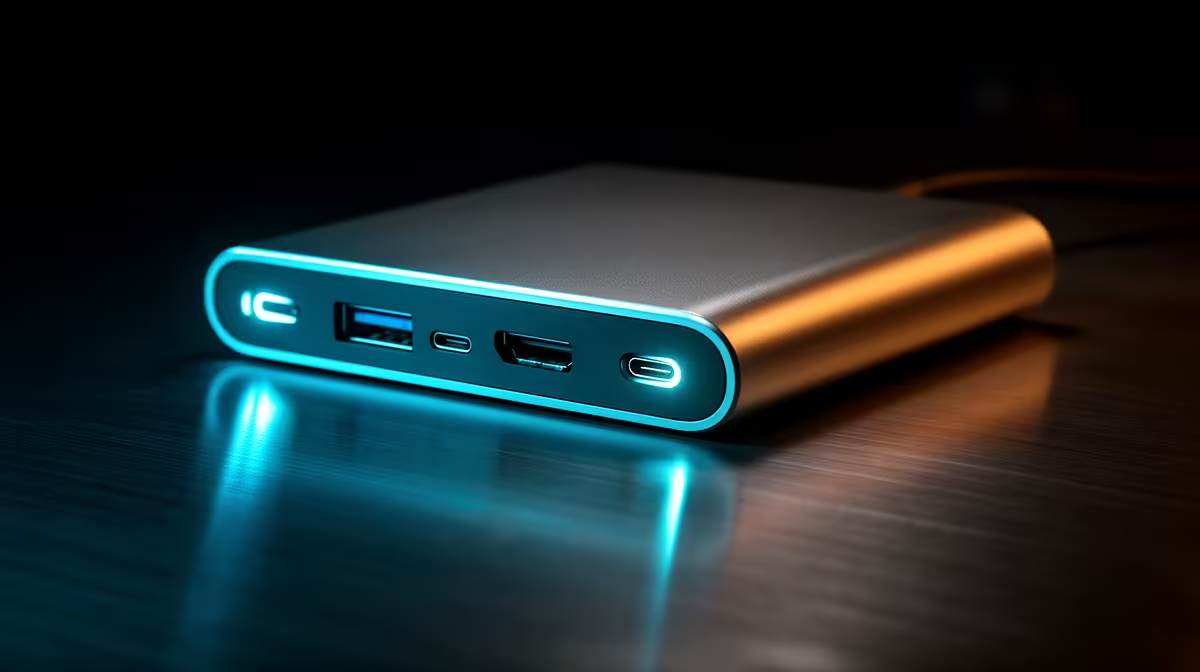
A docking station turns a laptop into a full desktop with one cable, so for a laptop-as-desktop setup the spec that matters is whether it carries power, displays and data without throttling.
Quick Answer
Do not ignore USB-C Power Delivery: a dock that only pushes 60 W will slowly drain a gaming or CAD laptop under load. For a laptop-as-desktop setup, choose a dock rated 65 W to 100 W USB-C Power Delivery so the laptop charges while it works. A CalDigit TS4 delivering 100 W keeps a 14-inch workstation topped up.
Power, displays and ports that matter
Three things decide a good dock: Power Delivery (65 W to 100 W USB-C Power Delivery), display capability (Thunderbolt 4 / USB4 with dual 4K 60 Hz display output) and enough data ports for your peripherals. A workstation laptop needs the higher PD so it charges while CAD or editing pushes the CPU. For dual high-refresh screens, Thunderbolt 4 or USB4 is essential; standard USB-C hubs without DisplayLink struggle past one panel.
Matching a dock to a laptop-as-desktop setup
Start from the laptop: check its charger wattage and its USB-C video support, then buy a dock that meets or exceeds both. A CalDigit TS4 at R2,800 to R5,500 covers most a laptop-as-desktop setup needs, while a Dell WD22TB4 at R6,000 to R11,000 adds extra Thunderbolt and a cleaner single-cable desk. Evetech stocks these locally with warranty support.
FAQ
How much Power Delivery does my laptop need?
Thin laptops are fine on 65 W, but a 14 to 16-inch workstation or gaming laptop wants 65 W to 100 W USB-C Power Delivery so it charges under load. Check the laptop's charger wattage and match or exceed it at the dock.
Can one dock run two external monitors?
Yes, if it supports Thunderbolt 4 / USB4 with dual 4K 60 Hz display output. A Thunderbolt 4 or USB4 dock like the Dell WD22TB4 drives dual 4K at 60 Hz; cheaper single-USB-C docks often cap the second screen at 30 Hz, which is fine for documents but poor for a laptop-as-desktop setup.
Where can I buy a docking station in SA?
Evetech stocks Anker, CalDigit, Dell and UGREEN docks from about R1,200 to R11,000, with local warranty - match the dock's PD and display spec to your laptop.
Check your laptop's charger wattage and USB-C video support first, then buy a dock rated for at least that PD and your display count - a CalDigit TS4 suits most setups.