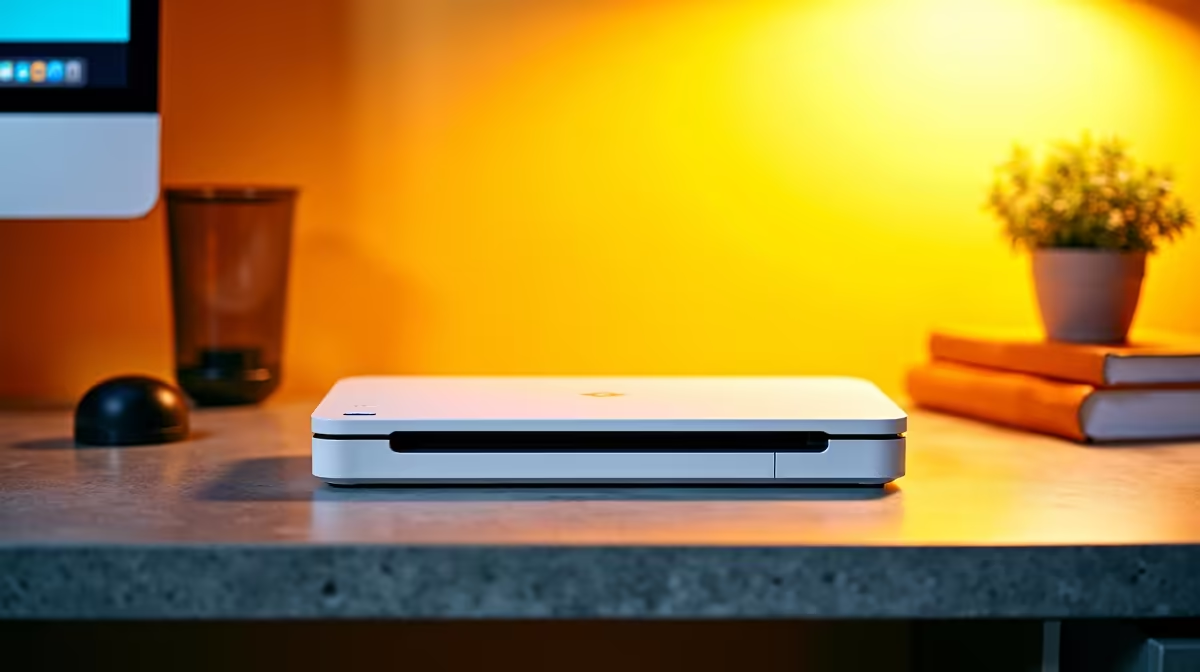
A document scanner is useful for a first-year student who digitises handwritten notes, signed forms or readings that the institution permits them to copy. A phone scanning app may cover occasional pages. Frequent double-sided batches can justify dedicated hardware when file quality and organisation improve.
Count a normal month of pages
Separate loose pages from bound books and photographs. Decide whether the student needs automatic feeding, duplex capture or only a flat surface. Check the learning portal file-size limit and the required PDF format. Never scan copyrighted course material beyond permitted use or expose private student records in a shared queue.
Evetech has a thin scanner and printer catalogue, and the supplied facts do not confirm a live document-scanner SKU or price. Check current availability before ordering. Ask whether the device supports the laptop operating system, optical character recognition and the page sizes used in class. A cheap model can create extra work if it jams or produces unreadable text.
Test the full submission route
Scan ten mixed pages, name the file and upload it through the normal portal. Open the PDF on another device and inspect small text, page order and orientation. Keep originals until the submission is accepted, and back up important notes to an approved second location.
Buy dedicated scanning when repeated page volume saves enough time. A careful phone workflow remains practical for occasional forms.
Preparing a student scanning workflow? > Check Evetech for current scanner availability and compatible computer accessories.