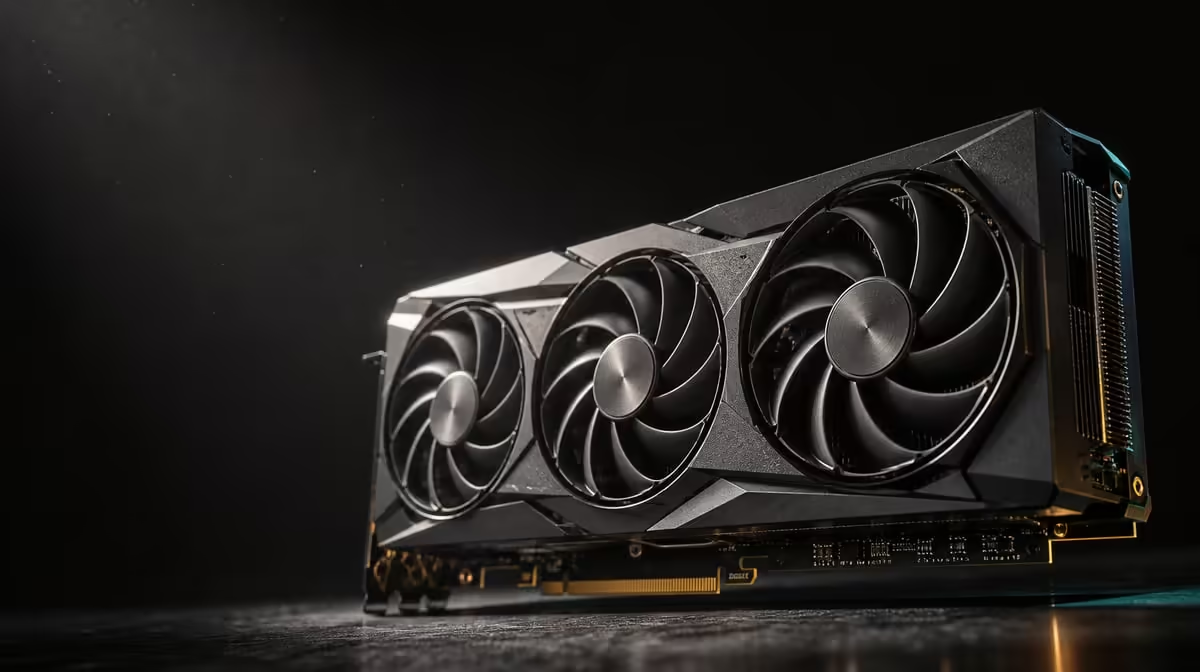
A large AI figure can influence games and creative tools only through features built to use it. Whether 3352 AI TOPs change gaming and AI creation depends on application support, precision, model design and the other stages surrounding GPU processing.
Quick Answer
The R73,599 ASUS TUF RTX 5090 is rated at 3352 AI TOPs and provides 32GB memory. Those specifications create substantial potential for supported AI features, but neither predicts a particular game's frame rate or one creator model's completion time.
🧮 Interpret the rating with its context
TOPs means trillions of operations per second. It is a theoretical capability measure for supported AI calculations under defined conditions, not a universal benchmark score.
Precision matters because AI processors can handle different numerical forms. Comparing two TOPs figures without understanding their basis can create a false ranking, even before software enters the discussion.
Model architecture and operation mix also influence practical use. An application may direct some stages to the AI hardware, others to general GPU processing and still others to the CPU.
Treat 3352 as a capability marker that prompts questions: does the exact tool support the GPU, which precision is active, and what portion of the job reaches the accelerated path?
Distinguish peak capability from sustained utilisation. A short operation may briefly exercise the AI hardware, while a batch includes loading, preparation and output stages. Measure the timeline rather than one utilisation snapshot.
Record the software's device selection and any fallback behaviour. A successful job can still run partly on the CPU, making a capable GPU appear ineffective without actually testing its supported route.
Never convert the number directly into seconds. A completion-time prediction needs model, application, input, output controls and host-system context.
Browse Evetech's ASUS GPU listings after separating AI rating from general graphics performance.
🎮 Look for AI features inside the game
Games may use AI-supported techniques for rendering or other features, but implementation differs by title. The presence of a capable processor does not mean every game uses the same path.
Define the game, resolution, settings and desired frame behaviour. Record which AI-assisted feature is enabled and compare it on and off only when that creates a meaningful like-for-like test.
Inspect image quality as well as frame rate. A faster result produced by a different rendering method should be judged by both appearance and responsiveness, not treated as free performance.
The CPU, engine and scene remain important. A processor-limited moment can constrain delivery even if an AI feature is available, while another scene may exercise the graphics card more heavily.
Thirty-two gigabytes of GDDR7 provides memory capacity for rendering data. That is separate from AI operations; large VRAM does not prove a game is using the 3352 TOPs resource.
Keep version and driver details beside the result. A later game update can change implementation, so preserve a repeatable route for comparison.
Use a visual comparison method suited to the feature. Freeze camera position where possible, capture equivalent frames and judge motion artefacts during play. A still screenshot alone may miss temporal differences.
Check latency at the player's normal controls and monitor. An AI-assisted frame feature can affect delivered motion in ways an average counter does not explain, so the game experience needs both measurement and observation.
Use Evetech's NVIDIA graphics-card range to compare game evidence from similar systems.
🤖 Validate a creator workflow end to end
Name the creator task precisely: image generation, assisted editing, video processing, local-model inference or another operation. "AI work" hides too many different paths.
Confirm support in the installed application build. Select the intended device and observe whether the GPU becomes active during the feature. Check logs or application guidance where available.
Preserve model, precision, prompt or source, output size and quality controls. Run the job several times after a clean start and record median completion plus failed attempts.
Watch graphics memory, system memory, CPU and storage. The 32GB pool may hold a large model, while slow input loading or host preparation leaves the AI processor waiting.
Measure interactive response separately from batch throughput. A creator iterating on an image may value preview latency; a production queue values consistent completion across many items.
Keep seed or equivalent reproducibility controls where the tool offers them. When output is intentionally variable, compare a sufficient set and preserve the inputs so quality differences are not attributed casually to speed.
Check output correctness. A different precision or reduced quality can finish faster without representing the same work. The comparison must deliver an equivalent usable result.
For a long task, observe thermal behaviour. ASUS vapor-chamber cooling with axial-tech fans rely on case airflow to clear heat throughout the run.
Track errors and memory failures as first-class results. A run that finishes once quickly but fails frequently can reduce real production output. Reliability should be calculated across the complete batch.
Estimate the human time around the model. Prompt preparation, review and correction may dominate the working day. Faster GPU inference delivers most value where processing is a significant, repeated portion of the workflow.
💰 Turn support into purchase value
At R73,599, the GPU should apply its AI capability frequently enough to matter. A daily production tool and an occasional experiment create different value cases.
Build a scorecard with support, memory fit, useful speed, reliability and whole-system cost. An unsupported feature receives no points regardless of the theoretical rating.
Add gaming value only through titles that implement relevant features and meet the chosen image-quality standard. Do not assume that the AI number raises every ordinary rendering result.
Compare another system upgrade. More RAM, faster storage or a stronger processor might remove a surrounding bottleneck for less money. The GPU earns priority when supported operations control the workflow.
Price software and training effort where relevant to the internal budget decision. A powerful card cannot replace learning the tool or building a consistent production process, although it can make supported iteration quicker.
The five physical display outputs - the 3:2 DisplayPort 2.1b-to-HDMI 2.1b output arrangement - can add workstation utility. Keep that benefit separate from the AI score.
Create a post-purchase acceptance test from the saved game route and creator job. If the expected improvements do not appear, the test should identify whether software, configuration or another resource remains limiting.
Repeat the review after an application update. Acceleration support can improve or change, and a saved baseline makes that software gain visible without purchasing another component.
Consult Evetech's GPU best-seller collection when the software path is understood, then review current availability.
Frequently Asked Questions
What does a high AI TOPs figure make possible in principle?
It signals a large theoretical capacity for supported AI operations under the metric's defined conditions.
How can AI processing appear in a gaming context?
A game may implement AI-assisted rendering or another supported feature, depending on its engine and settings.
Why might one creation tool gain more than another?
Applications use different acceleration paths, precisions and operation mixes, so they can direct unequal work to the GPU.
What part does 32GB of GDDR7 play beside AI TOPs?
It holds working data and models, while AI processing capability performs supported calculations.
Can the 3352 rating be compared without knowing precision?
It should not be used for a direct practical comparison without understanding the measurement basis.
How should a buyer validate a claimed workflow benefit?
Run the same supported application, model, precision and output settings, then measure the complete usable result.
Does a larger AI number solve storage or CPU bottlenecks?
No. Host-side preparation and data delivery can still control completion time.
Want AI capability that changes real play or production?
Fix the software feature, model and output standard, then compare Evetech graphics cards by supported results rather than the TOPs headline.