Quick Answer
ARGB Sync Evo is a secondary consideration when choosing a high-end graphics card, not a primary one. Performance, cooling quality, and VRAM capacity should drive the purchasing decision first. However, for builders committed to an ARGB-synchronised build, ARGB Sync Evo compatibility meaningfully improves visual cohesion without requiring additional hardware.
What ARGB Sync Evo Actually Does 🎮
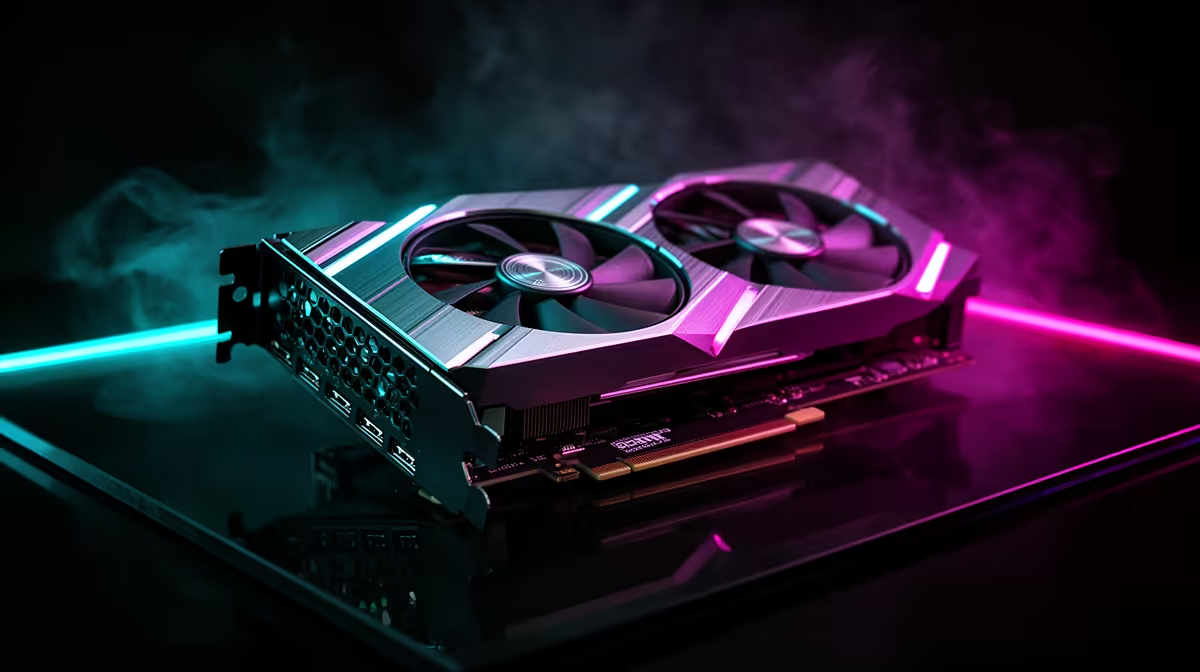
ARGB Sync Evo is Palit's implementation of addressable RGB lighting synchronisation on its GameRock GPU series. The GPU's lighting controller communicates with the motherboard's ARGB header via a 3-pin 5V cable, allowing the motherboard's lighting software to control the GPU's LED zones in sync with RAM, case fans, and CPU cooler. The "Evo" designation indicates an updated implementation with finer per-zone control and faster animation update rates compared to earlier ARGB sync implementations. The result is smooth, coherent lighting across the entire system from a single software interface rather than managing GPU lighting through a separate proprietary application.
When It Matters and When It Does Not 🖥️
ARGB Sync Evo matters if you are building a showcase desk PC where visual consistency is a deliberate design goal. For a build with a tempered glass side panel, a vertical GPU mount, and coordinated component colours, having the GPU's Chameleon Panel lighting match the RAM and fan animation creates a premium finished look. It is less relevant for a purely performance-focused build in an opaque case where no components are visible. For buyers choosing between two similarly performing GPUs at similar prices, ARGB Sync Evo might reasonably tip the decision. For buyers choosing between significantly different performance tiers, the lighting feature should not outweigh a meaningful 15 percent or greater performance gap.
Integration With South African Build Ecosystems 🔧
Most motherboards available at South African retailers from ASUS, MSI, and Gigabyte support standard 5V 3-pin ARGB headers. Palit's ARGB Sync Evo uses this standard connector, integrating with ASUS Aura Sync, MSI Mystic Light, and Gigabyte RGB Fusion without requiring proprietary hubs or additional software. For a complete build, connecting the GPU's ARGB header to the motherboard takes one cable and one software setup step. The GameRock series also includes its own ThunderMaster software for standalone lighting control if the motherboard's software is not preferred.
Use Static Colour for System Stability ⚡
Some motherboard ARGB software implementations can conflict with GPU driver updates if animation effects are running during driver installation. Setting the GPU's ARGB zone to a static colour during driver updates avoids rare but documented software conflicts. This is a simple precaution rather than a serious risk, worth noting for builders who frequently update to new driver releases.
FAQ
Does ARGB Sync Evo work with AMD Radeon GPU software on non-Palit cards?
ARGB Sync Evo is specific to Palit's GameRock lineup. AMD Radeon GPUs have their own lighting implementation managed through Radeon Software Adrenalin, which also supports standard ARGB header synchronisation on compatible motherboards.
Can I use ARGB Sync Evo without connecting the physical cable?
Yes. Without the cable connected, the GPU's lighting still functions through Palit's ThunderMaster software. The cable connection enables cross-brand synchronisation through the motherboard's hub, which is optional if you manage lighting per-component.
Does adding RGB lighting components increase power consumption significantly?
No. ARGB LEDs draw a trivial 0.5 to 2 watts for a fully lit GPU shroud. This does not affect GPU performance, thermal output, or PSU load in any meaningful way.
Building an ARGB-synced gaming PC?
Evetech stocks Palit GameRock GPUs with ARGB Sync Evo alongside compatible motherboards, RAM, and case fans for a fully coordinated build.