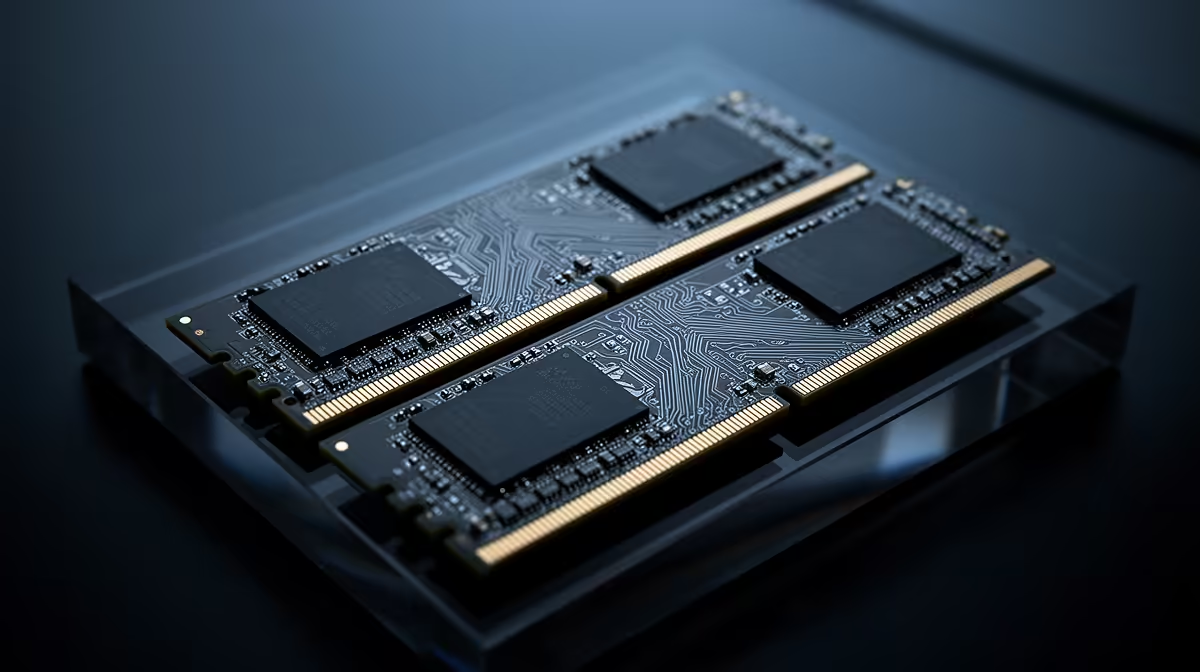
A single 16GB DIMM gives a budget PC enough capacity for many games and leaves a clean slot for a second 16GB module. The immediate cost is memory-channel bandwidth. A matched 2x8GB kit populates both channels from day one, which can help CPU-limited games and makes a much larger difference when integrated graphics shares system memory.
Quick Answer
Choose 2x8GB when the PC will stay at 16GB, you need the strongest gaming performance now and the board has a clear future beyond this kit. Choose one 16GB module only when a second matching stick is a near-term committed upgrade or the system's main goal is capacity growth. For a new DDR5 build likely to need 32GB, 2x16GB once is the cleaner answer.
Evetech's DDR5 memory range lets you compare single modules and matched kits by part number. The popular memory kits help keep the choice tied to real module count, speed and timings.
What Dual-Channel Means
A mainstream desktop CPU exposes two memory channels. Installing suitable modules in the motherboard's paired slots lets the controller move data across both.
DDR5 DIMMs contain subchannels, but that internal organisation does not replace populating the CPU's second memory channel. One DDR5 module still leaves aggregate platform bandwidth on the table.
Use the motherboard manual. The correct two-DIMM positions are often the second and fourth slots from the CPU, though labels and topology vary.
Where the Bandwidth Shows Up
CPU-limited games at high frame rates can respond to memory bandwidth and latency. Large simulation, asset decompression and some creation workloads can also benefit.
A game limited by the graphics card at high resolution may show a smaller difference. Capacity pressure can outweigh bandwidth: one 16GB module is better than a dual-channel 8GB total when the smaller total pages heavily.
There is no fixed performance-loss percentage. CPU, game engine, GPU, resolution, timings and workload determine it.
Integrated Graphics Changes the Answer
An integrated GPU uses system memory as graphics memory. It needs bandwidth for textures, frame buffers and rendering while the CPU uses the same pool.
Two-channel memory can make a large practical difference to iGPU frame rate and consistency. A single 16GB DIMM is a poor long-term match for an integrated-graphics gaming build.
Capacity also shrinks because part of RAM is reserved or dynamically shared. Check usable memory and game pressure.
Why One 16GB Stick Is Tempting
It lowers the first purchase and leaves a slot open. Adding another 16GB later can create a 32GB two-channel setup without selling the first stick.
That plan is cleanest on a two-slot motherboard and for a short gap between purchases. It becomes risky when the second module is delayed, the exact part disappears or production revisions change.
Write a date and part number into the build plan. A vague someday upgrade turns a bridge into the permanent slower setup.
Why 2x8GB Can Become Awkward
On a two-slot board, reaching 32GB requires replacing both 8GB modules. On a four-slot board, adding another pair fills every slot.
Four DDR5 DIMMs place more electrical load on the memory controller and can require a lower stable transfer rate. Two separately bought kits are not validated together.
If 32GB is likely within the system's life, compare the total cost of selling 2x8GB with buying 2x16GB now.
Matched Kits Carry Useful Validation
A 2x8GB or 2x16GB kit is packaged as a pair for its advertised profile. That does not guarantee every motherboard and CPU will run the overclocked XMP or EXPO setting, but it removes one variable.
Two separately purchased 16GB sticks can share a retail part number while using another DRAM revision. They often work at common settings and still need testing.
Never mix modular-looking memory based on heat-spreader colour alone. Match electrical specifications and load defaults first.
Compare the Real Upgrade Routes
Route one is 2x8GB now, replace with 2x16GB later. It gives full bandwidth today and a clean matched future kit, with resale or repurpose of the old pair.
Route two is 1x16GB now and a second module soon. It trades current bandwidth for lower replacement waste.
Route three is 2x16GB now. It costs more up front and avoids both compromises. Price the three routes across the whole build.
Do Not Overspend on Speed at 16GB
A very fast 2x8GB kit can cost close to a mainstream 2x16GB kit. Capacity and stable platform support usually matter more than an extreme timing bin.
Check the CPU's sensible memory range and the board's BIOS. An unstable profile can corrupt data or crash games.
Start at defaults, update only through a supported BIOS path and enable the profile after the system is proven.
Install in the Correct Slot
For one DIMM, use the slot named in the motherboard manual, often A2. A module in the wrong slot can train poorly or make the later pair layout confusing.
For two DIMMs, populate the paired positions. Press until both latches are fully engaged and keep power disconnected during installation.
Confirm capacity and channel mode with a trusted hardware tool after boot.
Test Bandwidth and Stability
Run a memory benchmark at the same speed and timings with one and two modules if you want to quantify the channel effect. Then use a real game scene and frame-time capture.
Memory tests must show zero errors. Benchmark bandwidth cannot excuse instability.
When adding the second 16GB module, clear old training where the board procedure calls for it, boot at defaults and retest before XMP or EXPO.
Decide From the Full Build
If 2x16GB forces a meaningful graphics-card downgrade in a light-memory build, 2x8GB can preserve the gaming target. If the gap is cosmetic RGB or an oversized cooler, buy the capacity.
An iGPU build should protect channel bandwidth. A workstation expected to grow should protect capacity and module topology.
Use named current kit prices from the approved July 2026 pack for any rand claim. Do not invent a one-stick saving.
FAQ
Does one 16GB stick hurt every game?
No. CPU-limited and integrated-graphics workloads can show more impact than a game already limited by a discrete GPU.
Why would I buy one module?
It can be a short bridge to 32GB on a tight budget, provided the matching second module is planned and available.
What is the cleanest new-build option?
A matched 2x16GB kit avoids the bandwidth loss and the later 2x8GB replacement when the budget supports it.
Choose the 16GB layout from the second upgrade step, then populate both channels now unless the matching 32GB pair is genuinely close.