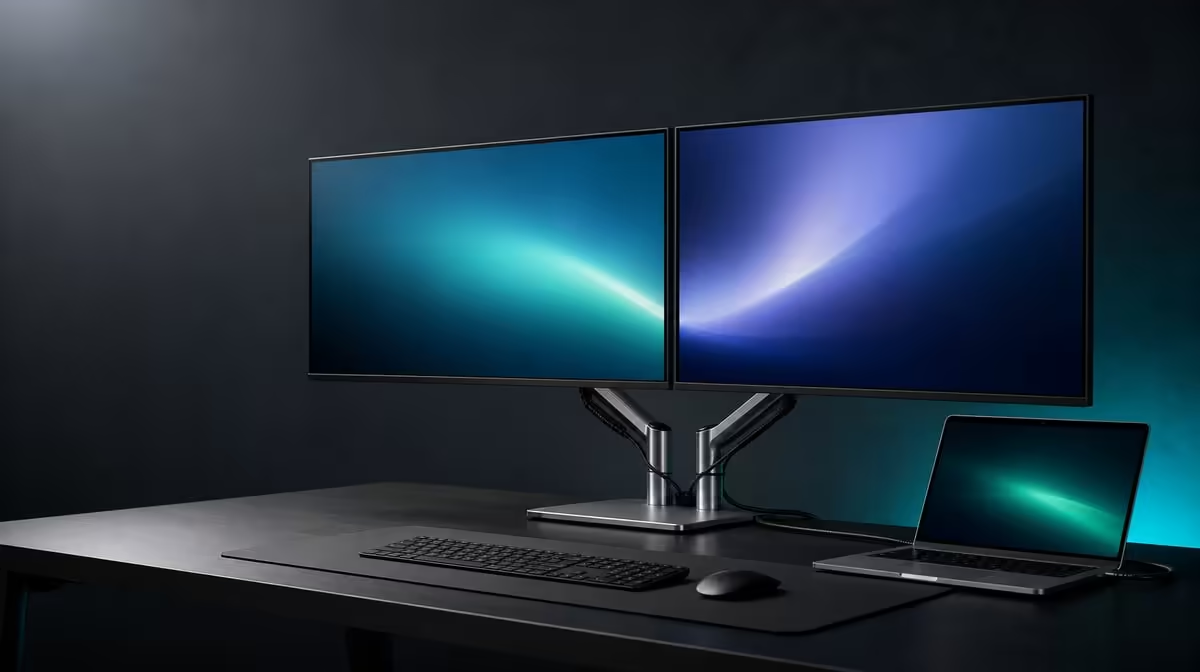
Value in a professional display does not come from collecting the most specifications. It comes from choosing features that remove the same obstruction every working day. The best-value dual-monitor features for South African professionals are persistent task space, usable motion, adaptable positioning and a proven laptop route.
Quick Answer
At R6,899, the UPERFECT Delta Mega delivers value through a pair of 23.8-inch Full HD IPS workspaces. They offer 100Hz, while Windows and Mac support spans Type-C and HDMI. A 360-degree structure, speakers and low blue light add value when professionals give them recurring work.
🗂️ Give the second panel a permanent responsibility
The clearest productivity feature is often not a headline speed. It is the ability to leave two related applications visible. A writer can keep research beside a draft, an analyst can pair a workbook with a dashboard, and a project lead can place a meeting next to notes.
Name the pair that matters most. Put the sustained task on the panel nearest a comfortable gaze and the supporting window on the other. Keep the laptop screen active for communication or controls only when it earns that third role. An undefined display tends to attract distraction rather than reduce work.
Each Delta Mega panel is 23.8 inches with 1920 x 1080 resolution. Check representative text and controls at the real viewing distance. Full HD provides the pixel grid, but scaling and application design determine how comfortably that grid serves the task.
Estimate how often the pair remains useful. Daily research and comparison can justify more value than an occasional need for a second window. This exercise lets different professions reach different conclusions without inventing a universal productivity claim.
Evetech's portable monitor selection can be used to compare other ways of extending a Windows or Mac laptop.
🖱️ Pay for motion when the job contains motion
The panels support 100Hz. With a compatible source and connection, the higher update cadence can smooth scrolling, pointer movement and animation compared with 60Hz. Professionals who move through long documents, data, timelines or web pages may encounter the feature throughout the day.
Static content does not gain more pixels or task area at 100Hz. Test one familiar page at both rates using the same computer, application, scaling and viewing position. If the difference remains visible during normal scrolling, give it value. If not, let the two-screen workspace carry the decision instead.
The listed 14ms response time describes pixel transitions and should not be merged with refresh rate into a single speed judgement. It becomes more relevant to moving imagery and casual games. A professional creating or reviewing motion may weigh it more heavily than someone editing fixed text.
IPS panels, low blue light and sensible room lighting shape the viewing experience in other ways. Low blue light can be useful for extended reading, but it does not correct glare, small text or an uncomfortable screen height.
Built-in speakers may handle meetings and routine media without a separate basic audio device. The value is concrete when it removes cable or desk clutter; it is minor when the user always works through a headset.
Compare paired and fixed formats through Evetech's PC monitor department.
🔄 Use folding to solve room and task constraints
The 360-degree range allows horizontal, vertical and sharing positions. A professional who moves between concentrated production, centred monitoring and client review can extract value from several poses. Someone who never changes the layout may assign less weight to the mechanism.
Horizontal placement is useful when two applications deserve similar attention. Measure enough width for both panels, the laptop, input devices and the movement used to open them. A vertical stack saves lateral room and can reduce broad side turns, although the most-used work should remain near a comfortable height.
The product's stack is intended to reduce neck strain. Treat that as a design goal rather than a personal guarantee. Test upper-screen angle, viewing distance, chair position and task duration. If frequent work produces repeated upward movement, move the task down or return to another fold.
A sharing pose can face a screen toward a colleague or customer while the laptop operator keeps control. Check stability, reflections and privacy. This position has professional value only if the actual work includes in-person review.
Leave cables relaxed through every planned movement. The best ergonomic position loses value if a Type-C or HDMI lead becomes taut or crosses the folding path.
🔗 Reward repeatable cross-platform operation
Windows and Mac compatibility can help professionals who use more than one computer, but the actual laptop outputs still govern operation. Not every Type-C port carries display video. HDMI gives another supported route, while cable and source capability remain part of the chain.
Create a setup card for each machine. Record the port, cable, display order, native resolution, scaling, orientation, refresh rate and audio output. Test restart, sleep and reconnection. Time saved during ordinary recovery is a real professional benefit.
At R6,899, judge the Delta Mega through a feature-use matrix. Mark each item daily, weekly, occasional or unused. Two task areas and cross-platform connection might score daily; sharing could score monthly; the speakers may be unnecessary. The resulting pattern is a clearer value argument than a list of specifications with equal weight.
Add a second column for consequence. Losing a daily reference screen may interrupt paid work, whereas losing an occasional sharing pose may create only mild inconvenience. Frequency and consequence together explain why two professionals can rank the same feature very differently.
Test the top three entries as a sequence. Connect the laptop, restore the application pair, change to the preferred fold and complete a familiar task. Time spent correcting display order, chasing windows or moving the chair belongs in the value calculation just as surely as smooth operation does.
Now remove one capability mentally. Would 60Hz alter the choice? Would a fixed position still solve the job? Would the buyer use a headset anyway? The answers distinguish essential functions from supportive or merely pleasant additions.
Review Evetech's monitor favourites while keeping that personal matrix visible and checking current availability at decision time.
Write the conclusion in professional terms: the monitor is valuable because it keeps specific work visible, fits a named pose and reconnects to a known computer. That statement is stronger than claiming every profession benefits from the same combination.
Frequently Asked Questions
Which feature creates the clearest productivity gain?
For many users it is the two persistent Full HD task areas, because related applications can stay visible instead of repeatedly covering one another.
When does 100Hz add professional value?
It adds value when compatible scrolling, cursor travel or animation appears frequently and the user notices a useful improvement over 60Hz.
How can folding improve value?
It lets the same display move between wide, stacked and sharing roles when those positions solve real desk or collaboration needs.
Why does cross-platform support matter?
Windows and Mac support can let several laptops use the workspace, provided their specific Type-C or HDMI routes are confirmed.
How should R6,899 be judged in practice?
Score the exact product price against the features used regularly and the work friction those features are expected to remove.
Which buyers gain less from the feature set?
People who need one static task window, never alter the screen position and place little value on higher refresh may be better served by a simpler display.
Choose the features that earn a place in Monday's workflow.
Map two recurring tasks, prove the laptop route and score the Delta Mega's motion and folding by frequency before judging its R6,899 value.