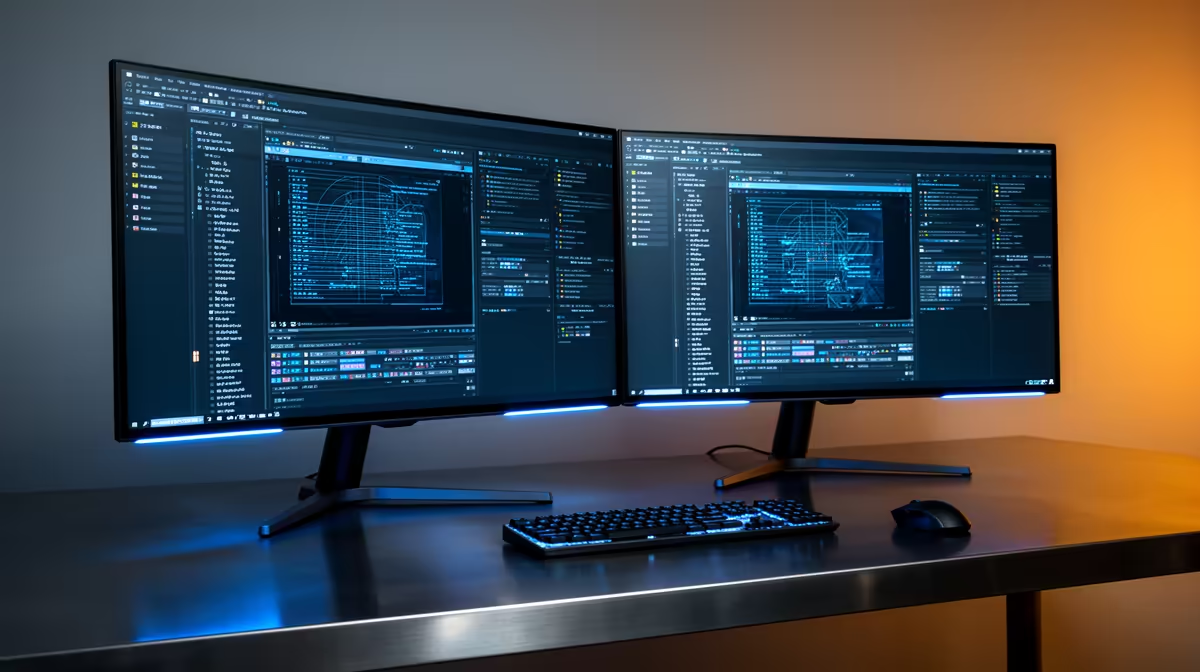
The Dell SE2726H 27in FHD 144Hz at R1,797 suits South African sim pilots who want a smoother main monitor without jumping into a costly specialist display. A second screen is worth buying when it has a clear job: charts, ATC notes, browser maps, weather pages, or checklist windows, while the main view stays clean.
Quick Answer
For the main seat, the Dell SE2726H 27in FHD 144Hz at R1,797 is the strongest value pick here because the 27in size gives cockpit instruments and runway detail more breathing room, while 144Hz helps camera panning feel steadier. It makes the most sense as the central display if you are building the setup one screen at a time.
The Dell SE2426H 23.8in FHD at R1,532 is a practical second-screen partner. Its 23.8in FHD panel is enough for a moving map, checklist, Discord, or browser reference without taking over the whole desk. If your budget is tight, pairing this with one larger main screen is often more useful than buying two identical displays.
SA Student Desk Or Spare-Room Sim Corner
In a compact South African home setup, the Dahua LM27 100Hz at R1,500 works well when desk width and price matter more than chasing the fastest refresh rate. The 27in size still gives you a proper side display for navigation tools, and 100Hz keeps general desktop movement more comfortable than a basic office panel.
The MSI PRO MP275W at R1,850 is another sensible 27in option if you prefer a clean desk look and want the second display to feel less cramped. For most players, the real upgrade is not two screens for show, but one screen for flying and one for the information that normally interrupts the game.
Ready to choose the right monitor?
For the monitor shortlist decision, Dell SE2726H 27in FHD 144Hz at R1,797 gives you its listed spec to measure against the brief.