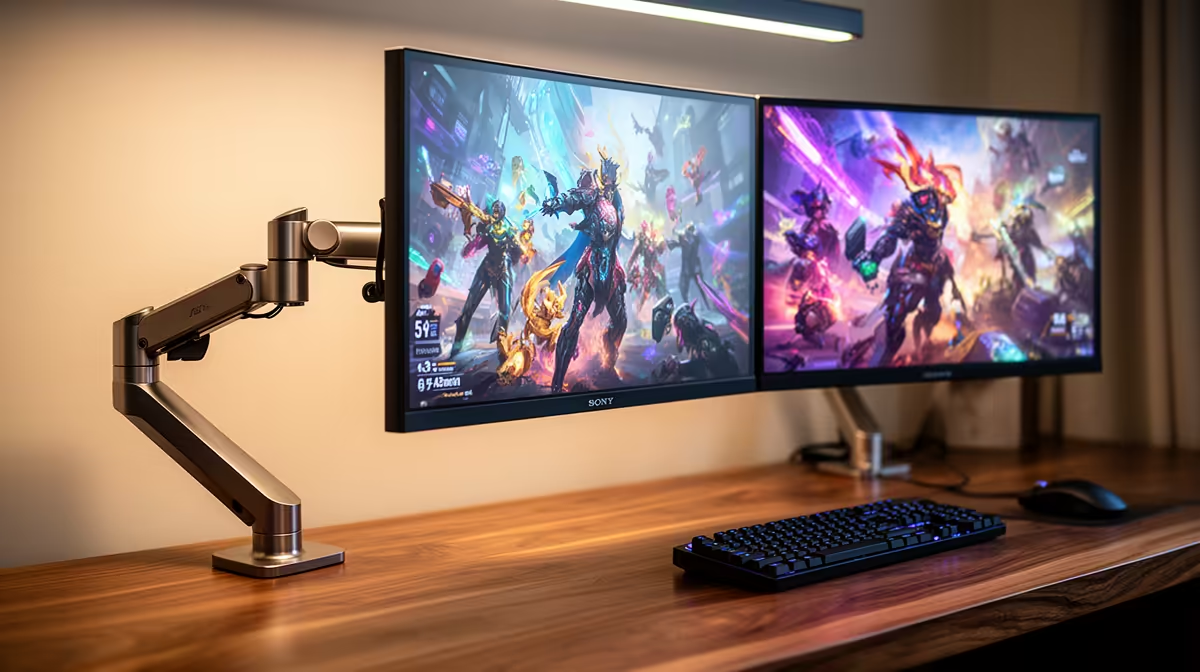
Yes, the ViewSonic VX2779A 240Hz at R2,350 suits a gaming room where one gaming monitor handles fast PC play while the second screen keeps older console emulation menus, guides, or chat visible without interrupting the main display.
Why two screens can work for mixed play
The ViewSonic VX2779A 240Hz at R2,350 is the strongest value pick when smooth motion matters most. A 240Hz screen gives the main gaming display enough speed for competitive titles, while an older console emulator can sit on the second screen for settings, save states, controller mapping, or a reference window.
The MSI MAG 274F 200Hz at R3,006 also makes sense if you want a fast primary panel without pushing the budget too far. Its 200Hz refresh rate is plenty for modern PC gaming, and pairing it with a simpler second screen gives you a clean split between active play and the lighter utility tasks around it.
SA gaming room setup
For a student desk, spare-room setup, or shared gaming room, the Dell SE2726H 144Hz at R1,797 is a practical second-screen option. Its 144Hz refresh rate is still responsive for casual play, but its lower price makes it easier to justify beside a faster main display like the Dahua LM25 200Hz at R1,850.
The AOC 27in QHD 200Hz at R3,200 is the better choice when you want sharper detail on the main screen as well as speed. That makes it useful for a desk setup where PC gaming, older console emulation, browsing, and media sit side by side without feeling cramped.
Ready to choose the right gaming monitor?
Use Dell SE2726H 144Hz at R1,797 as the gaming room benchmark, then check whether its listed spec matches the space, workload, and upgrade path.