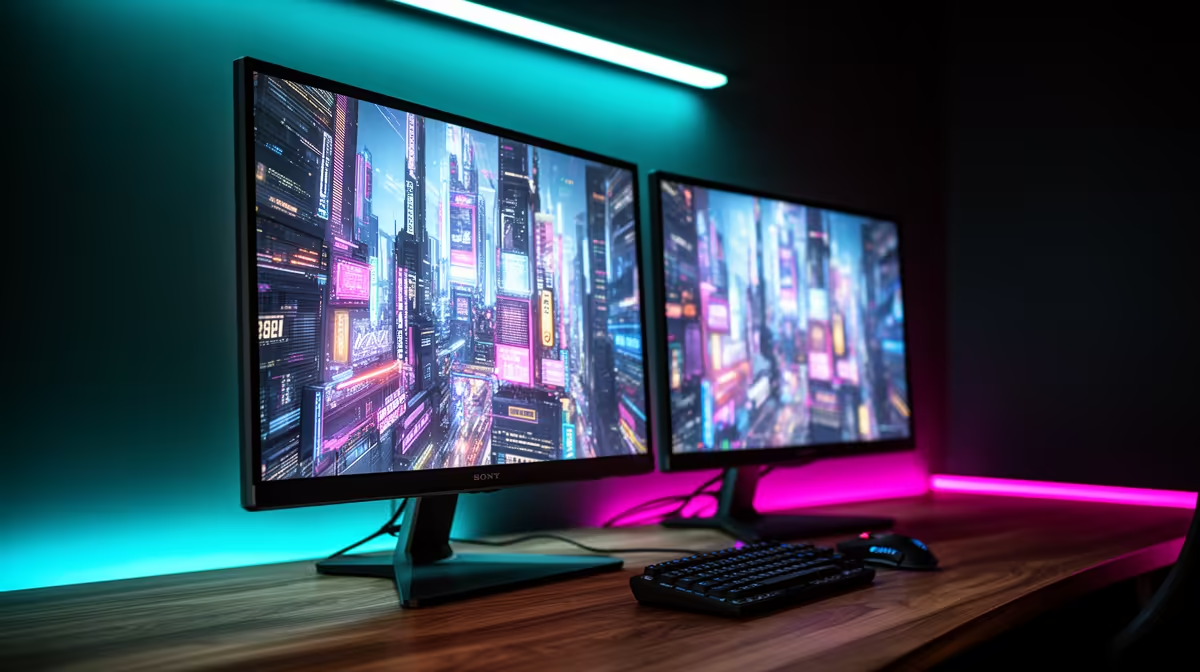
The ViewSonic VX2779A 240Hz at R2,350 suits SA buyers who want a fast main screen for gaming with enough budget left for a second display. For a practical dual-screen desk, choose one stronger gaming monitor for play and one value screen for chat, browsing, guides, or work documents after hours.
Build Around The Main Gaming Screen
The ViewSonic VX2779A gives you 240Hz at R2,350, so it makes sense as the primary display if smooth motion is the priority. Put the game on this screen, then keep Discord, a browser, or music controls on the second monitor so the main view stays clean.
If you prefer a sharper centre screen, the AOC 27in QHD 200Hz at R3,200 is the more premium pick here. The QHD spec gives the desktop more breathing room than a basic full HD layout, while 200Hz still keeps movement responsive for evening sessions.
For the second display, the Dell SE2726H 144Hz at R1,797 is a sensible match because it keeps the total spend controlled. A 144Hz side screen still feels smoother than an office monitor, which helps when moving windows, scrolling walkthroughs, or watching a stream beside the main game.
SA After-Work Desk Setup
On a shared study or work desk, the MSI MAG 274F 200Hz at R3,006 is a strong single-screen upgrade before you add a cheaper companion display later. If price matters more, the Dahua LM25 200Hz at R1,850 gives a high refresh rate for a leaner setup.
Ready to choose the right gaming monitor?
Compare the listed gaming monitor range and choose the refresh rate, size, and price that fit your desk.