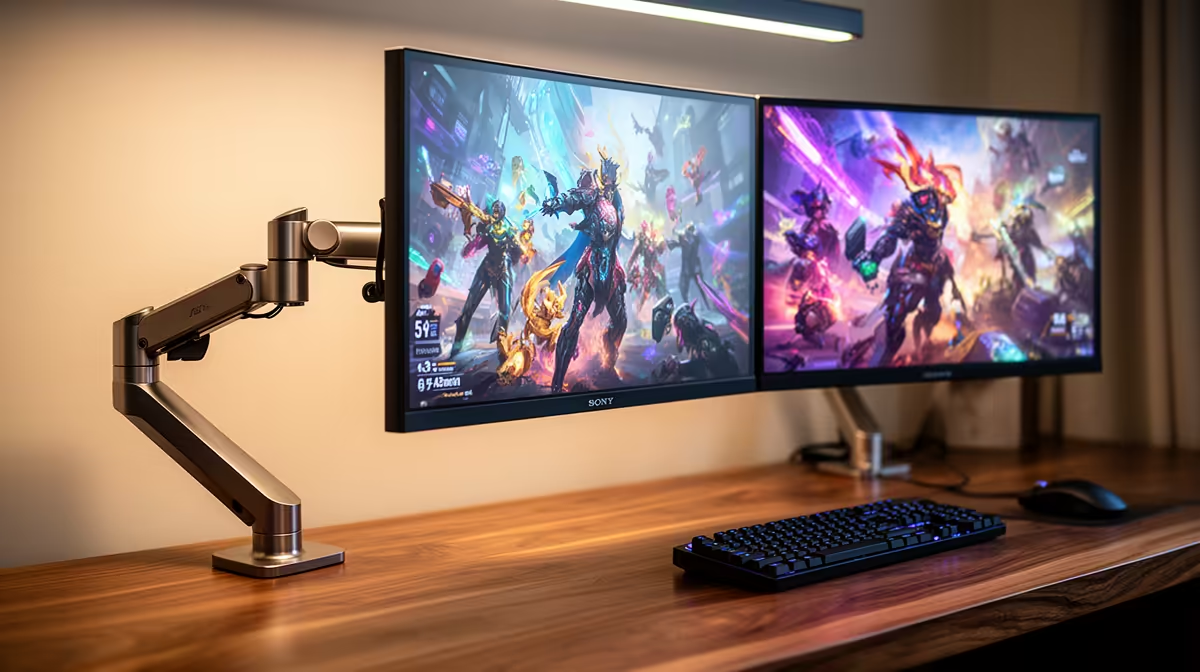
The ViewSonic VX2779A 240Hz at R2,350 suits SA players who want a fast main gaming monitor for EA FC while keeping a second screen open for chats, streams, or tactics notes. A dual-screen setup makes sense when the primary display is quick enough for matches and the second display handles everything that would otherwise pull you out of full-screen play.
Best dual-screen monitor starting point
The ViewSonic VX2779A gives you 240Hz at R2,350, which is the strongest refresh-rate value in this list for the main screen. Use it for the game itself, then pair it with a more affordable second panel if your desk has space and your graphics card has the outputs.
The Dell SE2726H 144Hz at R1,797 is a sensible second-screen choice because it keeps the total spend controlled while still feeling smooth for everyday use. It works well for Discord, browser tabs, match clips, music, or a fixture list beside the main display.
The MSI MAG 274F 200Hz at R3,006 and Dahua LM25 200Hz at R1,850 both sit in a useful middle ground if you want two responsive screens rather than one fast screen and one basic display. The AOC 27in QHD 200Hz at R3,200 is the pick when you want sharper QHD detail on the main panel.
SA gaming room desk setup
For a gaming room, place the ViewSonic VX2779A 240Hz R2,350 directly in front of you and angle the Dell SE2726H 144Hz R1,797 slightly to the side. That keeps your match display centred while the second screen stays useful without becoming distracting.
Ready to choose the right gaming monitor?
Compare the listed gaming monitor range to balance refresh rate, screen count, and desk space.