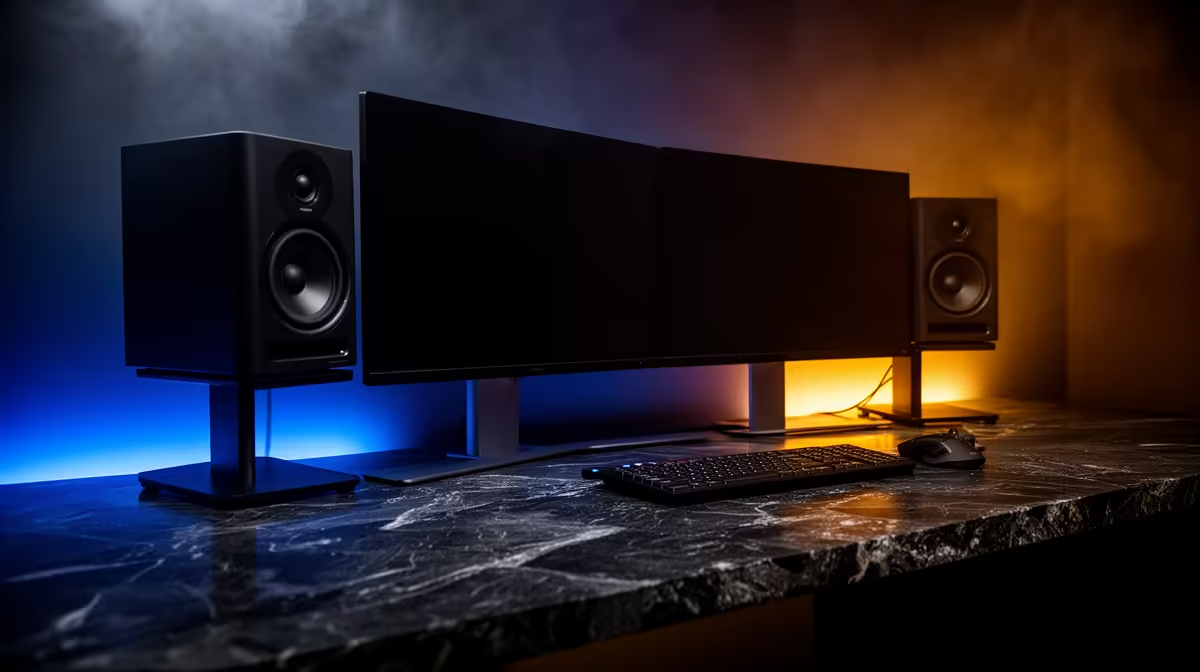
Dell SE2726H 27in FHD 144Hz at R1,797 suits a podcast creator who wants the main timeline, recording controls, and guest notes visible without spending heavily on the monitor side of the setup. It gives you a larger 27in workspace, FHD clarity, and 144Hz smoothness for scrolling through show notes, audio tracks, browser tabs, and short-form clip edits.
Start With The Main Screen
Use the Dell SE2726H 27in FHD 144Hz at R1,797 as the primary display, then place the Dell SE2426H 23.8in FHD at R1,532 beside it for chat, scripts, call controls, or research. This keeps the larger 27in panel focused on the editing or recording window while the 23.8in FHD screen handles the reference material.
The Dahua LM27 100Hz at R1,500 is a strong second-screen alternative if you want another 27in panel but still need to protect the rest of the budget for microphones, lighting, storage, and acoustic treatment. Its 100Hz spec is more than enough for a clean production desk where smooth cursor movement and readable timelines matter more than high-end colour work.
Creator Desk Setup For A South African Home Studio
For a compact recording corner, the MSI PRO MP275W at R1,850 works well as a neat second display because it gives you a 27in screen without pushing the screen spend too high. Pairing it with the Dell SE2726H 27in FHD 144Hz at R1,797 gives the desk two large displays while leaving most of the the stated budget for the gear that affects sound and video quality.
Ready to choose the right monitor?
Use Dell SE2726H 27in FHD 144Hz at R1,797 as the podcast recording desk benchmark, then check whether its listed spec matches the space, workload, and upgrade path.