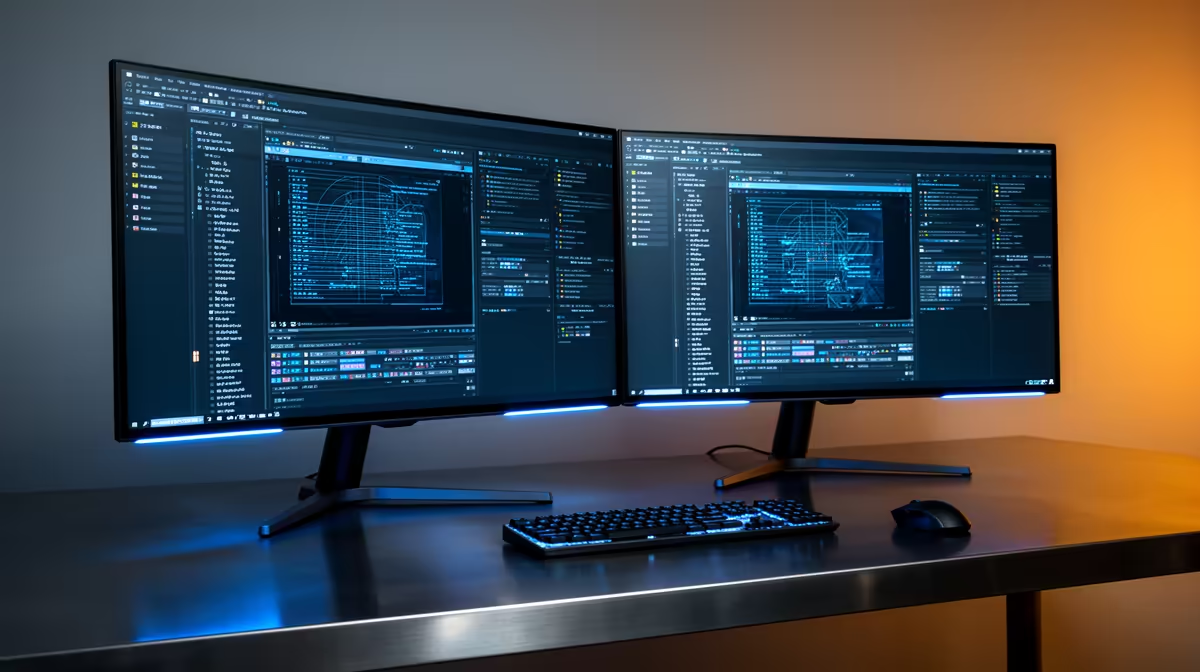
The Dell SE2726H 27in FHD 144Hz at R1,797 suits a South African creator who wants a larger timeline view for Premiere Pro without spending workstation money. A second monitor is worth buying when your edits involve bins, preview windows, effects panels, and exported file checks, because the extra screen space reduces constant window switching.
Best value second screen for editing
The Dell SE2426H 23.8in FHD at R1,532 is the cleaner budget add-on if your main display already handles the preview. Its FHD panel is enough for media bins, notes, export settings, and browser references, which keeps the primary screen focused on the timeline.
The Dahua LM27 100Hz at R1,500 is useful when the desk needs a bigger 27in canvas at a lower price. The 100Hz spec also makes scrolling through folders, project panels, and long timelines feel less cramped than a smaller utility display.
The MSI PRO MP275W at R1,850 is the more polished office-style pick if the setup sits in a shared room or client-facing workspace. It gives you a 27in screen size at a still-reasonable price, making it practical for preview, scripts, shot lists, or export queues.
Creator desk setup in SA
For a compact editing desk, I would pair the Dell SE2726H 27in FHD 144Hz at R1,797 as the main screen with the Dell SE2426H 23.8in FHD at R1,532 as the side display. That keeps the larger 27in screen for active work while the smaller FHD screen carries folders, references, and upload checks.
Ready to choose the right monitor?
Use Dell SE2726H 27in FHD 144Hz at R1,797 as the monitor shortlist benchmark, then check whether its listed spec matches the space, workload, and upgrade path.