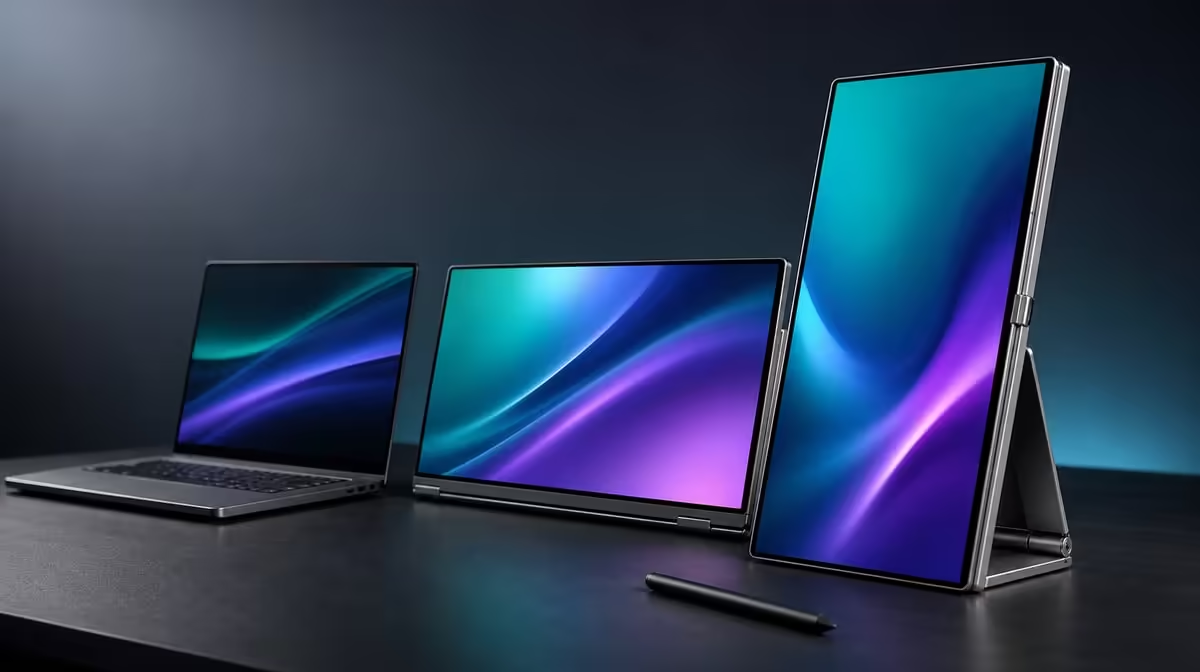
Choosing a dual touchscreen from a spec list alone misses the hardest parts: laptop support, touch assignment, app behaviour and stability under direct input. This dual touchscreen monitor buying guide turns resolution, colour, rotation and support into tests that can be repeated before creative or business work.
Quick Answer
Match the laptop to the dual-display and touch workflow, then evaluate native resolution, readable scaling, multi-touch, pressure response, colour gamut, rotation and stand stability. At R11,999, the Delta Pro Touch offers two 16-inch 2560 x 1600 IPS panels, 10-point pressure-sensitive input, 100% sRGB and gravity-sensing rotation.
🔍 Draw the complete source-and-screen map
List the laptop, applications, panel positions and whether its built-in display remains active. Set both Delta screens to QHD and arrange their rectangles to match the physical workspace.
Choose scaling through the smallest controls and touch targets used daily. A dense interface can use QHD detail while still needing a larger scale. Test window movement and application performance across both panels.
Evetech's portable-monitor range provides current alternatives, but the source map should stay fixed as products are compared.
👆 Test the input layers independently
Start with accurate single taps on each screen. Add multiple contacts in software that visibly supports gestures. The ten-point figure states hardware capacity; the app decides which combinations have meaning.
For pressure, choose a compatible tool and control that changes with force. Repeat strokes on both panels, and confirm the retail package before budgeting for a pen.
🎨 Match colour and motion to the task
Full sRGB coverage supports work intended for the sRGB colour space, but it does not by itself confirm calibration. Use familiar references, consistent settings and the real export workflow.
The 25ms response is another stated characteristic. Users focused on rapidly changing motion should include it in the comparison rather than expecting a creative touchscreen to behave like a specialised fast-gaming display.
Compare the PC-monitor category if direct input and mobility are less important than a permanent screen.
🔄 Audit orientation and the stand
Move through the intended portion of the 180-degree range. After gravity sensing changes the image, check touch mapping, application windows and physical balance. The ergonomic stand must remain steady while fingers or a compatible pressure tool contact either panel.
Place the Delta with its laptop on the smallest surface used regularly. Route cables so movement does not tug a connector. A portable workstation should be evaluated as a complete kit.
Check Evetech's monitor best sellers for wider current context and verify availability when the R11,999 package passes the tests.
Score every feature by frequency and consequence. If removing touch, sRGB or rotation changes no repeated task, lower its weight. If a missing feature breaks the day, protect it before optional extras.
Use a three-stage compatibility trial
Begin with picture output: prove that the intended laptop detects both Delta panels independently at 2560 x 1600. Continue with input: map taps to the correct screen and test gestures the application actually supports. Finish with recovery after a restart or reconnection.
Treat these as separate pass conditions. A clear image does not prove touch delivery, and a successful input session does not prove the arrangement will return reliably after the equipment moves.
Design the workspace around real applications
Assign a role to each panel before comparing products. A creator might place the canvas on one screen and tools or preview on the second; an analyst could divide a working model and source material. Keep the laptop display only when it adds a clear third function.
Open the busiest representative project and work at readable scale. Observe cursor travel, head movement and the number of times a window still needs to cover another. This turns screen quantity into a usable-layout test.
Examine touch mapping at difficult points
Tap small controls and screen corners, then drag near the border between displays. Repeat the sequence on both panels. Misalignment at an edge can matter more than an accurate centre tap during detailed work.
Rotate one panel within the intended range and retest after gravity sensing settles. Record whether the operating system preserves the coordinate relationship or needs a known corrective step.
Create a colour evidence pack
Keep a familiar sRGB photograph, a neutral image and a gradient for monitor comparisons. View the set at sensible brightness on each Delta panel and carry one sample through the normal export path.
Write observations about this combination of laptop, application and settings. Do not convert the 100% sRGB gamut figure into a promise of calibration. The evidence pack should reveal practical consistency without claiming more than it demonstrates.
Stress the stand with normal interaction
Adjust the ergonomic support to the angle used for reading and touch. Tap outer controls, draw a long line and perform a pressure-aware action with a compatible tool. Watch for panel movement and changes in viewing comfort.
Run this test on a typical compact desk, with the laptop and necessary connections present. Stability should be judged under working forces and realistic space, not only while the monitor displays a static image.
Score the 25ms response appropriately
Open motion representative of the buyer's work and decide whether the stated 25ms response suits it. Keep this observation separate from colour and touch scores. A monitor can support detailed creative layouts while being a weaker match for someone prioritising rapid competitive motion.
Use the same material on shortlisted alternatives. Consistent content and source settings make the comparison more informative than relying on category labels.
Finish with a relocation rehearsal
Pack down the monitor through a normal safe routine, move to another regular working location and rebuild the laptop workspace from the recorded map. Confirm panel order, native resolution, interface scale and touch assignment.
Time the process and note any repeated manual repairs. Portability delivers meaningful value when the screen system can travel and return to useful work predictably, not simply when its panels can be moved.
Separate deal-breakers from preferences
Create two columns after the trials. Put source compatibility, stable support and any work-critical colour or touch requirement in the deal-breaker column. Place attractive but nonessential orientations, layouts or interface preferences in the second.
A candidate should fail if it cannot complete an essential task reliably, regardless of how many optional boxes it ticks. This prevents an impressive feature count from outweighing the one capability that the laptop workflow actually needs.
Review the shortlist with fresh evidence
Return to the saved notes after a day and compare only demonstrated outcomes: readable workspace, correct input, useful colour process, suitable motion and dependable relocation. Remove claims that came from assumption rather than a trial or stated fact.
Then check the Evetech categories again for live availability. If the Delta still leads at R11,999, the buying guide has produced a defensible result tied to real work instead of a momentary reaction to specifications.
Frequently Asked Questions
Which resolution should the Delta use?
Both panels are specified at 2560 x 1600.
What should be tested before pressure input?
Single-touch placement and screen assignment should be correct first.
Does 100% sRGB prove calibration?
No. It establishes gamut coverage.
Why note 25ms?
It helps set expectations for motion response.
What makes the stand part of the buying guide?
Touch and pressure contact require stable support at the chosen angle.
Ready to turn a dual-touch feature list into a repeatable buying test?
Compare Evetech's portable monitors with your laptop, software, colour workflow, input tools and physical desk already mapped.