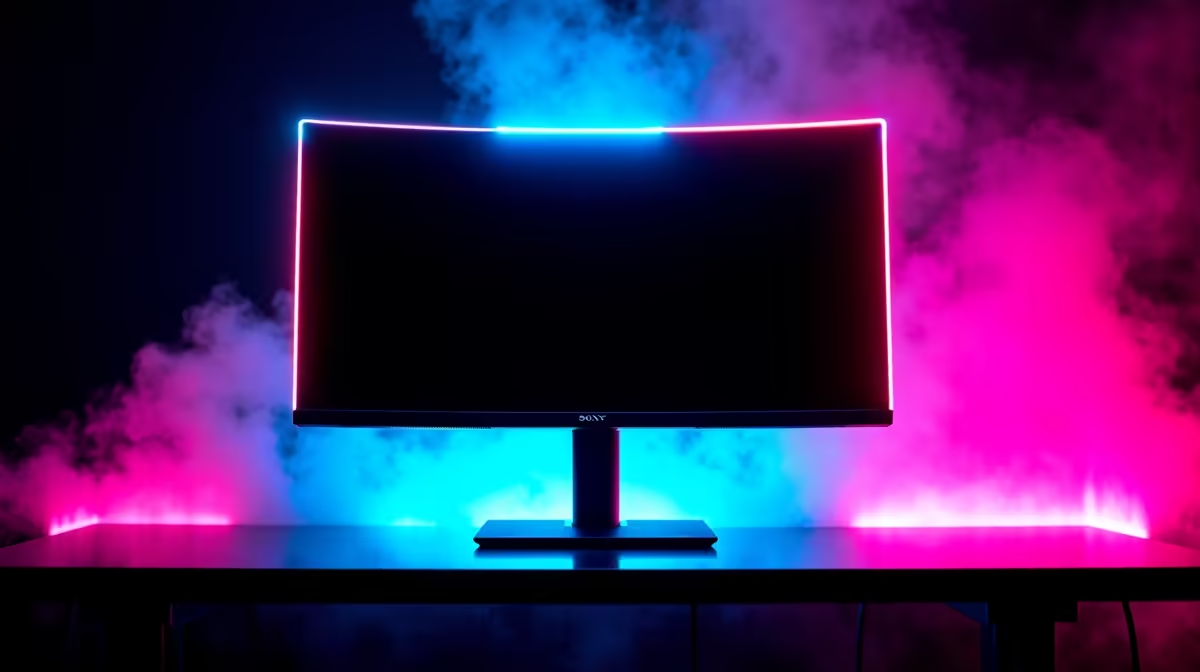
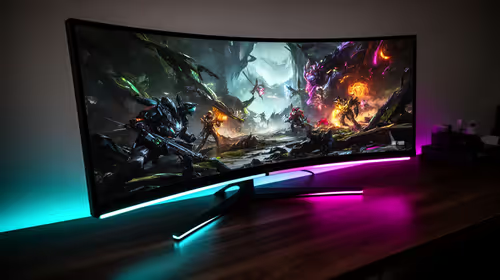
That new monitor looks incredible, right? Razor-thin, barely a bezel in sight… a proper centrepiece for your rig. Most of these sleek screens use Edge LED technology to stay so slim. But after a long session grinding ranked matches or exploring a massive open world, do you ever feel that familiar eye fatigue? It begs the question for South African gamers: are we sacrificing long-term comfort for killer aesthetics? Let's dive in. ✨
Understanding Edge LED Technology
So, what are Edge LEDs? The name gives it away. In an edge-lit display, the light-emitting diodes (LEDs) are placed along the perimeter of the screen, usually the top and bottom or the sides. A special panel called a light guide then diffuses this light across the entire back of the screen to illuminate the pixels.
This design is the main reason monitors have become so incredibly thin and light. It's a clever and cost-effective engineering solution that has become the standard for a huge range of PC monitors on the market today.
The Bright Side: Style, Price, and Performance
The biggest advantage of Edge LEDs is undeniable: aesthetics. This technology allows for breathtakingly slim profiles that look fantastic on any desk. But the benefits don't stop there.
Why Gamers Often Choose Edge-Lit Displays
- Affordability: Manufacturing edge-lit panels is generally cheaper than more complex backlighting systems. This saving gets passed on to you, the gamer, which is why you'll find plenty of fantastic monitor deals on powerful high-refresh-rate screens.
- Energy Efficiency: Fewer LEDs typically means lower power consumption. It might not slash your electricity bill in half, but every watt counts.
- Lightweight Design: The slim build makes these monitors lighter and easier to mount or move around. This is a huge plus for versatile setups, and it's a key reason why so many modern curved monitors can offer immersive views without being overly bulky.
The Downside: Is It Really Causing Eye Strain? 👀
Here's the core of the debate. Edge LEDs are not inherently bad for your eyes, but their design can lead to issues that contribute to eye fatigue, especially for sensitive users.
The main culprit is brightness uniformity. Because the light originates from the edges, it can be challenging to distribute it perfectly evenly across the entire screen. This can result in:
- Hotspots: The edges or corners of the screen appearing slightly brighter than the centre.
- Light Bleed: In dark scenes, you might notice a faint glow "bleeding" from the edges of the screen.
Your eyes constantly adjust to these subtle differences in brightness, and over a multi-hour gaming session, this extra work can lead to strain. While premium 4K and 5K monitors often use more advanced lighting like full-array local dimming for superior contrast, edge lighting remains a solid choice for most gaming scenarios when managed correctly.
Bias Lighting 101 🔧
Stick an inexpensive USB LED strip to the back of your monitor. This soft glow reduces the harsh contrast between your bright screen and the dark wall behind it, significantly easing eye strain during late-night sessions.
How to Fight Eye Strain, No Matter Your Monitor
The good news? You can enjoy your sleek monitor without the headache. Whether you have an edge-lit display or not, these tips are universal for reducing eye strain.
- Calibrate Your Display: Don't just use the out-of-the-box settings. Lower the brightness to match the ambient light in your room.
- Use Ambient Light: As mentioned in the tip, avoid gaming in a pitch-black room. A dim lamp or bias lighting works wonders. You can find all sorts of useful monitor accessories to perfect your setup.
- Follow the 20-20-20 Rule: Every 20 minutes, look at something about 20 feet (or 6 metres) away for 20 seconds. It gives your focusing muscles a much-needed break.
- Enable Blue Light Filters: Use your monitor's built-in "low blue light" mode or software like Windows Night Light during the evening to promote better sleep and reduce harsh light.
Ultimately, Edge LEDs represent a fantastic balance between style and price. While they have technical limitations, they aren't an automatic sentence to eye strain. By taking a few simple, proactive steps, you can ensure your gaming sessions are comfortable, immersive, and easy on the eyes. If you're ready to upgrade, you can explore our complete range of gaming monitors to find the perfect panel for your needs and budget.
Find Your Perfect Visual Match
Whether you need a razor-thin desktop display or a screen for the road, we've got you covered. Check out our versatile portable monitors and find the perfect fit for your setup.