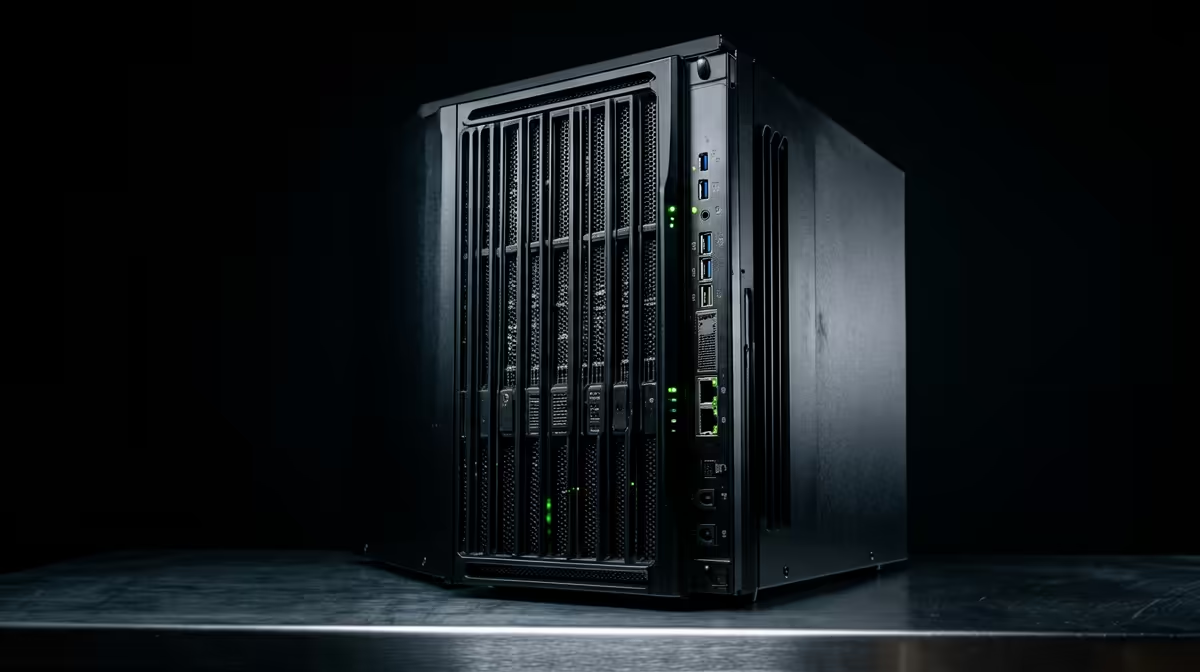
Choosing how much machine to throw at a home lab is mostly a question about memory, not cores. An entry home lab versus a serious one comes down to how many virtual machines and services you want running at the same time, and RAM is the wall you hit first. A 16GB box happily runs a handful of light containers and a virtual machine or two; a 32GB-plus box with NVMe storage runs a proper multi-service stack without flinching.
Quick Answer
For a first home lab, 16GB of RAM runs Proxmox plus three or four lightweight containers and one full virtual machine comfortably, which covers a Pi-hole, a few services, and some experimenting. A serious lab wants 32GB or more with NVMe storage to run multiple full operating systems, a firewall, and a busy service stack at once. RAM is the real ceiling, not the CPU, so size that first.
Why Memory Is the Deciding Factor
The instinct is to chase fast processors, but in virtualisation the CPU is rarely the bottleneck. Virtual machines reserve memory whether or not they are using the cores, so you run out of RAM long before you run out of processing power. A Home Assistant VM, a couple of database containers, a reverse proxy, and a small test node will exhaust 16GB while the cores sit mostly idle. That is why a sensible build sizes memory first and treats core count as secondary.
Storage matters almost as much. Running several virtual machines off a slow drive turns every disk operation into a queue, and the whole lab feels sluggish. An NVMe SSD gives each VM and container fast, low-latency storage, which is the difference between a lab that responds instantly and one that stutters whenever two services hit the disk together.
The Entry Tier: Learn Without Overspending
What it runs
A 16GB machine with a modern low-power chip is the right starting point for most people. It comfortably runs the hypervisor plus three or four lightweight containers and a single full virtual machine. That is enough for a Pi-hole, a media or file service, a reverse proxy, and a spare VM to break and rebuild while you learn. Idle power draw on a small mini PC at this tier is low, often single-digit to low double-digit watts, which keeps it cheap to leave running around the clock.
Who it suits
Anyone starting out, or running a few fixed services that do not change much. If your plan is "Pi-hole plus a couple of containers and somewhere to experiment," 16GB is genuinely enough and spending more buys headroom you will not use for a while. You can always add a second node later rather than overbuying on day one.
The Serious Tier: Room to Run a Real Stack
What it runs
Step up to 32GB or more and the lab changes character. Now you can run several full operating systems at once: a firewall or router VM, a Windows machine, a couple of Linux servers, a small container cluster, and still have memory free to spin up something new without shutting anything down. Pair that with NVMe storage and the whole stack stays responsive under load. For a lab you intend to keep and grow for years, this is the tier that does not box you in.
Who it suits
People who want to run a multi-service home setup permanently, study for certifications that need realistic environments, or self-host enough that uptime matters. The extra memory and faster storage cost more upfront and draw a little more power, typically in the 20 to 50 watt range for a capable mini PC, but they remove the constant juggling of shutting one VM down to start another.
A compact mini PC is the most popular form factor for both tiers because it is quiet, power-efficient, and easy to tuck away, and the mini PC range at Evetech covers options from light first nodes up to higher-memory builds. If your lab ambitions are heading toward a full desktop-class server, comparing against the best-selling PCs at Evetech helps you judge where a mini PC stops being enough.
How to Pick Your Tier
Map your intended workload to memory. Count the virtual machines and services you actually plan to run, add the memory each one needs, and leave a comfortable buffer for spinning up something new. If that total sits under about 12GB in real use, the entry tier is plenty. If you are pushing past it, or you know your ambitions will grow, start at 32GB so you are not re-buying within a year. Whatever tier you choose, put the budget into RAM and NVMe before chasing the highest core count.
Power Draw and Running Costs
One practical consideration that is easy to overlook is what each tier actually costs to leave on. At the entry level, a 16GB mini PC on a modern N-series chip idles at roughly 8 to 15W. Run it continuously for a month and the draw is modest enough to be negligible on your electricity bill. The serious tier, typically a machine with a higher-power AMD Ryzen or Intel Core chip, draws more in the 20 to 50W idle range. It is still far cheaper than running an old gaming tower, but the gap adds up across a year. If you are early in the hobby and still discovering what you actually want to run, the entry tier is the sensible starting point on both a budget and an electricity basis.
Frequently Asked Questions
How much RAM does a home lab need?
For an entry lab, 16GB runs the hypervisor plus a few lightweight containers and one virtual machine. For a serious lab running multiple full operating systems and a busy service stack, aim for 32GB or more, since memory is the first limit you hit.
Is CPU or RAM more important for a home lab?
RAM, in most cases. Virtual machines reserve memory whether they use the cores or not, so you run out of RAM long before the CPU is stressed. Size memory first, then consider core count for heavier compute tasks.
Why does my home lab need NVMe storage?
Running several virtual machines off a slow drive creates disk queues that make the whole lab feel sluggish. NVMe gives each VM fast, low-latency storage, so services stay responsive even when multiple hit the disk at the same time.
Can I start small and upgrade later?
Yes. A 16GB entry node is a fine starting point, and many people add a second machine rather than replacing the first. If you already know your needs will grow quickly, though, starting at 32GB avoids an early re-buy.
Are mini PCs powerful enough for a serious home lab?
A well-specced mini PC with 32GB or more and NVMe handles a substantial multi-service lab while staying quiet and power-efficient. Only very heavy workloads, with many demanding VMs at once, push you toward full desktop-class or rack hardware.
Planning your first node or scaling up an existing setup? Browse the mini PC range at Evetech and match your memory and storage to the lab you actually want to run.