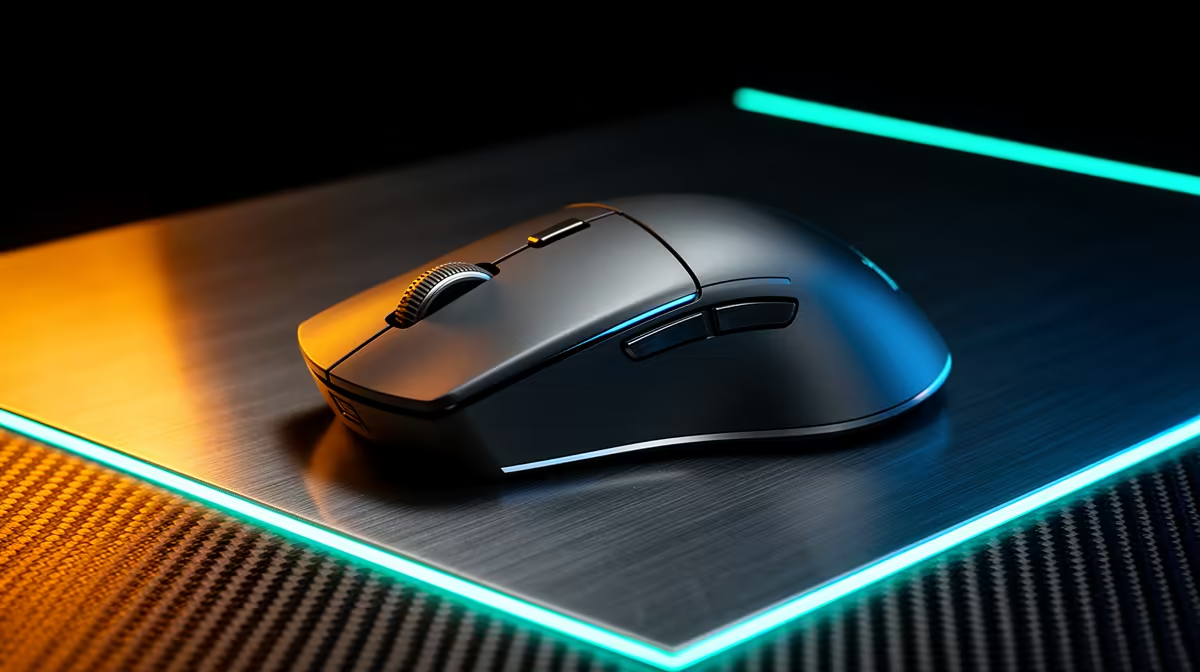
Shopping for a wireless mouse is straightforward until you start reading ergo specs -- then the terminology multiplies fast. Ergo-certified wireless mice are designed around one goal: keeping your hand and wrist in a position that reduces cumulative strain across an eight-hour workday, and the checklist of features that achieve that goal is shorter and more specific than most product pages suggest.
Quick Answer
Look for a contoured or vertical shell, a defined thumb rest, adjustable DPI between 400 and 4000, and a 2.4GHz dongle for stable wireless. Match shell length to your hand size so a claw grip is never forced.
✋ Shell Shape and the Wrist Angle That Actually Matters
The primary job of an ergo mouse shell is to hold your forearm at an angle that reduces pronation -- the rotation of the forearm that a flat mouse demands throughout the day. Flat mice keep the palm face-down against the desk. Over hours, the forearm muscles responsible for maintaining that rotation accumulate fatigue in a way that rarely announces itself until the end of the day or the end of the week.
Contoured mice address this with a raised right side that tilts the hand somewhere between 20 and 40 degrees off flat. The hand rests in a loosely natural position without fully committing to the upright grip a vertical mouse requires. For users who have never used an ergo mouse, a contoured model is usually the more approachable starting point because cursor control and click mechanics stay familiar.
Vertical mice position the hand at approximately 57 degrees -- close to a handshake posture. The forearm and wrist stay in near-neutral alignment, and for users who spend most of their day in documents, spreadsheets, or email, the transition period of a few days is often worth the payoff in forearm comfort.
Both approaches are legitimate; the choice depends on how much adjustment friction you are willing to accept at the start. What matters most is that the shell actually holds your wrist off the desk surface and does not require active muscle effort to maintain the grip.
👍 Why the Thumb Rest Deserves More Attention Than It Gets
Most ergo mice list a thumb rest as a feature without explaining why it matters enough to call out separately. The reason is mechanical: when a thumb has no defined resting surface, it tends to drag lightly along the desk or mousepad as the mouse moves. That drag is subtle, but the tension it introduces into the tendons running along the inside of the forearm adds up across thousands of cursor movements.
A well-shaped thumb rest positions the thumb against the mouse body at a slight upward angle, keeping it lifted free of the surface without requiring active grip tension. The thumb is essentially parked rather than dragging.
What to look for: a thumb rest that is wide enough to support the full length of the thumb, not just a narrow ridge. A ridge forces the thumb into a specific orientation and becomes uncomfortable if your grip naturally wants to sit slightly forward or back. A broader concave surface accommodates variation. Some mice also include a small secondary button above the thumb rest -- this is useful only if your workflow benefits from programmable shortcuts, which the next section covers.
🎛️ DPI Range, Sensor Quality, and What Office Work Actually Needs
Gaming mice often advertise DPI figures in the tens of thousands, which creates a misimpression that higher DPI means better tracking. For office work on an ergo mouse, the useful DPI range is far narrower. Most knowledge workers operate between 800 and 1600 DPI for general use, dropping to 400 to 600 for precise work in design tools or PDF annotation, and occasionally going higher for fast navigation across a large or multi-monitor setup.
An ergo wireless mouse that offers adjustable DPI across a range of roughly 400 to 4000, with a hardware button to switch between two or three preset levels, covers the full scope of office tasks without requiring software reconfiguration mid-task.
Sensor quality matters more than DPI ceiling. A well-built optical sensor tracks cleanly on a standard fabric mousepad and most desk surfaces without jitter or acceleration drift. Most ergo mice from established peripheral manufacturers in the R500 to R1,500 price range use sensors that meet this standard. Below that range, tracking inconsistency on certain surface textures becomes more common.
Pro Tip ⚡
In SA, most knowledge workers use 1080p or 1440p monitors at 24 to 27 inches. Set your default DPI between 800 and 1000 for that screen size -- fast enough for easy navigation, slow enough to click small interface elements precisely without overshooting.
📐 Matching Shell Length to Your Hand and Grip Style
Hand size is the spec most buyers skip and then regret. A mouse shell sized for a medium hand used by someone with large hands forces a claw grip: fingertips contact the buttons from above at a steep angle, the palm hovers without contact, and the hand spends the day in a state of partial tension to maintain control. That grip defeats the ergonomic purpose of the shell entirely.
Shell length is the primary measurement to match against your hand. Measure from the base of your palm to the tip of your middle finger. A hand in the 17 to 19cm range generally fits a medium shell; 19cm and above suits a large shell. Manufacturers publish dimensions, and the relevant figure is the length of the mouse body, not the width.
Width matters for grip style. A palm grip needs a wider body with a higher arch; a fingertip grip works with a flatter, narrower shell. For ergo purposes, a palm grip is generally preferred because it spreads contact pressure across a larger surface area.
Programmable thumb buttons are a bonus once fit and sensor are confirmed. Two buttons mapped to copy and paste cut small wrist extensions that accumulate across a full day -- useful, though not essential.
Frequently Asked Questions
Does hand size actually change which ergo mouse shape works best?
Yes, significantly. A shell too short forces the fingers to curl more tightly and concentrates contact on the fingertips rather than spreading it across the palm. The result is an active grip posture rather than a resting one, which undermines the ergonomic design. Check the manufacturer's published dimensions and match shell length to your measured hand size before buying.
How important is wireless stability for an ergo office mouse?
A 2.4GHz dongle receiver provides 1ms polling, which is indistinguishable from wired use during office tasks. The concern about wireless lag is largely a carry-over from early wireless mice that genuinely had latency issues. Modern ergo mice using dedicated dongles track reliably across a standard desk distance without dropouts or cursor stuttering.
What DPI setting should I use for spreadsheet and document work?
For most monitor sizes used in SA home offices -- typically 24 to 27 inches at 1080p or 1440p -- a setting between 800 and 1200 DPI covers most tasks well. Drop to 400 to 600 for precise click targets in design or annotation work. An adjustable DPI button lets you switch on the fly without opening software.
Is a vertical mouse or a contoured mouse better for first-time ergo users?
A contoured mouse is generally easier to adapt to because the shell shape changes but the grip orientation stays closer to familiar. A vertical mouse requires more muscle memory adjustment. Both reduce forearm pronation compared to a flat mouse, but contoured models see faster comfort gains in the first week for users switching from standard mice.
How long does a wireless ergo mouse battery last under daily office use?
Most quality wireless ergo mice run 60 to 90 days on a full charge under typical office use. Mice with an auto-sleep feature after a short idle period extend that figure further. Models that charge via USB-C cable can also run in wired mode while charging, so a flat battery never forces a work stop.
Ready to find the right wireless ergo mouse for your hand and workflow?
Explore Evetech's selection of ergonomic wireless mice to compare shell shapes, sizes, and features built for full-day office comfort.