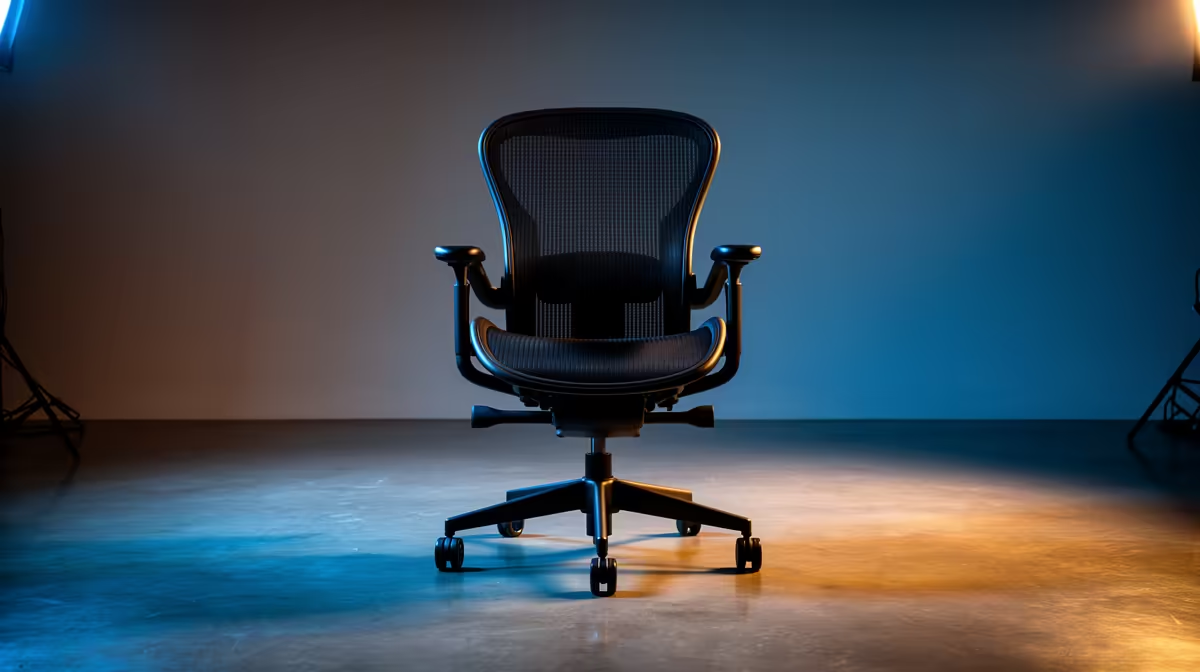
An ergonomic office chair is worthwhile for CAD work when it fits the drafter and supports movement across long modelling or drawing sessions. The software does not determine the chair. Seat depth, lumbar position, armrest range and desk height do.
Fit it to the input workflow
Set the monitor at a comfortable height, then adjust the seat so feet are supported and shoulders remain relaxed. Check that armrests allow precise mouse movement and slide beneath the desk when needed. Rotate between keyboard, drawing tablet and reference documents without twisting. Stand briefly between intensive tasks.
CAD users may lean forward during detail work, so test whether the backrest still encourages a neutral return position. Confirm chair wheels suit the floor and cannot roll over cables. A footrest can help when the desk height cannot change.
CAD work can alternate between concentrated input and long rendering waits. Use those pauses to stand and refocus at distance. If the chair seat or back becomes uncomfortable only after an hour, a showroom sit is too short, so seek a return policy that allows a meaningful fit assessment.
The HBADA E3 Pro is verified at R5,700. The GAMDIAS ZELUS E5 is verified at R1,540. Confirm dimensions, adjustment range, supported load, material, warranty and current stock.
Improving a CAD workstation? > Compare Evetech chairs by fit and adjustment range.